

Buy Imaging IT & Viewing in Nigeria.
Buy imaging IT and viewing software in Nigeria through Franance. Browse 26 distinct products across PACS, diagnostic viewing, RIS, DICOM routing, radiology-grade monitors, teleradiology reporting and radiology AI. Compare exact versions, modules, interfaces, hosting, security and support requirements, then submit a quote order. Franance follows up by phone or email; there is no online checkout.
Browse this range
Products
28 models
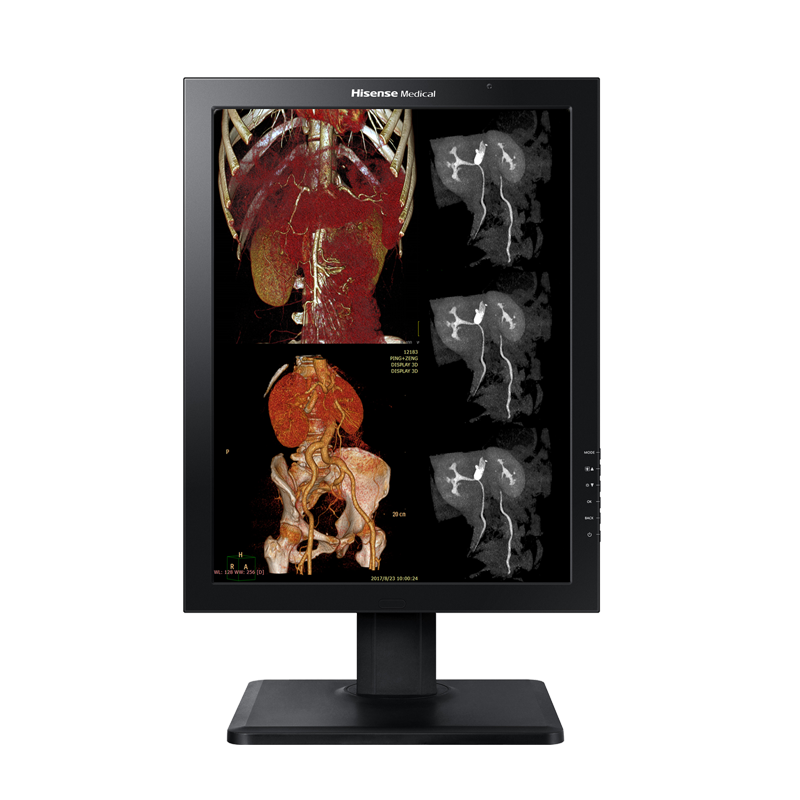
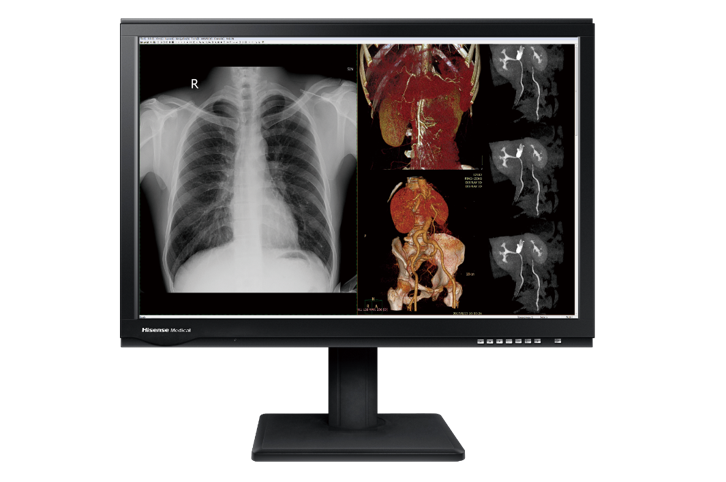
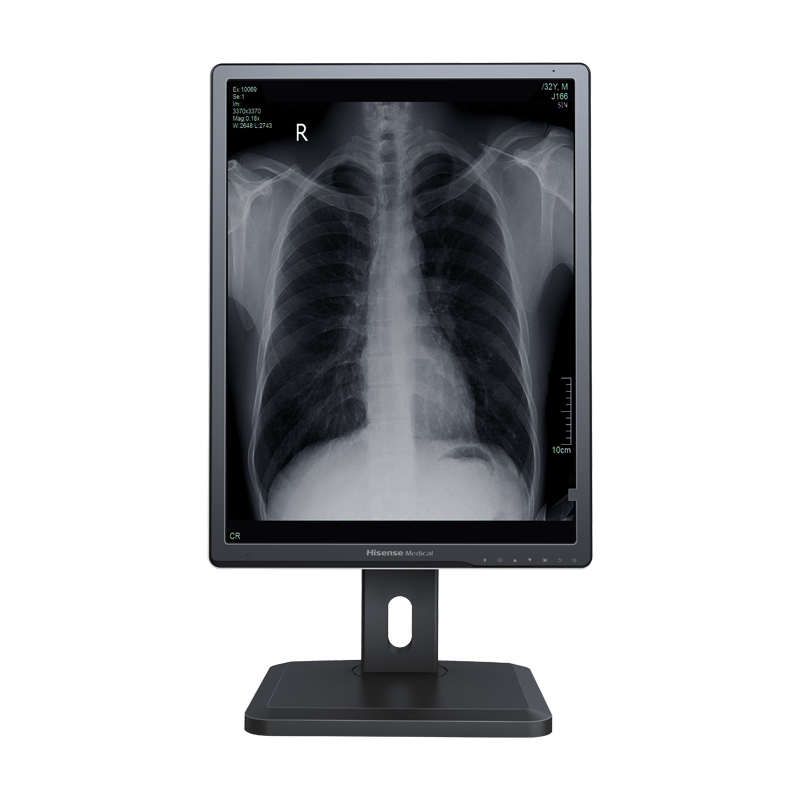
Hisense HMD2G21S 2MP Monochrome Diagnostic Monitor
Medical diagnostic monochrome display
Price on request
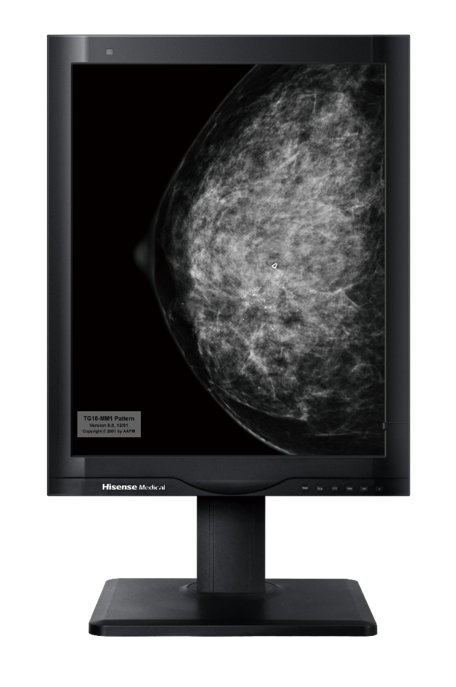
Hisense HMD5G21S 5MP Monochrome Diagnostic Monitor
Medical diagnostic monochrome display
Price on request
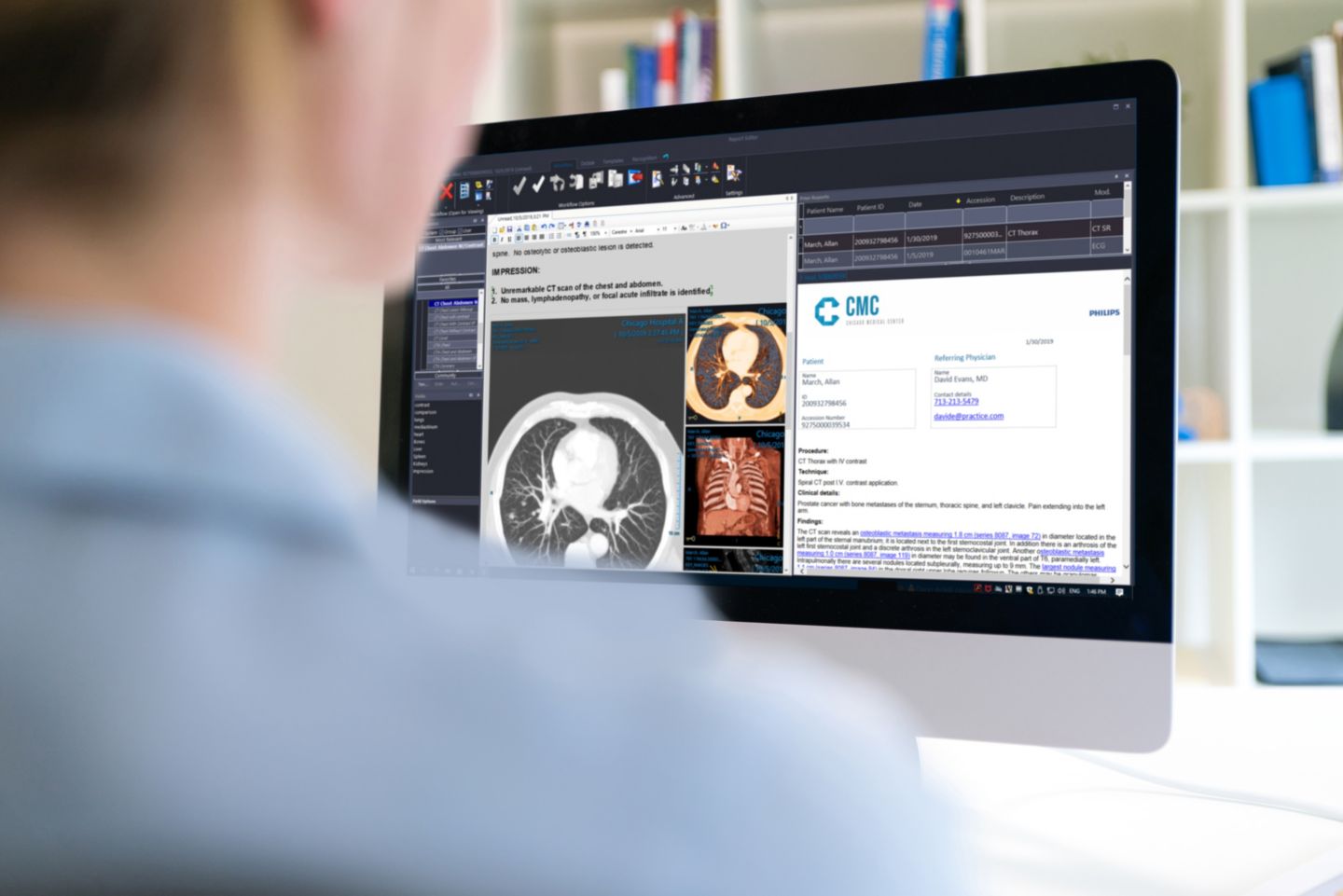
Philips Image Management PACS and Diagnostic Workspace
Server-based PACS software and diagnostic reading platform
Price on request
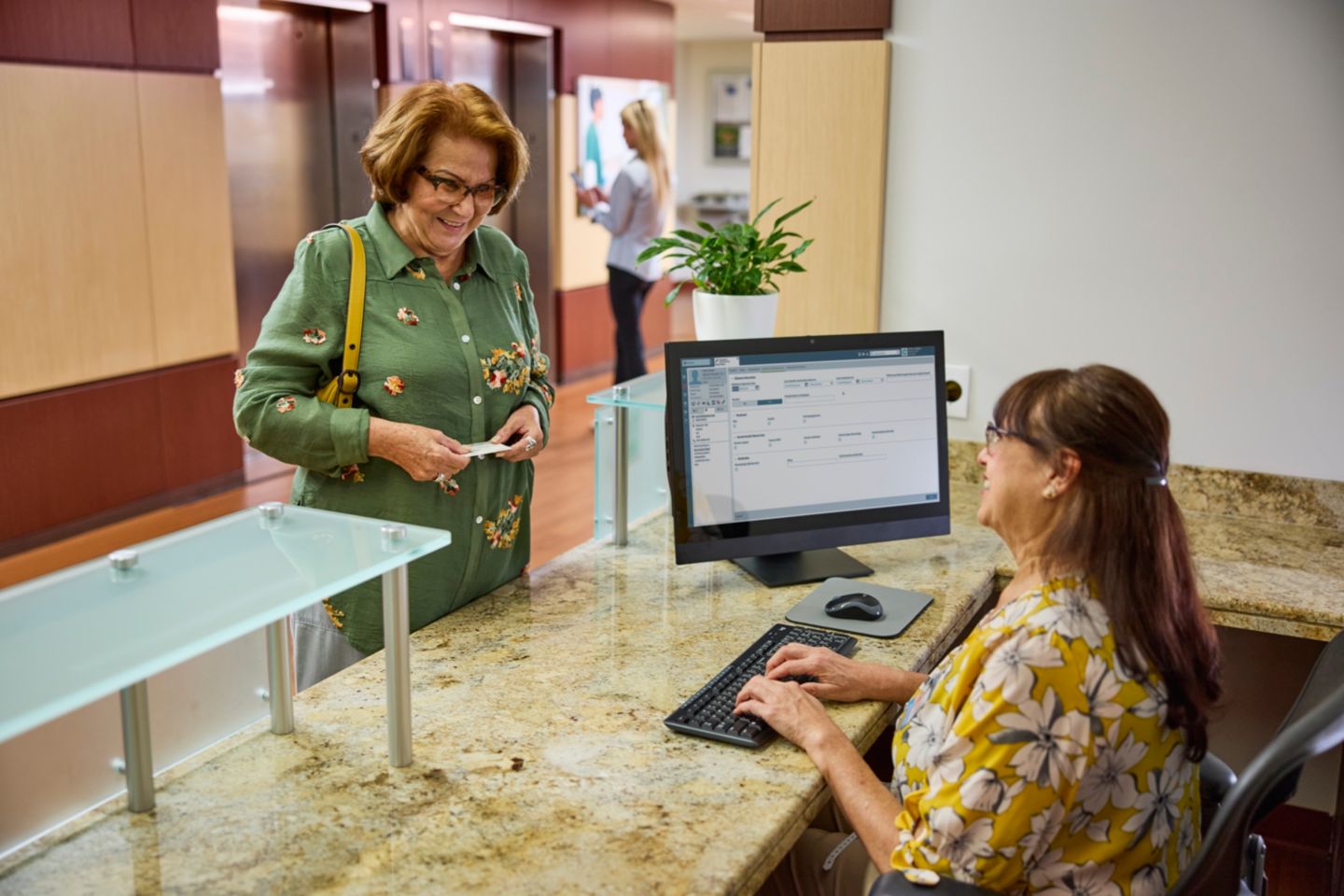
Philips Radiology Information System RIS Platform
Radiology information application platform with server deployment
Price on request
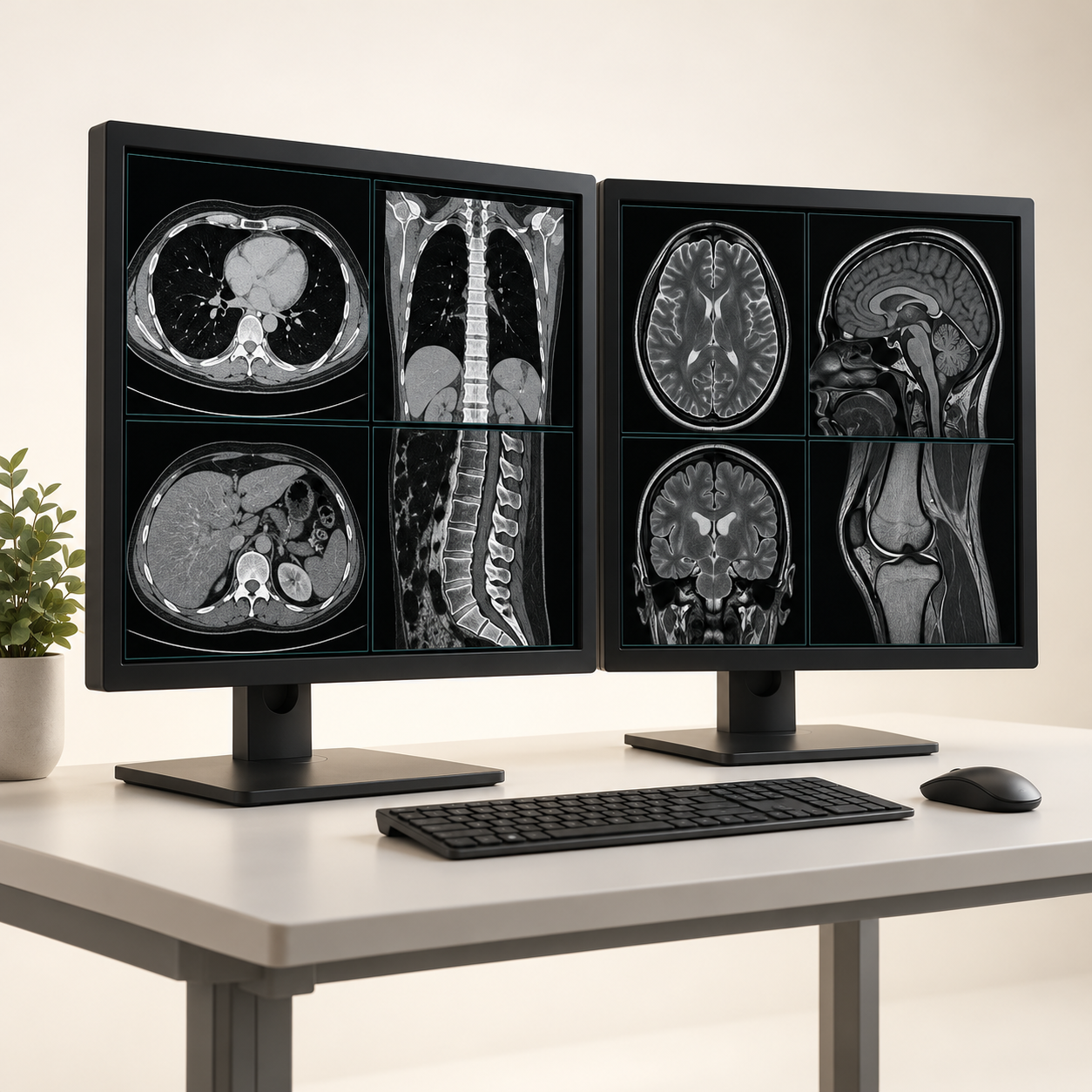
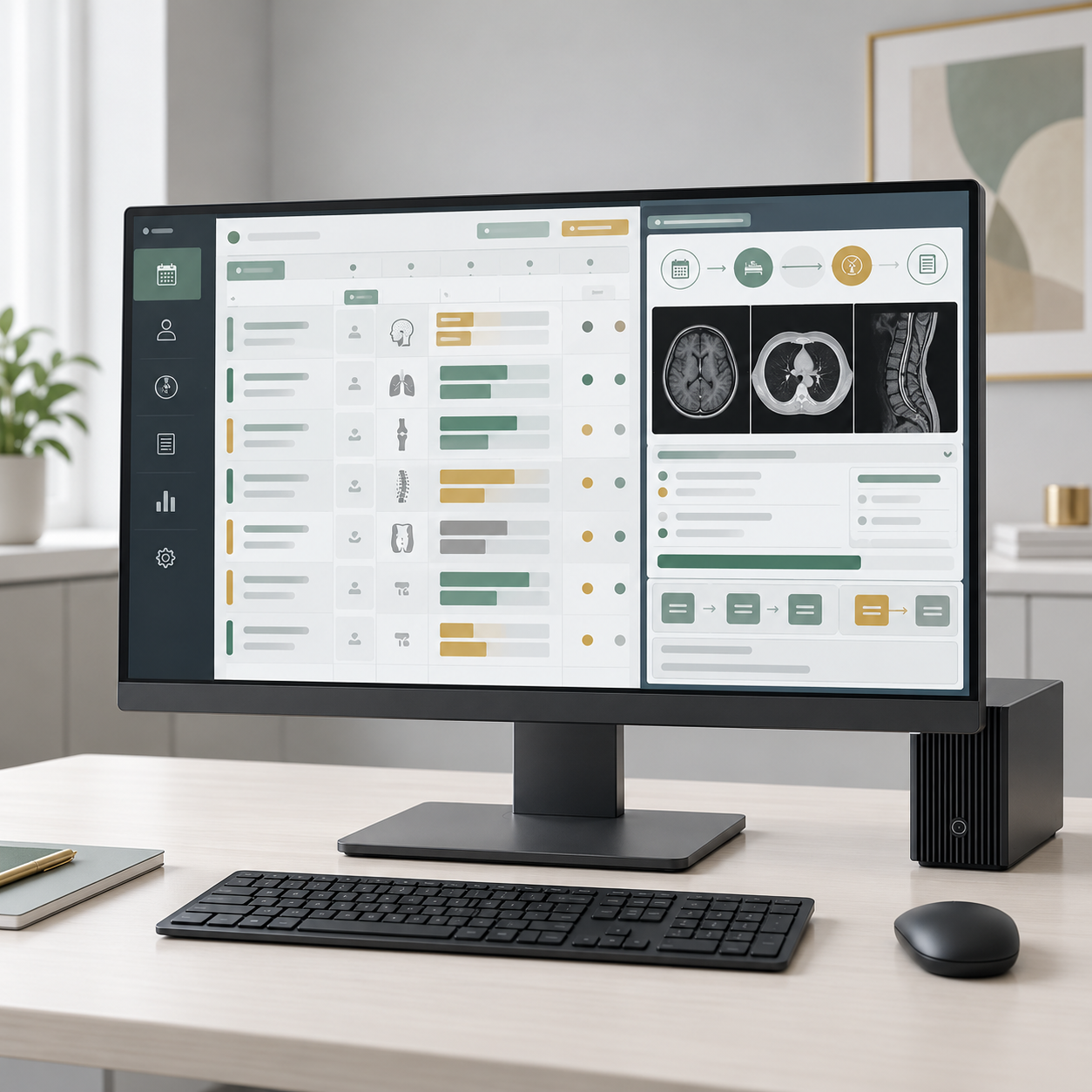
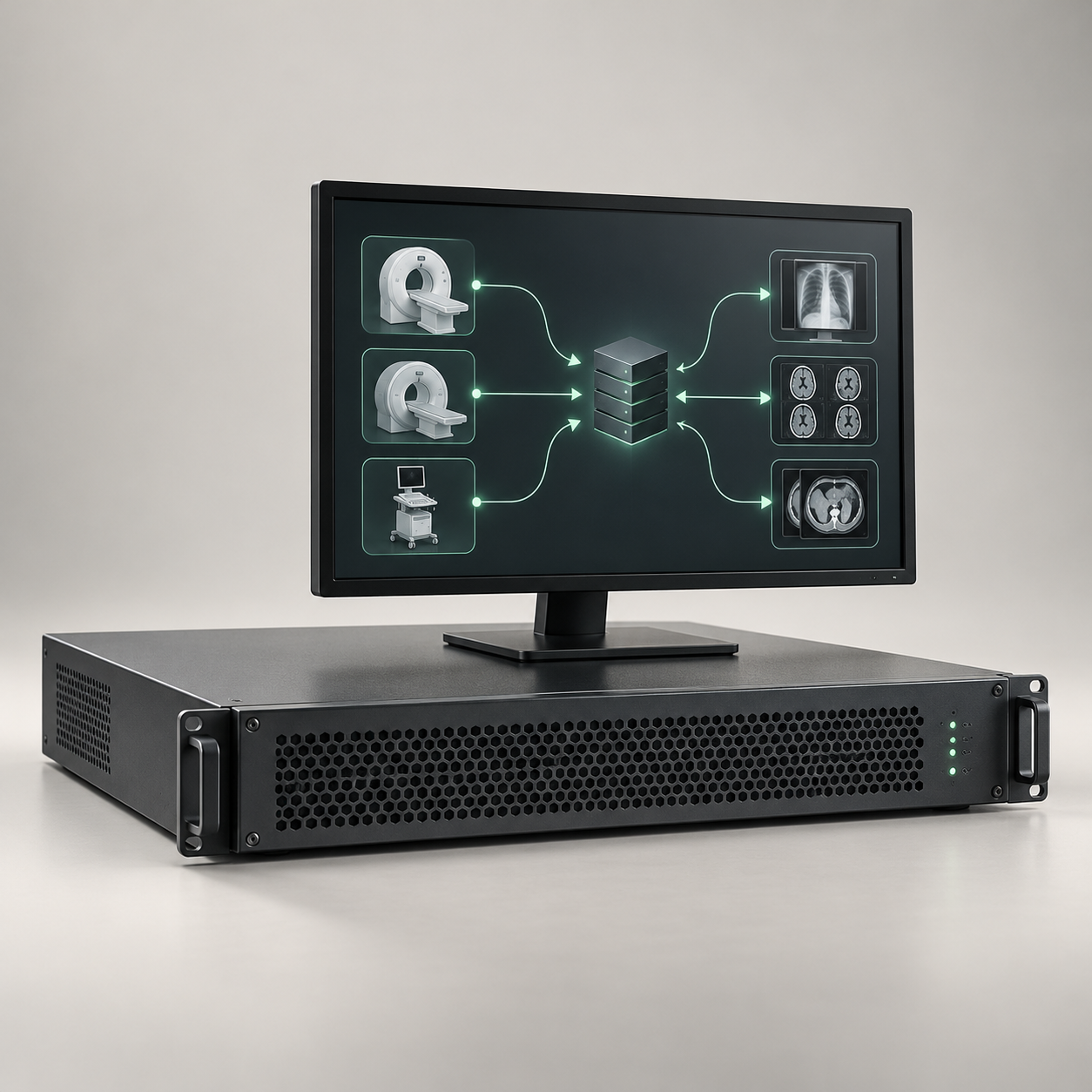

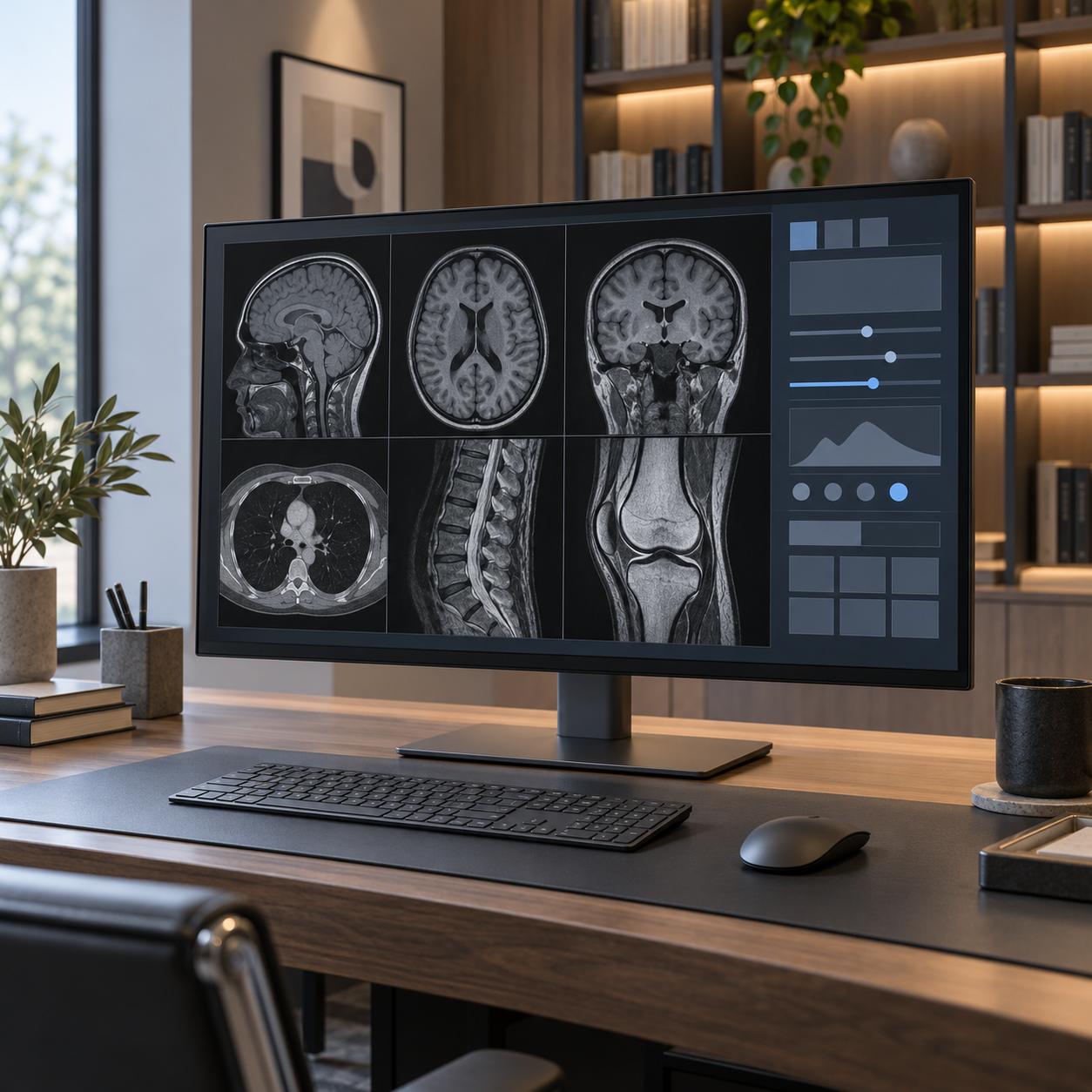
Philips IntelliSpace Portal 12 Advanced Visualization Workspace
Advanced radiology visualization software workspace
Price on request
Centricity Universal Viewer PACS
Picture archiving and communication system (PACS) software
Price on request
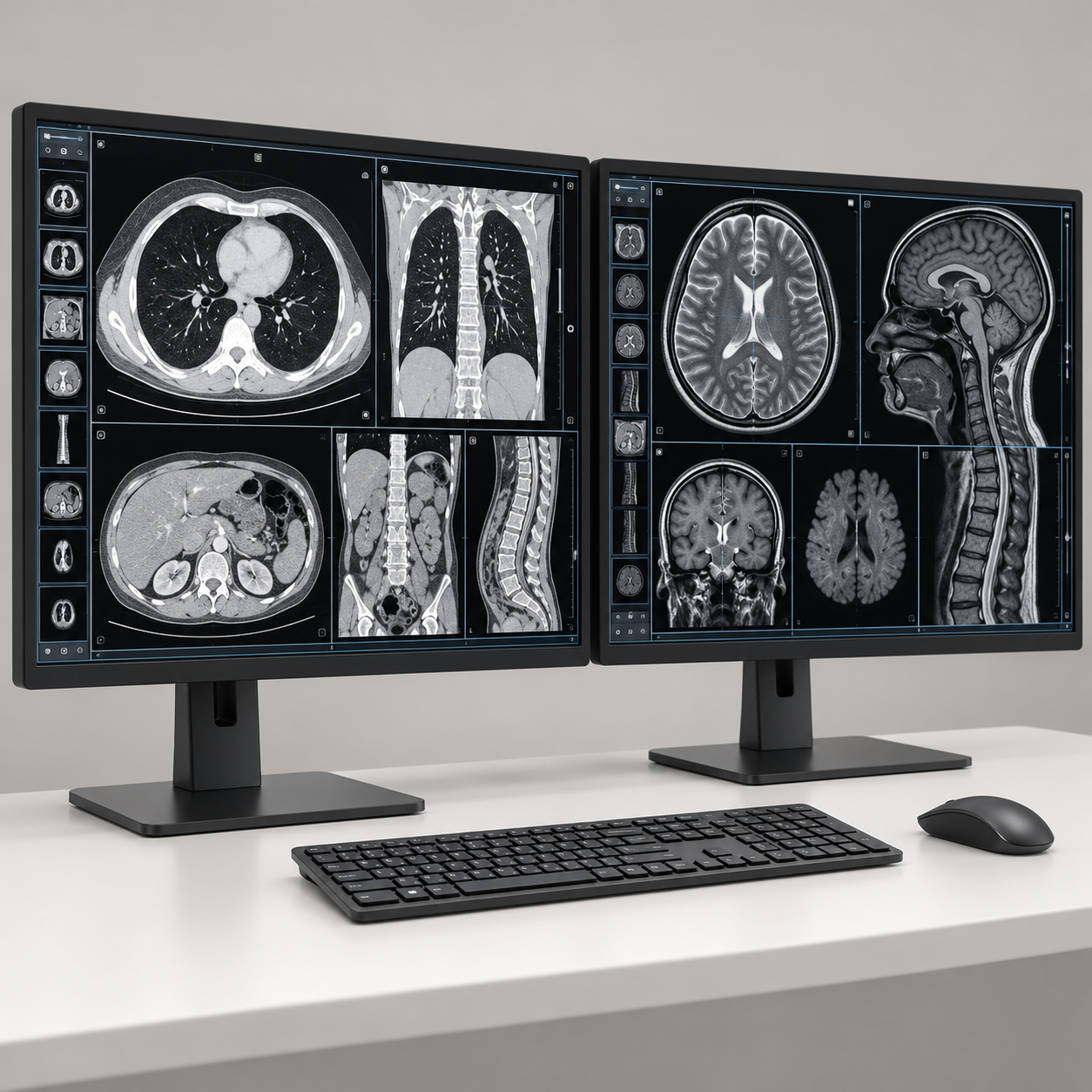
Centricity Universal Viewer Zero Footprint
Web-enabled PACS image and report viewing client
Price on request
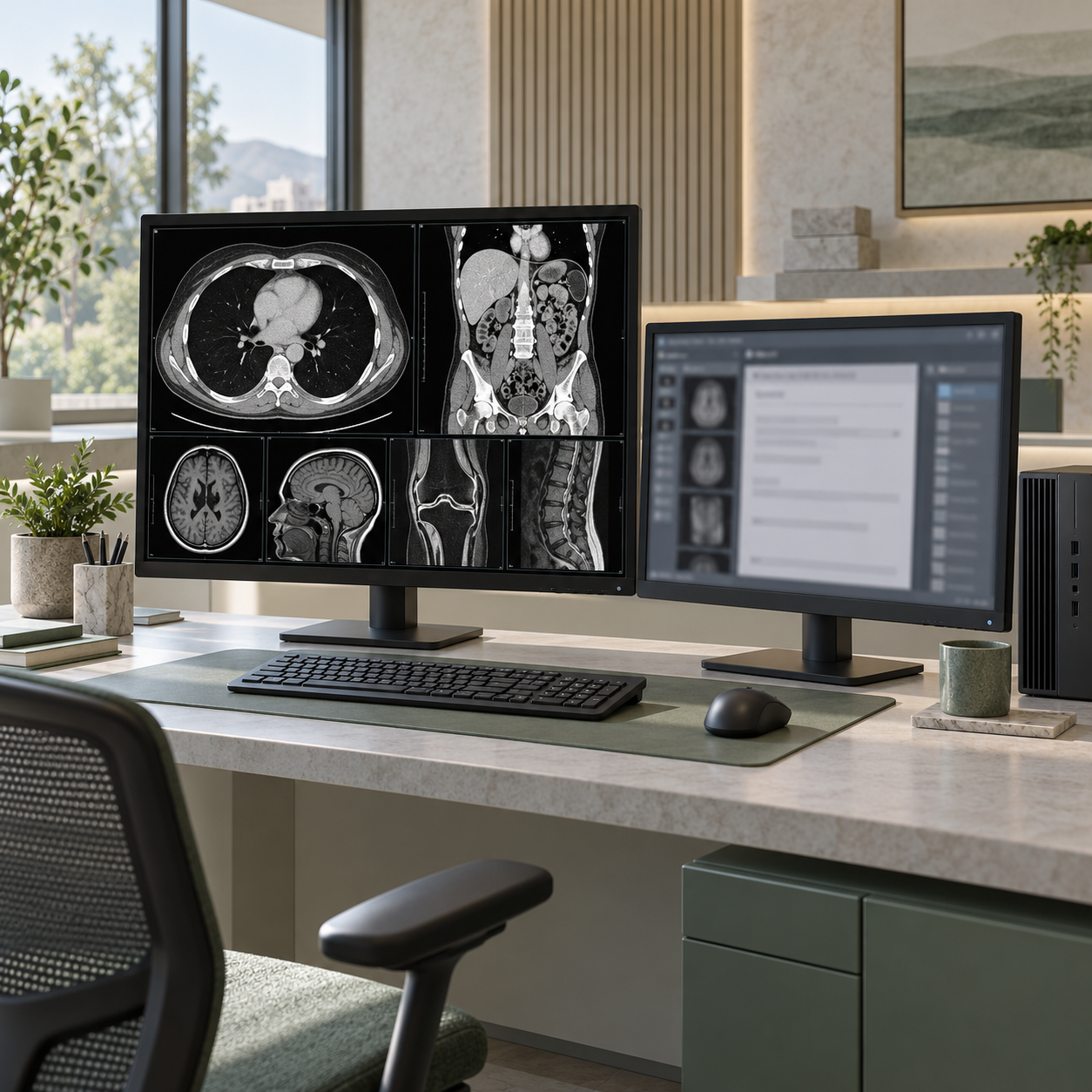
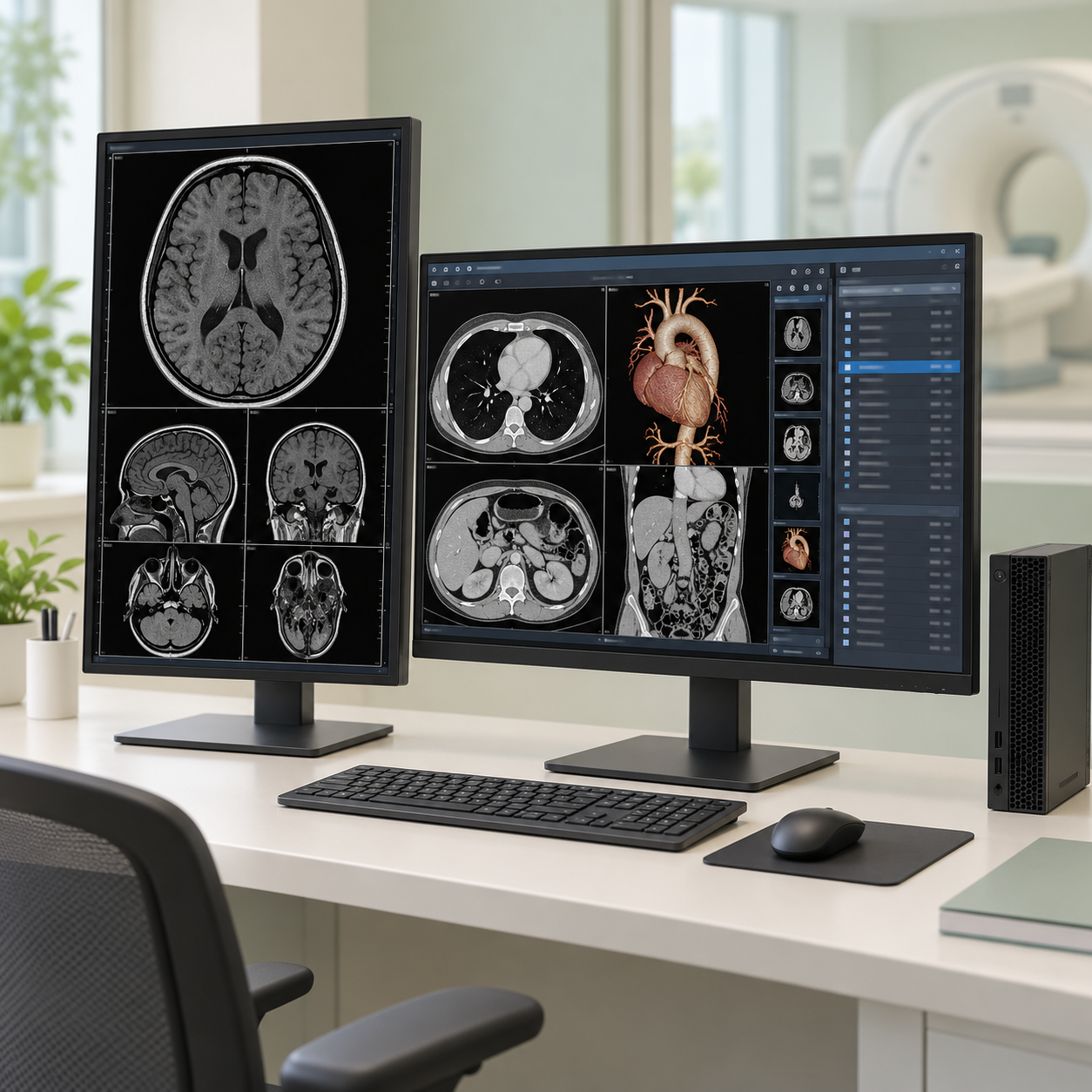
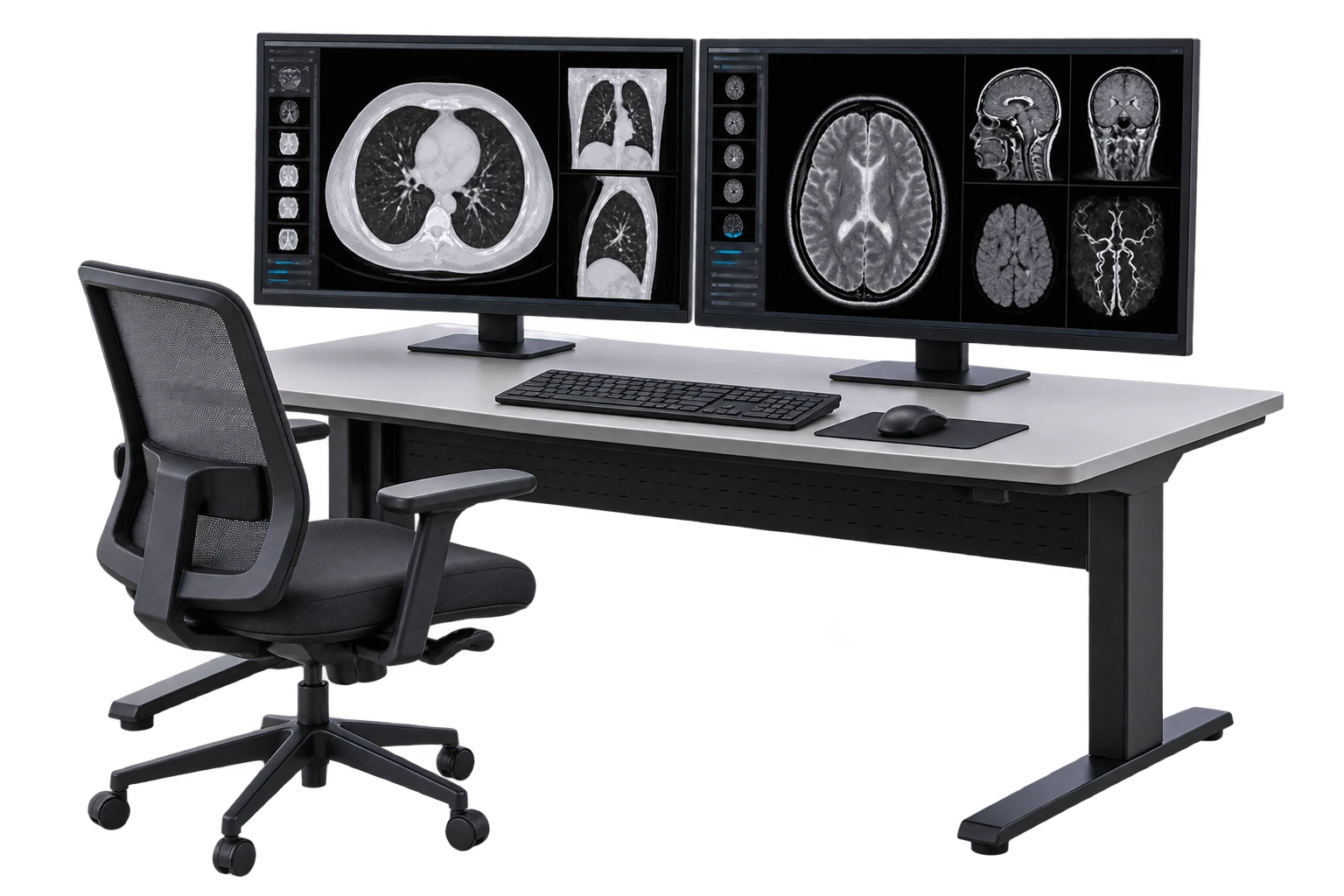
PowerServer RIS/PACS
Radiology information and picture archiving and communication software platform
Price on request
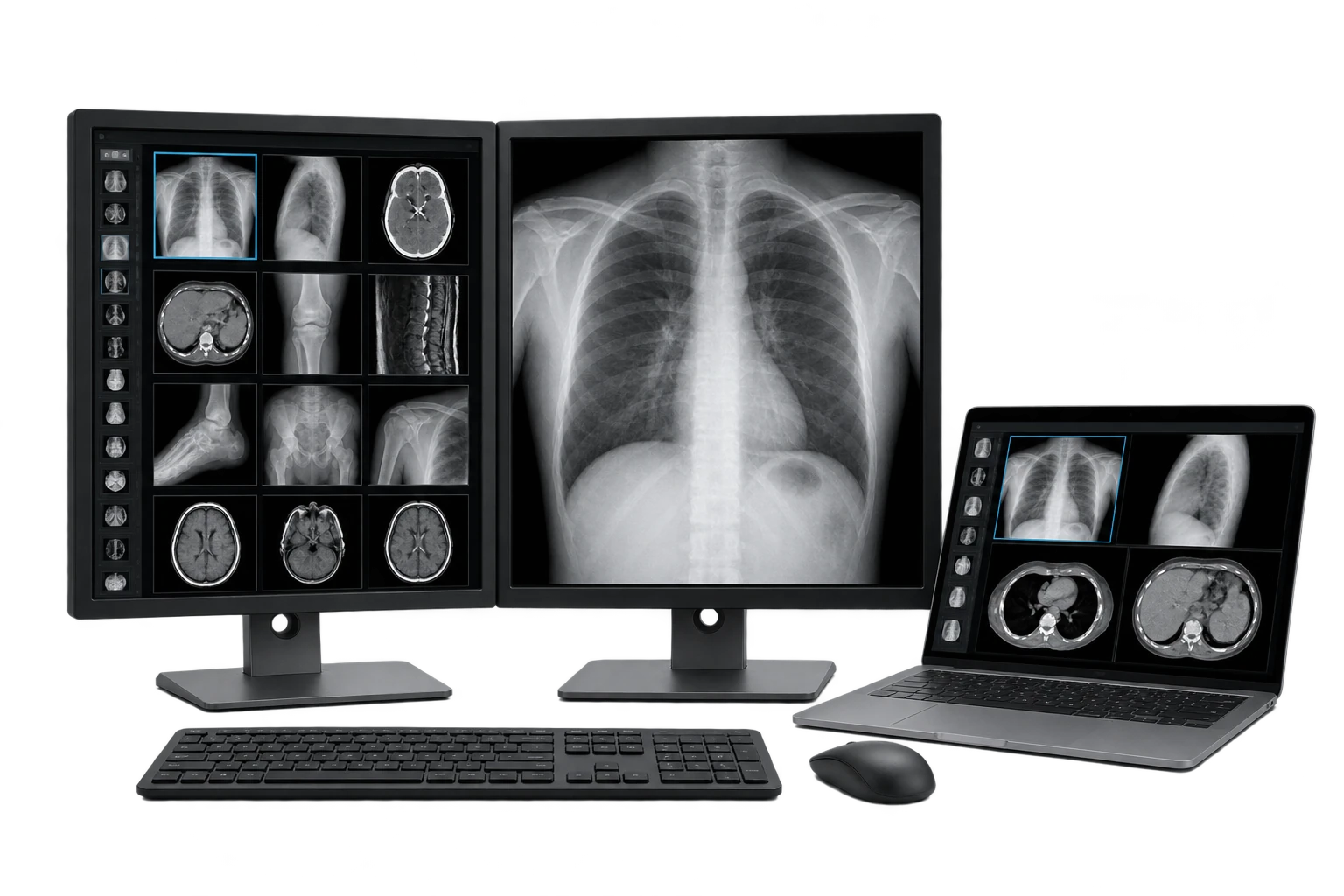
PowerServer TELE PLUS Teleradiology Software
Teleradiology workflow and remote imaging access software
Price on request
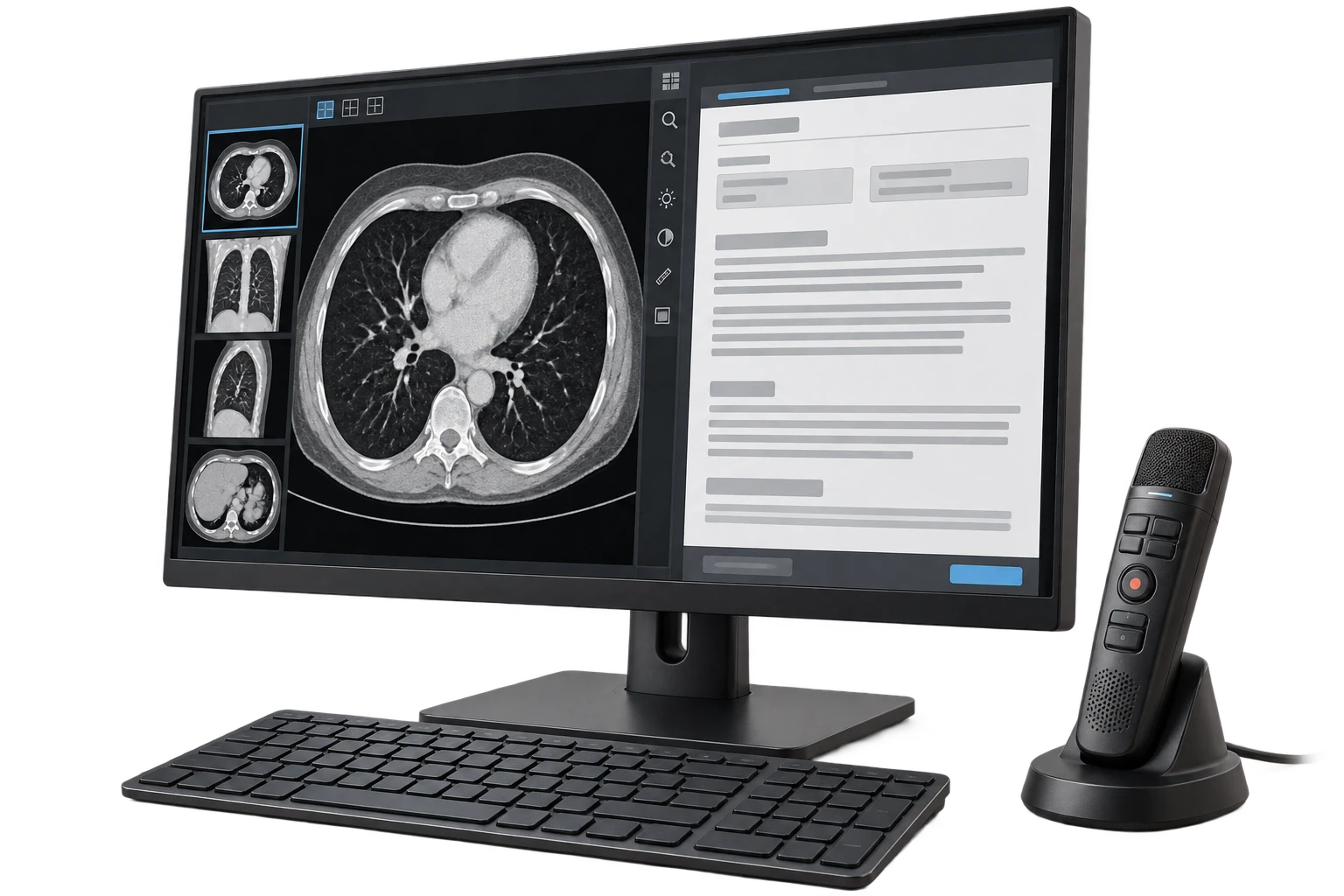
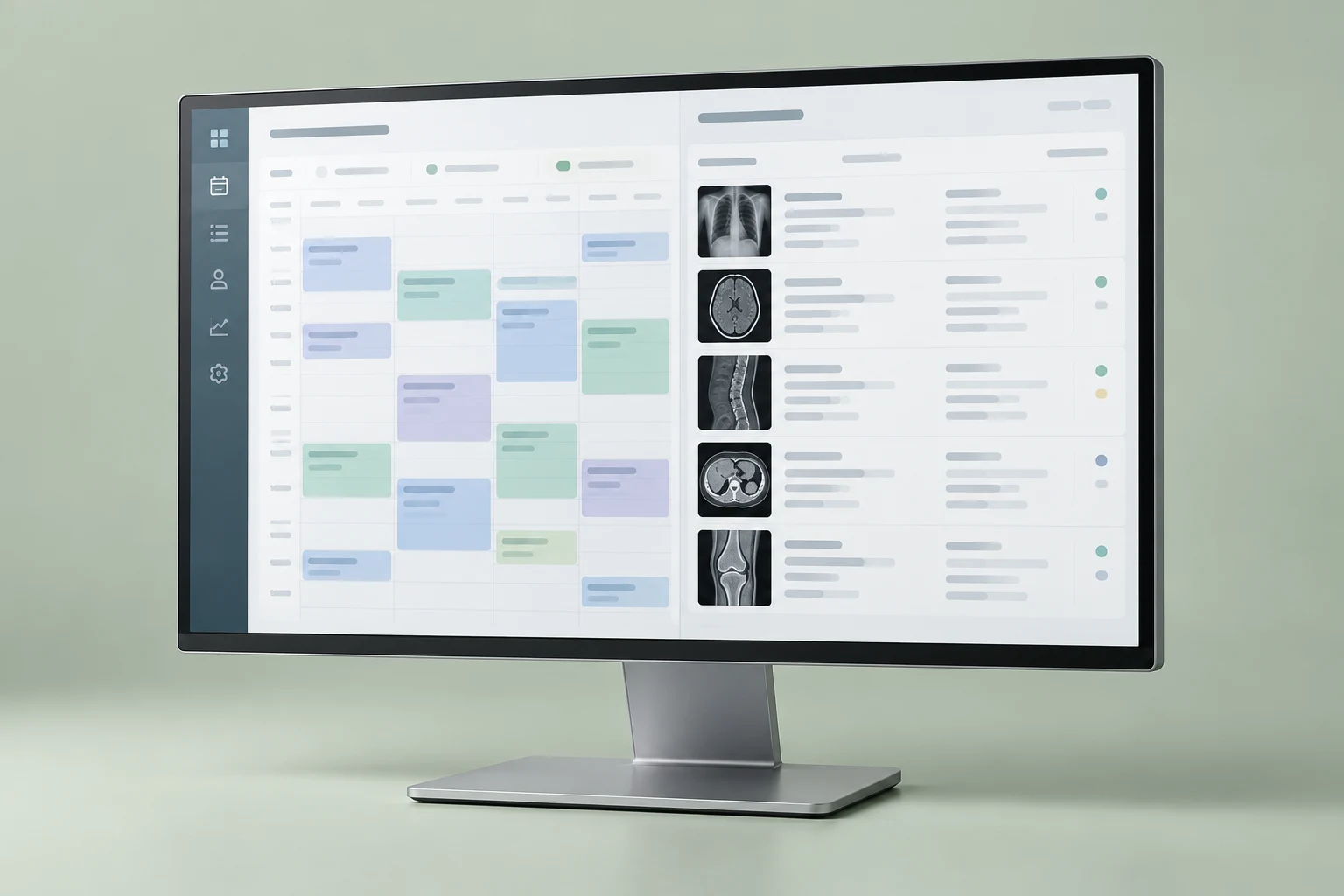
Enterprise Imaging RIS and Scheduling
Radiology information system and imaging scheduling software
Price on request
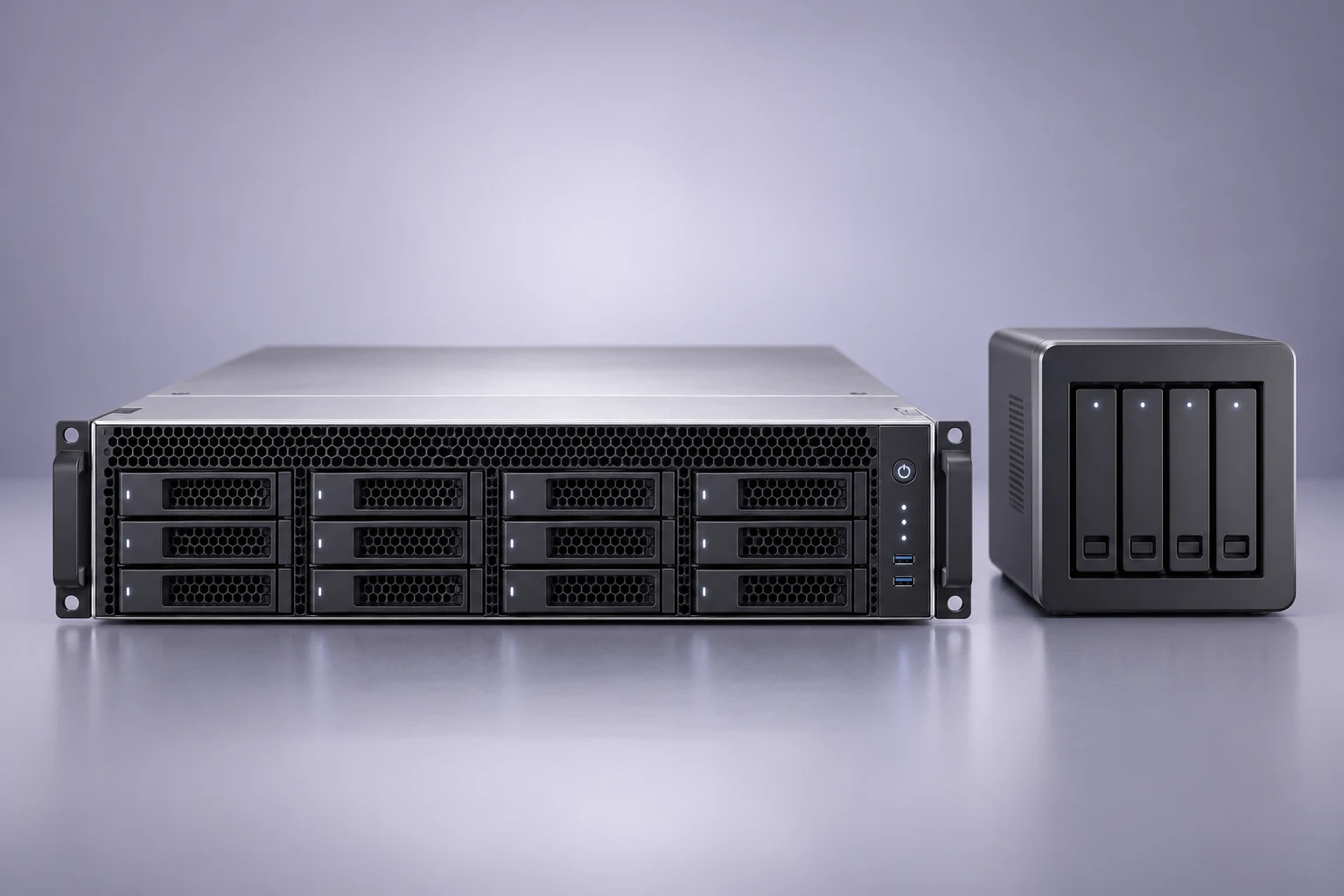
IntelePACS Medical Imaging Archive and PACS
Picture archiving and communication system (PACS) software platform
Price on request
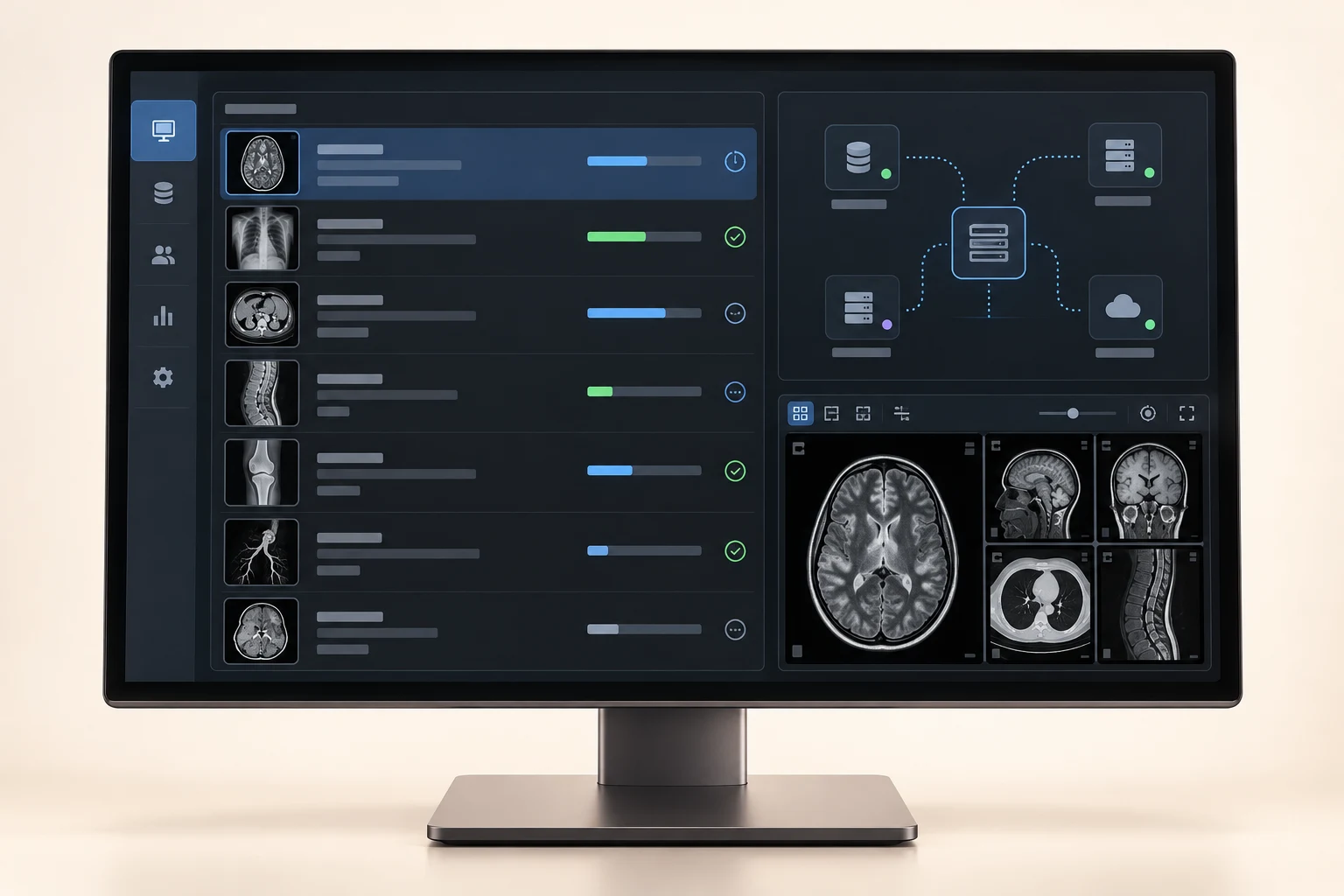
InteleShare Gateway DICOM and HL7 Router
Medical image exchange gateway with DICOM and HL7 routing software
Price on request
Which imaging IT and viewing products can I buy in Nigeria?
The current Franance catalogue covers seven distinct needs. PACS and enterprise imaging products manage image storage, retrieval and access. Workstation and viewer products support image review and, where appropriately configured and validated, diagnostic interpretation. A radiology information system (RIS) manages operational workflow such as orders, scheduling, patient administration and reporting. DICOM routers and gateways connect systems and move imaging data. Radiology-grade diagnostic monitors are a separate hardware category. Teleradiology and reporting products support remote reading and report workflows. Radiology AI products are software applications that may analyze images or support related workflows, subject to their exact intended use and configuration.
Read moreWhich PACS server or enterprise imaging platform should I buy in Nigeria?
Franance currently assigns six products to PACS server: Philips Image Management PACS and Diagnostic Workspace; FUJIFILM SYNAPSE PACS Imaging Platform; GE HealthCare Centricity Universal Viewer PACS; RamSoft PowerServer RIS/PACS; Intelerad IntelePACS Medical Imaging Archive and PACS; and Visage 7 CloudPACS Enterprise Imaging Platform. Their names represent different vendor platforms and deployment approaches. Do not assume that a “PACS” label means they have identical storage, diagnostic tools, routing, licensing, cloud hosting or migration scope.
Read moreWhich PACS workstation or DICOM viewer is right for a radiology team?
The viewing section contains six current assignments: Philips Image Management; FUJIFILM SYNAPSE PACS; Philips IntelliSpace PACS Anywhere 1.4; GE HealthCare Centricity Universal Viewer Zero Footprint; Siemens Healthineers syngo.via View&GO; and Intelerad InteleViewer DICOM Diagnostic Workstation Software. The first two also appear in the PACS section. The listed products span enterprise PACS workspaces, browser-based or zero-footprint access and diagnostic workstation software. The label alone does not identify whether a component is intended for primary diagnosis, secondary review, referring-physician access or another use.
Read moreBuy Imaging IT and Viewing Software in Nigeria
Franance lists 26 distinct imaging IT and viewing products across seven areas: PACS, diagnostic viewing, radiology information systems, DICOM routing, radiology-grade displays, teleradiology reporting and radiology AI. Some platforms appear in more than one section because a single system can cover multiple workflows; those are cross-listings, not extra product models. Select the right scope by mapping how images, worklists, reports and users move through your facility, then match each proposed product to your existing modalities, network, data governance, staffing and support plan. Use the linked brand-filtered catalogue listings to review exact records and submit a quote order. Franance follows up by phone or email; there is no online checkout.
Which imaging IT and viewing products can I buy in Nigeria?
The current Franance catalogue covers seven distinct needs. PACS and enterprise imaging products manage image storage, retrieval and access. Workstation and viewer products support image review and, where appropriately configured and validated, diagnostic interpretation. A radiology information system (RIS) manages operational workflow such as orders, scheduling, patient administration and reporting. DICOM routers and gateways connect systems and move imaging data. Radiology-grade diagnostic monitors are a separate hardware category. Teleradiology and reporting products support remote reading and report workflows. Radiology AI products are software applications that may analyze images or support related workflows, subject to their exact intended use and configuration.
The categories are useful starting points, not a substitute for a system design. Philips Image Management is listed as PACS, viewing and tele-reporting; Fujifilm SYNAPSE is assigned to PACS and viewing; RamSoft PowerServer RIS/PACS is assigned to PACS and RIS. Each is one catalogue product record with multiple taxonomy assignments. The total is 26 unique products, not 30 different models.
Franance’s direct listings cover PACS servers, PACS workstations and viewing software, RIS software, DICOM routers and gateways, radiology-grade diagnostic monitors, tele-radiology reporting and radiology AI software. Confirm the exact edition, version, included modules and Nigerian availability in the quotation.
Which PACS server or enterprise imaging platform should I buy in Nigeria?
Franance currently assigns six products to PACS server: Philips Image Management PACS and Diagnostic Workspace; FUJIFILM SYNAPSE PACS Imaging Platform; GE HealthCare Centricity Universal Viewer PACS; RamSoft PowerServer RIS/PACS; Intelerad IntelePACS Medical Imaging Archive and PACS; and Visage 7 CloudPACS Enterprise Imaging Platform. Their names represent different vendor platforms and deployment approaches. Do not assume that a “PACS” label means they have identical storage, diagnostic tools, routing, licensing, cloud hosting or migration scope.
The manufacturers describe different capabilities: Philips presents Image Management as a multi-site image reading, distribution and archive solution with a radiology workspace; Fujifilm describes SYNAPSE PACS as a web-based imaging information system for managing and viewing images; RamSoft describes PowerServer as a cloud-based radiology platform and also lists cloud and on-premises implementations; Intelerad positions IntelePACS as a cloud-first PACS; Visage describes its CloudPACS offer on AWS with optional workflow and archive components. These are manufacturer descriptions, not a finding that any particular edition is available or suitable for a Nigerian site. GE’s Universal Viewer listing also needs a confirmed version and licensed configuration.
Compare the present system and the target state before comparing feature lists. Document modalities and their DICOM conformance, current PACS and archive, study volumes and growth, retention and backup expectations, sites, users, concurrent readers, peak traffic, downtime tolerance, image migration requirements and clinical applications. Ask whether the offer is a new PACS, a replacement, a viewer over an existing archive, a vendor-neutral archive connection, or a larger enterprise imaging project. Request a clear data-ownership and exit plan, including export formats, retrieval fees if any, deletion and transition responsibilities.
For each candidate, open the exact Franance record: Philips Image Management, FUJIFILM SYNAPSE PACS, GE HealthCare Centricity Universal Viewer, RamSoft PowerServer RIS/PACS, Intelerad IntelePACS and Visage 7 CloudPACS. A catalogue result is a quotation starting point, not proof of stock, current release, subscription terms or deployment readiness.
Which PACS workstation or DICOM viewer is right for a radiology team?
The viewing section contains six current assignments: Philips Image Management; FUJIFILM SYNAPSE PACS; Philips IntelliSpace PACS Anywhere 1.4; GE HealthCare Centricity Universal Viewer Zero Footprint; Siemens Healthineers syngo.via View&GO; and Intelerad InteleViewer DICOM Diagnostic Workstation Software. The first two also appear in the PACS section. The listed products span enterprise PACS workspaces, browser-based or zero-footprint access and diagnostic workstation software. The label alone does not identify whether a component is intended for primary diagnosis, secondary review, referring-physician access or another use.
The Philips IntelliSpace PACS Anywhere record is specifically version 1.4. Philips’ instructions for use describe intended use, compatibility, software updates, display settings, training, security and privacy topics. Those are practical procurement checks: obtain the current instructions for the release actually offered, confirm supported browsers and operating systems, network and display conditions, and establish how user access, audit and technical support will be managed. Do not silently substitute a newer or different product because the name sounds similar.
Match a viewer to the modality and reading task. Ask the radiology lead to define required image types, hanging protocols, comparison priors, measurement and reporting tools, integrations, display configuration and user roles. Confirm with the manufacturer or authorized implementer that the proposed software version is compatible with the modalities, PACS/archive, RIS, operating systems, graphics hardware and diagnostic monitors at the destination site. For diagnostic reading, have the facility’s clinical and medical-physics owners approve the full workstation and display configuration; a viewer or monitor listing by itself does not establish clinical suitability.
Review the exact records for Philips Image Management, FUJIFILM SYNAPSE PACS, Philips IntelliSpace PACS Anywhere 1.4, GE HealthCare Centricity Universal Viewer Zero Footprint, Siemens Healthineers syngo.via View&GO and Intelerad InteleViewer. Confirm supported versions, access model, licensing and intended use in writing.
What RIS software can I buy in Nigeria?
The Franance RIS section contains four assigned products: Philips Radiology Information System RIS Platform; GE HealthCare Centricity RIS-i 7.0 SP6; RamSoft PowerServer RIS/PACS; and AGFA HealthCare Enterprise Imaging RIS and Scheduling. RamSoft is cross-listed in PACS because its catalogue record combines RIS/PACS. The other products are distinct platform records; the precise version, modules, hosting and implementation must still be specified.
RIS selection begins with how a request moves from referral to appointment, registration, modality worklist, examination, reading, report approval and result distribution. Map the current steps and the systems that own each data field. Identify the hospital information system (HIS), electronic medical record (EMR), patient identity service, billing or finance system, PACS, modalities and any external reporting partners that must exchange data. Ask the vendor to state which interfaces are included, which require an integration engine or separate licence, and how exceptions, duplicate identities and downtime are handled.
GE describes Centricity RIS-i as supporting radiology workflow from scheduling through reporting and billing and identifies standards-based integration interfaces. Philips describes its RIS as a modular web-based workflow spanning scheduling, patient administration, examination documentation and results distribution. These descriptions help frame questions, but your quotation should name the exact release, deployment components, supported interfaces and required localization. For AGFA Enterprise Imaging RIS and Scheduling, ask which modules and deployment are proposed; a customer announcement does not establish that the same configuration or service terms apply to your project.
Browse Philips RIS, GE HealthCare Centricity RIS-i 7.0 SP6, RamSoft PowerServer RIS/PACS and AGFA Enterprise Imaging RIS and Scheduling. Include workflow owners and representative test cases in the request so the proposal covers implementation and acceptance, not just a software name.
When do I need a DICOM router or gateway?
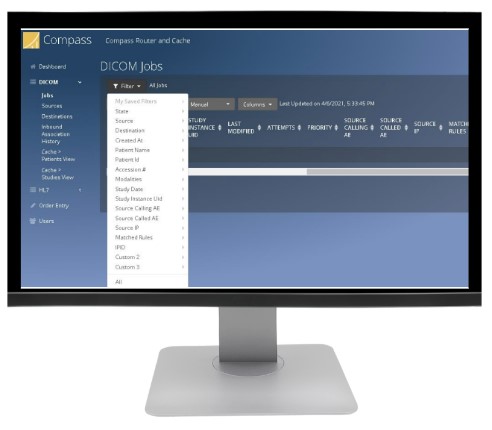
Three products are assigned to this section: Laurel Bridge Compass DICOM Routing Workflow Manager; Qvera DICOM Router (QDR); and Intelerad InteleShare Gateway DICOM and HL7 Router. A router or gateway can sit between image-producing modalities and systems that store, view, exchange or process studies. It may route or transform data, but the precise protocols, features, endpoints, throughput and licensing depend on the product and quoted configuration.
Laurel Bridge describes Compass as a DICOM routing workflow manager with DICOM and HL7-related routing and workflow features, including DIMSE and DICOMweb support. Qvera describes QDR as a DICOM router for receiving, routing, transforming and delivering imaging data, with DIMSE and DICOMweb support. Intelerad presents InteleShare within its image-sharing and integration portfolio. These manufacturer pages should be treated as starting evidence, not proof that a specific feature, interface, module or security control is included in a quote.
Draw the data flow before selecting a product: source modality or archive, destination PACS/VNA/cloud service, required copies, routing rule, any transformation, worklist or report connection, and the team responsible for monitoring. Record modalities, DICOM conformance statements, AE titles, network segments, ports, encryption requirements, study sizes, daily and peak volume, retention, retry behavior, audit logs and downtime queues. If patient identifiers are transformed or de-identified, require a reviewed rule set, controlled access to any re-identification key, and end-to-end validation with the recipient. Test edge cases and failed transmissions before go-live.
Open the exact Franance records for Laurel Bridge Compass, Qvera DICOM Router and Intelerad InteleShare Gateway. Ask for an interface matrix, capacity assumptions, deployment diagram, security responsibilities, licensing basis, monitoring and support scope.
Which radiology-grade diagnostic monitor should I buy in Nigeria?
Four Hisense Medical display models are currently assigned: Hisense HMD2C21A 2MP Color Diagnostic Monitor, Hisense HMD4C27S 4MP Color Diagnostic Monitor, Hisense HMD2G21S 2MP Monochrome Diagnostic Monitor and Hisense HMD5G21S 5MP Monochrome Diagnostic Monitor. Resolution and panel type are visible product distinctions; they do not by themselves determine the display’s suitability for a particular diagnostic task. The radiology and medical-physics team should specify the intended modality and reading use, display class, luminance and calibration requirements, viewing environment and quality-assurance plan.
Confirm the exact monitor model and revision, native resolution, colour or grayscale workflow, supported video inputs, graphics hardware, workstation output, operating system, calibration software and sensor, mounting, number of displays and warranty/service arrangements. Check whether a calibration instrument or software licence is included, whether calibration is performed before acceptance, and who repeats QA over the monitor’s service life. Ask for the manufacturer’s current datasheet and the facility’s acceptance measurements. A generic office monitor, a diagnostic display and a modality-integrated screen are not interchangeable solely because they have similar pixel counts.
Review Hisense HMD2C21A, HMD4C27S, HMD2G21S and HMD5G21S. Request a configuration that names the workstation, graphics card, display, calibration components, installation and QA deliverables together.
What tele-radiology reporting and radiology AI products are listed?
The tele-radiology reporting section assigns four records: Philips Image Management PACS and Diagnostic Workspace; Siemens Healthineers Syngo Carbon Actionable Reporting; RamSoft PowerServer TELE PLUS Teleradiology Software; and Sectra Reporting Radiology Reporting Software. Philips Image Management is also listed under PACS and viewing, while RamSoft PowerServer is also listed under PACS and RIS. RamSoft describes TELE PLUS as geared to teleradiology and its PowerServer platform as supporting cloud or on-premises deployments. Siemens describes Actionable Reporting as a reporting workflow solution within the Syngo Carbon ecosystem. Sectra describes its product as radiology reporting software. Confirm the release, modules, hosting, support and compatibility for the actual offer.
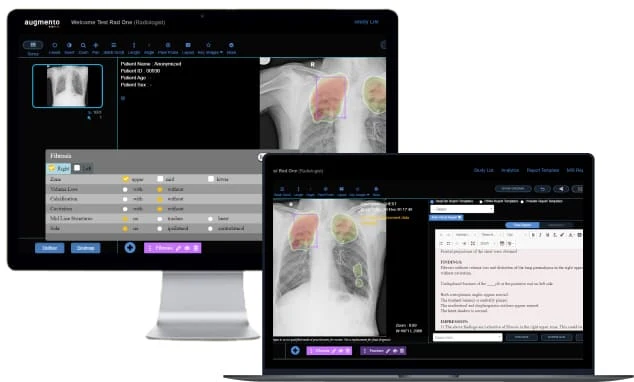
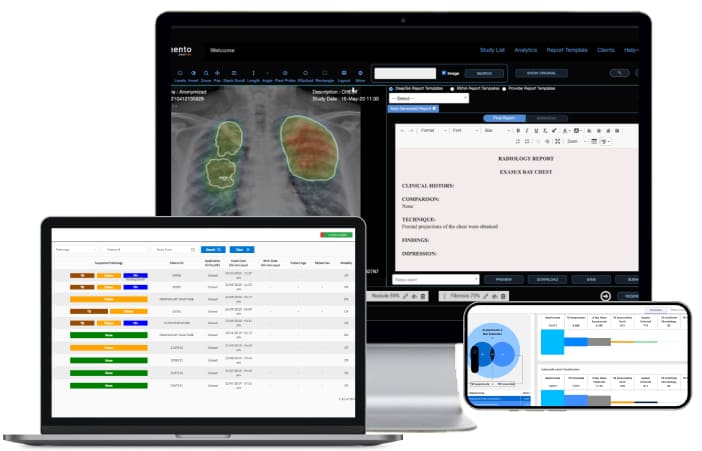
The radiology AI section has three assignments: DeepTek Augmento X-Ray; DeepTek Genki; and Philips IntelliSpace Portal 12 Advanced Visualization Workspace. These are not interchangeable products. DeepTek’s public material describes AI imaging products, while the Genki page is specific to its TB screening offering. Philips’ IntelliSpace Portal 12 announcement describes an advanced visualization workspace with AI capabilities. The listing of these records does not confirm a particular clinical indication, regulatory status in Nigeria, eligible population, modality connection, approved version or diagnostic performance. Obtain the intended use, applicable regulatory documents, clinical validation evidence, supported modality and workflow, algorithm/version, local deployment model, data handling and human oversight requirements for the exact proposed product.
Remote reporting projects should define who can access studies, where readers are located, expected turnaround, report templates, critical-result escalation, credentialing, coverage hours, workload and downtime arrangements. For any AI tool, define whether it triages, prioritizes, annotates, quantifies or generates a result; how users see and verify outputs; how errors are reported; and how updates are controlled. Keep an appropriately qualified clinician responsible for interpretation and patient-care decisions. Do not infer that the software autonomously diagnoses or replaces professional review.
Browse Philips Image Management for tele-reporting, Siemens Syngo Carbon Actionable Reporting, RamSoft PowerServer TELE PLUS and Sectra Reporting. For AI, see DeepTek Augmento X-Ray, DeepTek Genki and Philips IntelliSpace Portal 12.
What should an imaging IT quotation in Nigeria include?
Start with a concise project brief: facility name and delivery location, state and city, number of sites, modalities, current PACS/RIS/HIS/EMR, existing monitors and workstations, user and reader counts, study volumes, storage/retention expectations, target workflow, required integrations, timeline and budget assumptions. Attach a simple system diagram and representative interface list. Identify the clinical, radiology, biomedical engineering, IT/network, cybersecurity, procurement and data-governance owners who will approve requirements and acceptance.
Ask Franance to quote the exact vendor, product, release, modules, quantities, licence basis, hosting or server specification and renewal terms. Separate one-time software or hardware charges from recurring subscriptions, cloud usage, storage, support, maintenance, integration, migration, installation, training, travel and taxes. State which items are excluded. Confirm the legal supplier, product documentation, applicable Nigerian registration or authorization responsibilities, local availability, import and delivery assumptions, warranty, response times, escalation route, spare parts and service partner. The catalogue itself does not establish current stock, final starting price, regulatory status, delivery date or local support coverage.
For a software project, require an interface inventory and responsibility matrix; network and infrastructure prerequisites; migration scope and data volumes; user roles; security controls; backup and recovery design; test and acceptance plan; training; go-live support; and exit/export procedure. Ask how patient data is stored, accessed, transferred, retained and deleted, what subcontractors or cloud regions may be involved, and how incidents and software updates are handled. Have your organization’s qualified legal, clinical and information-security teams review applicable obligations and the proposed data flows.
For a monitor or workstation, list each screen, computer, graphics hardware, calibration accessory, software licence, mounting component, installation and acceptance test. For a router, list every source and destination, protocol, connection, traffic estimate, rule, interface license and monitoring requirement. For PACS or RIS, state migration, storage, interfaces, number of facilities and users, data retention, availability and recovery assumptions. This level of detail lets Franance route your enquiry to the right quote scope and prevents a feature name from being mistaken for a complete solution.
How do I order imaging IT and viewing products through Franance?
Choose the relevant category and use its linked brand-filtered listing to identify the catalogue record you want. Submit a quote order with the exact product name, brand, version or model where known, project scope, quantity and Nigerian destination. Franance will contact you by phone or email to clarify the request, availability, commercial terms and next steps. There is no online payment or automatic purchase confirmation.
For multi-system work, include the current-state diagram, desired-state workflow, modality and interface list, site survey or network information, responsible technical contacts, procurement timeline and acceptance criteria. Mark any detail that is unknown so it can be checked during technical review. Ask the quotation to identify assumptions and exclusions explicitly, and request written confirmation of licences, implementation, integration, migration, training, warranty and support before approving an order. A quote enquiry does not itself constitute a deployment design, compatibility approval or clinical validation.
Franance can help you compare the catalogue options, obtain a configuration proposal and coordinate a quotation for your facility. The best starting point is a defined clinical workflow and verified interface requirements, not a generic request for “PACS” or “radiology software.” Contact Franance for an imaging IT quotation with your system inventory, site location and project priorities.
Common questions
How many imaging IT and viewing products does Franance list?
The current catalogue assigns 26 unique products across seven direct subcategories. Three records are cross-listed in related areas, creating 30 subcategory assignments; they are not additional models.
Can I buy PACS, RIS and DICOM routing software online?
No. Franance accepts quote orders and follows up by phone or email to confirm the product, configuration, availability and terms. There is no online checkout.
Does a PACS listing include a RIS, archive or migration?
Not necessarily. Require the quotation to name each included module, archive, interface, migration, storage, licence and service deliverable.
Which diagnostic monitor should I choose?
Have radiology and medical-physics owners define the diagnostic task, resolution and colour or grayscale requirements, workstation compatibility, calibration and QA plan. Resolution alone does not establish clinical suitability.
Are radiology AI products approved for every use in Nigeria?
The catalogue does not establish Nigerian registration, intended-use authorization or suitability for a specific patient population. Request current manufacturer documentation and have qualified clinical and regulatory owners verify the exact product and intended use.
What details are needed for an imaging IT quotation?
Send the exact product and release, facility location, modalities, existing systems, interfaces, users, study volume, deployment, security, storage, migration, training, acceptance and support needs. Ask Franance to itemize assumptions, exclusions and terms.
Does a DICOM label guarantee interoperability?
No. Confirm the exact DICOM services, transfer syntaxes, modality and destination versions, interface configuration and test plan. Review manufacturer conformance statements and validate actual data flows.
Does Franance confirm local stock or support from the catalogue page?
No. Product records are quote-order listings. Confirm availability, delivery, warranty, local implementation and service scope in writing.
Request an imaging IT quotation from Franance.
Send the exact products, versions, interfaces, facility location and project requirements. Franance will follow up by phone or email to clarify your quote order.
Request an imaging IT quoteNeed an equipment quote?
Add the models you need to a quote order, or send us your equipment list.