

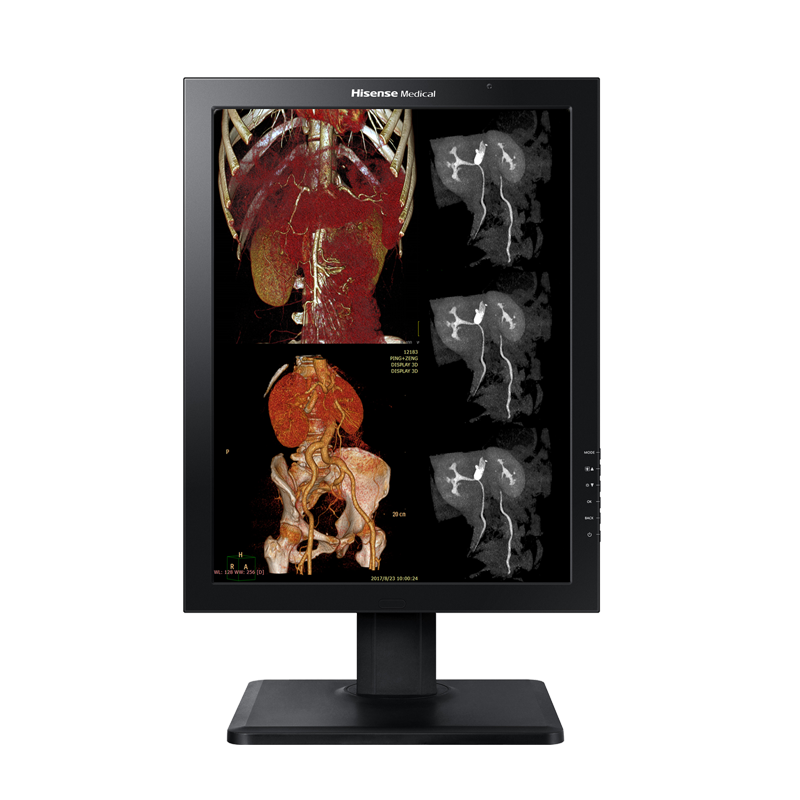
Buy Diagnostic Medical Monitor (Radiology Grade) in Nigeria.
Buy a diagnostic medical monitor in Nigeria through Franance by matching the display to the approved image-review workflow, workstation, modality, grayscale or colour requirements, calibration plan and reading environment. Four current Hisense Medical listings cover 2MP and 4MP colour displays and 2MP and 5MP monochrome displays. Pixel count alone does not establish diagnostic suitability. Franance accepts quote orders and follows up by phone or email; online checkout is not available.
Products
4 models
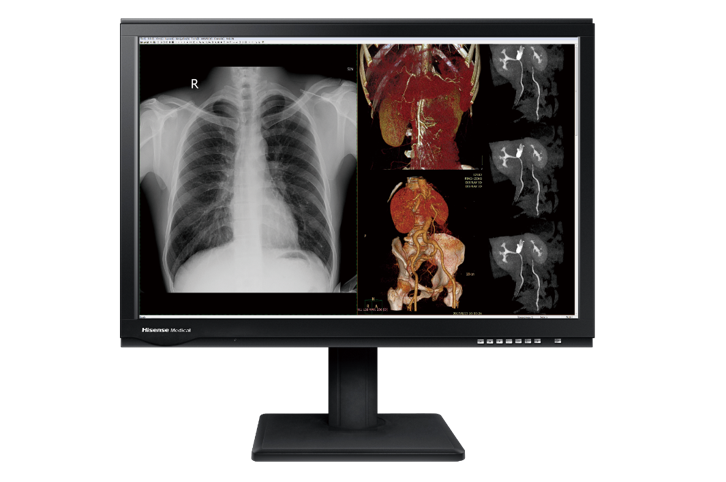
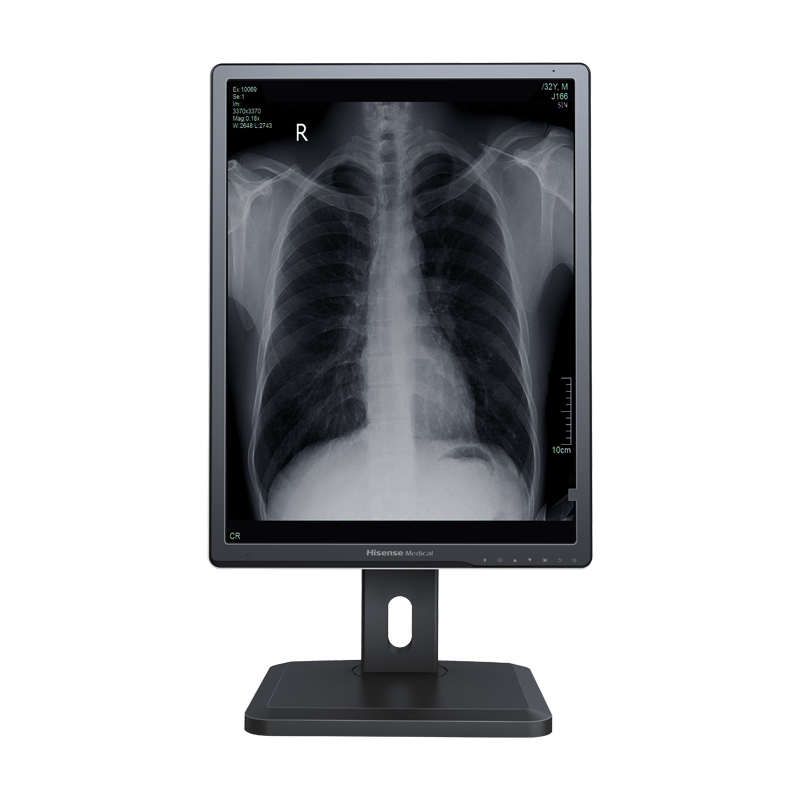
Hisense HMD2G21S 2MP Monochrome Diagnostic Monitor
Medical diagnostic monochrome display
Price on request
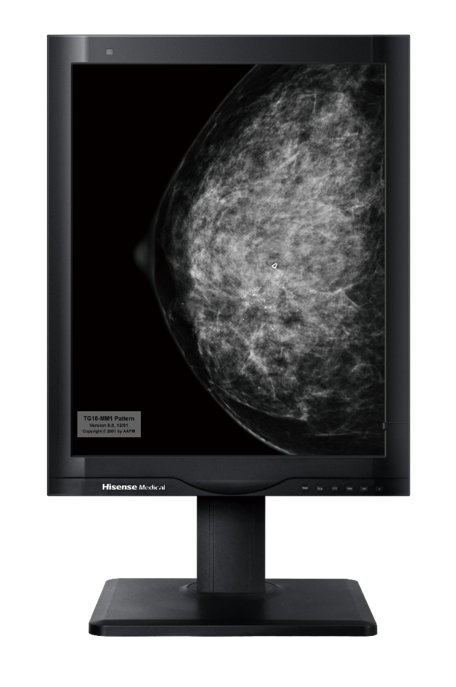
Hisense HMD5G21S 5MP Monochrome Diagnostic Monitor
Medical diagnostic monochrome display
Price on request
Where can I buy a diagnostic medical monitor in Nigeria?
Browse the radiology-grade diagnostic medical monitor category in Nigeria. The four current catalogue models can be reviewed directly: Hisense HMD2C21A 2MP colour monitor, Hisense HMD4C27S 4MP colour monitor, Hisense HMD2G21S 2MP monochrome monitor and Hisense HMD5G21S 5MP monochrome monitor.
Read moreWhat makes a medical monitor different from an ordinary office display?
A diagnostic medical display is intended for a medical image-review workflow and may include manufacturer-specific grayscale or DICOM display modes, brightness sensors, calibration functions, higher luminance capability or other medical-display features. Hisense states that these four HMD models conform to DICOM Part 14 and lists their model-specific resolution, panel type, brightness and input connectors. Those manufacturer statements are useful starting points, but they do not by themselves establish that a particular screen is appropriate for a department’s diagnostic task or that an installed workstation has been calibrated and quality-checked.
Read moreWhich diagnostic medical monitor models does Franance list?
The current catalogue has four assigned Hisense Medical products. Use the filtered routes above to review each exact model. Hisense’s official product pages list the model specifications below; confirm the delivered hardware revision, accessories, calibration state and support in writing because published manufacturer specifications can change by region and production revision.
Read moreBuy Diagnostic Medical Monitors in Nigeria: Choose a Radiology Display and Request a Quote
Buy a diagnostic medical monitor in Nigeria through Franance by matching the display to the approved imaging workflow, workstation, modalities, grayscale or colour requirements, calibration plan and reading environment. The current catalogue assigns four Hisense Medical displays to this category: HMD2C21A (2MP colour), HMD4C27S (4MP colour), HMD2G21S (2MP monochrome) and HMD5G21S (5MP monochrome). Pixel count alone does not establish diagnostic suitability. Have the radiology team, medical physicist and IT/workstation owner approve the exact configuration, then ask Franance for a written quotation. Franance handles quote orders by phone or email follow-up; online checkout is not available.
Where can I buy a diagnostic medical monitor in Nigeria?
Browse the radiology-grade diagnostic medical monitor category in Nigeria. The four current catalogue models can be reviewed directly: Hisense HMD2C21A 2MP colour monitor, Hisense HMD4C27S 4MP colour monitor, Hisense HMD2G21S 2MP monochrome monitor and Hisense HMD5G21S 5MP monochrome monitor.
These filtered links identify catalogue records. They do not confirm local stock, delivery timing, Nigerian registration, accessories, a particular workstation configuration or included calibration service. Send Franance the exact model, intended use, workstation details, number of screens, destination state and city, and requested installation or support. Ask the proposal to state what is available and included for your site.
What makes a medical monitor different from an ordinary office display?
A diagnostic medical display is intended for a medical image-review workflow and may include manufacturer-specific grayscale or DICOM display modes, brightness sensors, calibration functions, higher luminance capability or other medical-display features. Hisense states that these four HMD models conform to DICOM Part 14 and lists their model-specific resolution, panel type, brightness and input connectors. Those manufacturer statements are useful starting points, but they do not by themselves establish that a particular screen is appropriate for a department’s diagnostic task or that an installed workstation has been calibrated and quality-checked.
The complete display system matters: monitor panel and electronics, graphics card or display controller, operating system, PACS or imaging viewer, display driver and profile, calibration software and sensor, workstation output, ambient lighting and quality-assurance process. A monitor cannot correct an image that has been incorrectly acquired, processed, compressed or routed. Nor does a product description establish a reader’s clinical workflow, local acceptance criteria or diagnostic performance at your facility. Define these responsibilities with the imaging and IT teams before choosing the model.
Which diagnostic medical monitor models does Franance list?
The current catalogue has four assigned Hisense Medical products. Use the filtered routes above to review each exact model. Hisense’s official product pages list the model specifications below; confirm the delivered hardware revision, accessories, calibration state and support in writing because published manufacturer specifications can change by region and production revision.
The Hisense HMD2C21A listing is a 21.3-inch 2MP colour display with a listed native resolution of 1600 × 1200 and DVI-D and DisplayPort inputs. Hisense lists typical brightness of 1000 cd/m² and DICOM Part 14 conformity. Confirm whether colour is needed for the specific viewer and task, the expected number of displays, and that the workstation’s outputs and selected resolution are supported.
The Hisense HMD4C27S listing is a 27-inch 4MP colour display with a listed 2560 × 1440 resolution. Its manufacturer page lists typical brightness of 550 cd/m² and DVI-D, DisplayPort and HDMI inputs. This larger colour model may be relevant where a team’s validated workflow benefits from a larger 4MP workspace, but size and pixel count alone do not demonstrate suitability. Confirm physical desk space, viewing distance, software layout, image scaling and workstation support.
The Hisense HMD2G21S listing is a 21.3-inch 2MP monochrome display with a listed 1600 × 1200 resolution, typical brightness of 1900 cd/m² and DVI-D and DisplayPort inputs. Hisense lists DICOM Part 14 conformity and ambient-light and backlight sensors. Do not infer that a monochrome 2MP display is suitable for every grayscale diagnostic task; obtain approval against the department’s clinical workflow and applicable quality requirements.
The Hisense HMD5G21S listing is a 21.3-inch 5MP monochrome display with a listed 2560 × 2048 resolution, typical brightness of 3000 cd/m² and DVI-D and DisplayPort inputs. The product record describes mammography or digital breast tomosynthesis as a potential workflow context. The actual institution must confirm whether the display, workstation, configuration, calibration and quality-control programme meet its mammography requirements. Do not treat the 5MP label alone as evidence of regulatory or clinical approval.
How should I choose display resolution, colour and luminance?
Start with the image-review task rather than the product table. Identify the modalities and image types, the use of colour or grayscale, the diagnostic or non-diagnostic context, the viewing software, required layouts, number of monitors per workstation and the facility’s image-quality policy. Ask the department’s clinical lead and medical physicist to specify required display class and acceptance criteria. A monitor used for primary diagnosis may have different requirements from one used for image review, referral triage, clinician consultation, teaching or administrative viewing. The buying team should not make that clinical distinction from product marketing alone.
Compare native resolution and panel size together. A higher pixel count on a larger display does not necessarily show more relevant image detail at the intended viewing distance; software zoom, image scaling, pixel pitch, workstation output and layout all matter. Confirm whether the viewer can display the modality images at the expected matrix and scale, how many studies or image panes must fit at once, and whether the graphics card supports the full resolution on every connected screen.
Colour versus monochrome should reflect the validated task. A monochrome panel is designed for grayscale-focused viewing, while colour can support workflows where colour overlays, maps or other colour content are part of the interpretation. A colour monitor may also display grayscale, but confirm its grayscale response and calibration method for the intended use. DICOM PS3.14 defines the Grayscale Standard Display Function for standardizing grayscale display; it explicitly does not prescribe clinical performance specifications or how pixel values for each modality are presented, and it does not define a grayscale function for colour images. Therefore “DICOM compliant” should be treated as one technical attribute, not a complete proof of suitability.
Review luminance in context, not as a contest for the largest number. Manufacturer-listed typical brightness is not the same as a validated operating target at the reading position. Room lighting, reflections, monitor ageing, calibration, panel uniformity and local acceptance criteria affect what the reader sees. Ask what luminance range the department requires, how it will be measured and maintained, whether an external photometer or supported sensor is needed, and whether a calibration sensor and software are included or separately priced.
What is DICOM calibration and how should it be maintained?
DICOM Part 14 describes the Grayscale Standard Display Function (GSDF), which relates grayscale input values to displayed luminance using a perceptually based function. A display that is factory adjusted to a DICOM mode is not automatically a permanently verified diagnostic workstation. The display has to be considered as part of the full chain, under the actual viewing conditions and the procedure the facility adopts.
For procurement, ask the supplier to identify the monitor’s calibration capability, the calibration software and compatible measuring sensor, how the workstation output is incorporated, whether calibration reports are produced, and what is included at commissioning. Establish a baseline after installation. Have the responsible qualified staff document the display identity, calibration date and result, uniformity or defect review, test patterns, ambient light condition, acceptance status and any corrective actions. Set the routine check interval and tolerances in the institution’s QA programme using current professional guidance, manufacturer instructions and its applicable clinical or accreditation requirements.
The American Association of Physicists in Medicine’s Report 270 addresses assessment and quality assurance for flat-panel displays used to acquire or review medical images and can help a facility frame purchasing and QA questions. It does not make a specific HMD model suitable for a particular task, and this guide does not prescribe thresholds. Ask the medical physicist or display-QA owner to determine which tests, instruments, review frequency and conformance criteria apply. Recheck the display after repair, replacement, workstation or graphics-driver changes, relocation, calibration-profile change or other events defined by local policy.
How do I check PACS, modality and workstation compatibility?
The monitor usually receives a video signal from a workstation; it is not normally the device that connects to PACS or directly interprets a DICOM study. The PACS or modality sends or makes images available to a viewing application. The workstation and viewer then render them on the display. As a result, DICOM image routing and DICOM grayscale calibration are separate topics: a monitor may support a DICOM grayscale mode without implementing the PACS network connection, and the monitor’s DVI-D, DisplayPort or HDMI socket is a video interface, not a DICOM network interface.
Before requesting a quote, record the workstation make and model, operating system, PACS/viewer name and version, graphics card or display controller, supported resolution and refresh rate per output, connector type, current cable, number of displays and any required calibration tool. Ask the IT owner to confirm that the workstation can drive the requested display resolution and number of screens simultaneously, with the viewer’s required pixel depth, colour handling and calibration workflow. Confirm the cable and adapter model, as connector presence alone does not establish signal compatibility or full resolution support.
Clarify which system will manage grayscale LUTs or profiles, whether calibration is performed by the display, workstation software or a supported combination, how user access is controlled, how profiles are restored after reimaging, and whether remote monitoring or calibration-management features require a network port or licensed software. The exact connection and supported features need written confirmation for the quoted monitor and workstation pair. Include any required monitor arm, stand, multi-display mount, power adapter, cable, display controller, photometer or software licence as separate line items unless the offer states that they are included.
What room, electrical and network details should I plan?
Provide the facility’s room and workstation layout, desk dimensions, planned monitor count, viewing position, mounting method, cable route and installation address. A 27-inch display may need different desk depth, arm load rating and sightline planning from a 21.3-inch unit. Check viewing angle, reflections, nearby windows and overhead lighting with the display in its intended orientation. The room should support the institution’s adopted viewing and display-QA conditions; do not assume that a sensor automatically compensates for glare, ambient-light variation or an unsuitable reading environment.
Hisense lists a medical power adapter with AC 100–240 V, 50/60 Hz input and 24 V output for these product pages, as well as model-specific maximum power figures. Verify the supplied adapter and plug, electrical installation, earthing and power-quality requirements for the exact shipment and location. Ask the facility’s electrical or biomedical engineering team to specify any surge protection, UPS or power-conditioning requirement. The monitor’s power needs are separate from the workstation, display controller and network equipment; include all of them in the room and electrical plan.
The monitor itself may not need to sit on the hospital data network for ordinary workstation display. PACS, RIS, authentication, directory services, licensing, remote support and calibration management may require network connectivity through the workstation or other supported components. Ask IT to identify the specific endpoints, protocols, network ports, cybersecurity controls, data location and responsibility for any networked feature. Do not connect a product to the clinical network until the institution’s IT/security team has reviewed the required configuration.
What does a diagnostic medical monitor cost in Nigeria?
There is no fixed monitor price published by the catalogue. The total quote may vary by model, display count, workstation or controller requirements, calibration sensor and software, cables and adapters, mounts, installation, acceptance and QA, delivery location, warranty and service. A lower unit price may exclude required workstation upgrades, calibration instruments, cables or quality-assurance work. Request an itemized quotation so the facility can compare identical display and implementation scope.
For Nigeria, include the institution’s full address, state and city, requested delivery schedule, quantity and installation support. Ask Franance to confirm model availability, the supply route, applicable product and import documentation, warranty terms, local or remote support, response arrangements, spare parts and any travel or logistics charges. The catalogue does not establish nationwide delivery or service coverage. Confirm arrangements for the exact facility in writing.
What should I send Franance for a diagnostic monitor quote?
Start with the exact model listing and state the intended workflow, modality or image type, diagnostic or review role, display quantity and whether colour or monochrome is required. Include the workstation and graphics-card details, resolution per output, connectors, PACS/viewer, operating system, calibration method, sensor and software needs, mounting plan, room conditions, facility destination and target date. Attach the department’s display specification or QA requirements if available.
Ask the written proposal to distinguish monitor, stand or mount, adapter, cables, controller, calibration sensor, software licences, commissioning, baseline QA, training, warranty, preventive maintenance, repair and support. Confirm who is responsible for compatibility approval, installation, calibration, acceptance testing and ongoing QA. Request model-specific documentation and clarify all exclusions before placing a quote order.
Franance will follow up by phone or email to clarify the request and discuss a quotation. This is not an online purchase. Do not send patient images or patient-identifiable information in the quote enquiry. Keep technical evaluation with the facility’s imaging, physics, biomedical engineering and IT teams.
Request a diagnostic medical monitor quote in Nigeria
Browse the diagnostic medical monitor category, choose the model that matches your team’s approved requirements, then send Franance a diagnostic monitor quote order. Include the workstation, calibration, room, quantity and destination details so Franance can clarify the configuration and confirm the commercial and service terms for your facility.
Common questions
Which diagnostic monitors does Franance list in Nigeria?
The current category assigns four Hisense Medical models: HMD2C21A 2MP colour, HMD4C27S 4MP colour, HMD2G21S 2MP monochrome and HMD5G21S 5MP monochrome. Confirm availability, exact revision, accessories and configuration in a written quote.
Does a DICOM Part 14 claim prove a monitor is suitable for primary diagnosis?
No. DICOM PS3.14 defines a grayscale standard display function; it is not a complete clinical performance or modality display specification. The radiology team, medical physicist and IT owner must approve the model, workstation, calibration, viewing conditions and QA against the intended task.
Is a 5MP monitor automatically required for mammography?
The catalogue includes a 5MP monochrome model that may be considered for mammography-related use, but pixel count alone does not establish suitability or compliance. Confirm the facility's applicable mammography requirements, workstation, calibration and QA with qualified staff.
Does the monitor connect directly to PACS?
Usually the monitor receives a video signal from a workstation, while PACS images are retrieved and rendered by the workstation viewer. Confirm the exact image-routing, workstation, graphics output, calibration and network-management design with the facility IT team.
Can I buy a diagnostic medical monitor online from Franance?
No. Submit a quote order with the exact model, workflow, workstation, quantity and destination. Franance will follow up by phone or email to clarify the request and discuss a written quotation.
Request a diagnostic medical monitor quotation from Franance.
Send the exact monitor model, intended workflow, workstation and PACS/viewer details, calibration and QA requirements, quantity, room plan, destination and requested installation or service. Ask the written offer to confirm availability, compatibility responsibilities, included accessories, calibration, delivery, warranty and support for your facility.
Request a diagnostic monitor quoteNeed an equipment quote?
Add the models you need to a quote order, or send us your equipment list.