
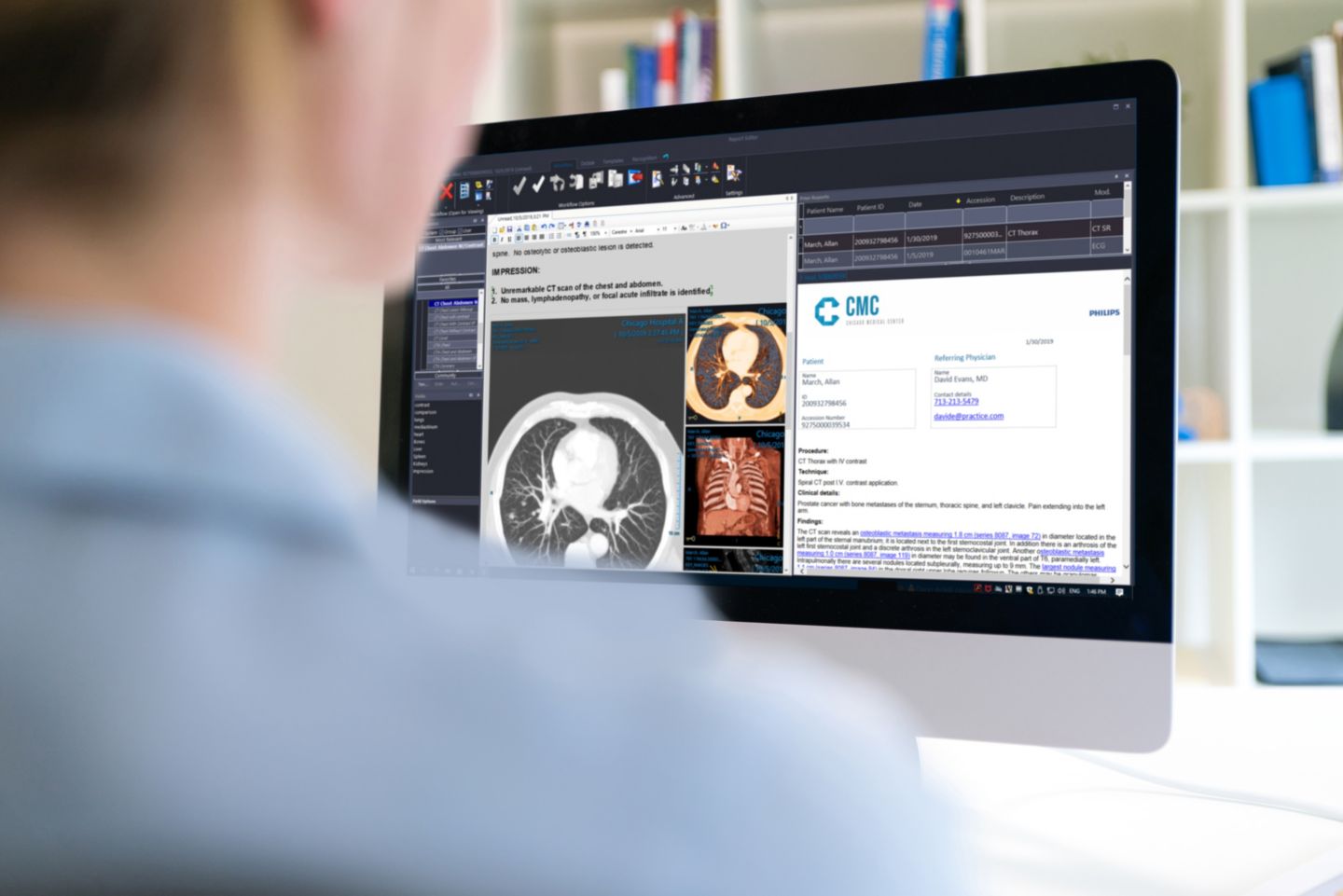
Philips Image Management PACS and Diagnostic Workspace
Server-based PACS software and diagnostic reading platform
Price on request

Medical equipment and biomedical engineering.
Abuja, Nigeria.
Buy PACS workstation software in Nigeria through Franance. Compare six listed PACS and imaging-viewer products from FUJIFILM, Intelerad, Siemens Healthineers, GE HealthCare and Philips. The category spans PACS platforms, diagnostic workstation software and viewer clients; confirm the exact role, host dependencies, version and licensing before requesting a quote.
6 models
Server-based PACS software and diagnostic reading platform
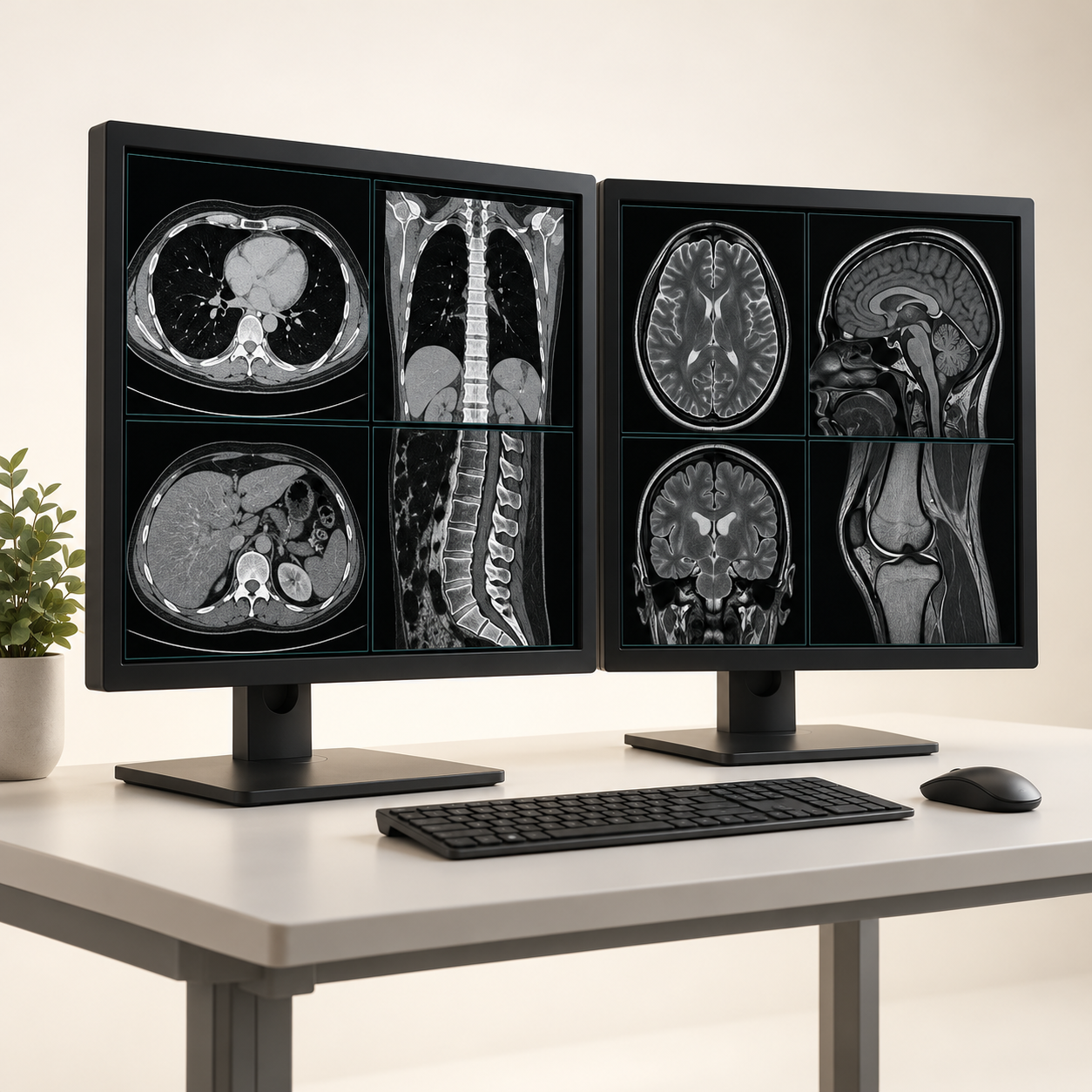

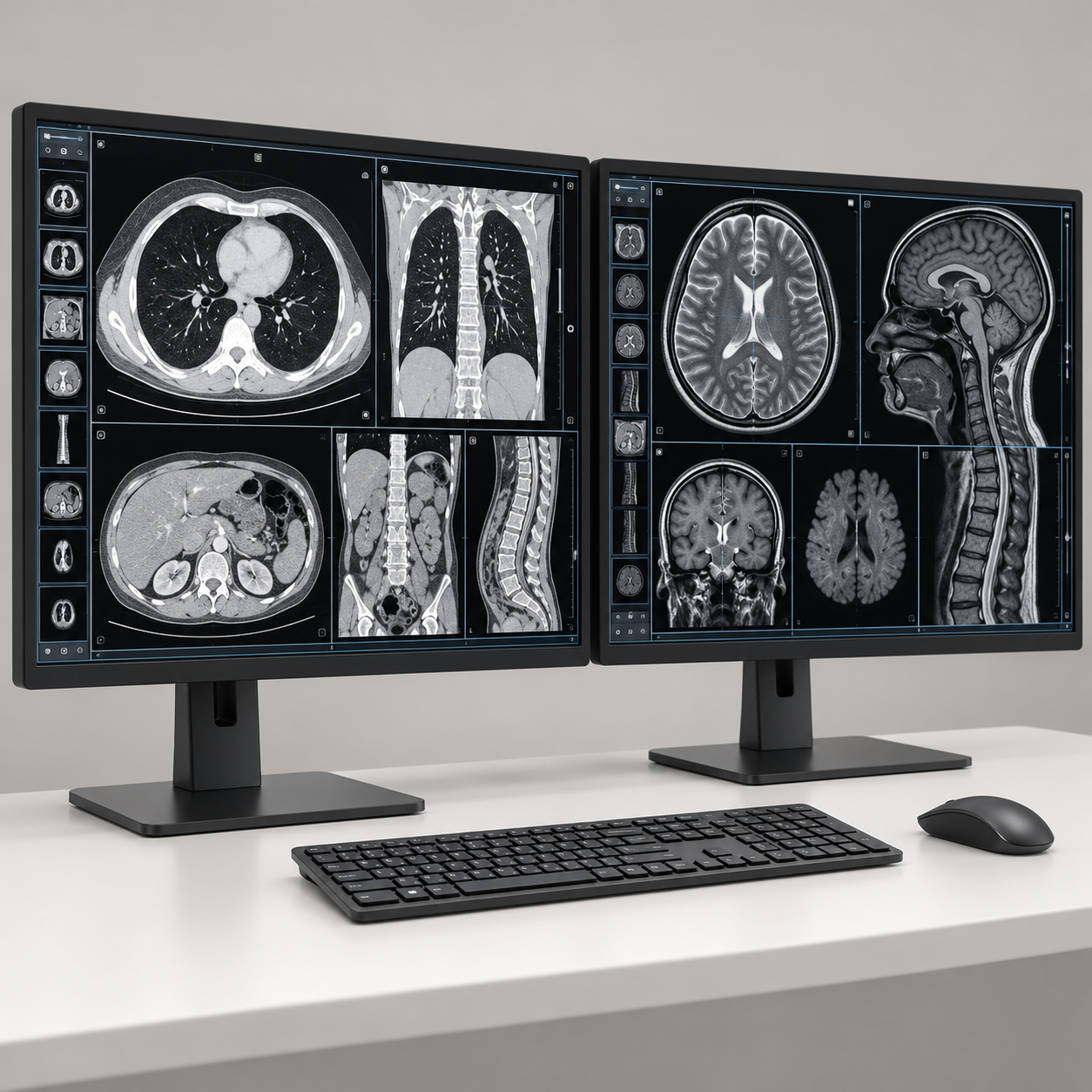
Web-enabled PACS image and report viewing client
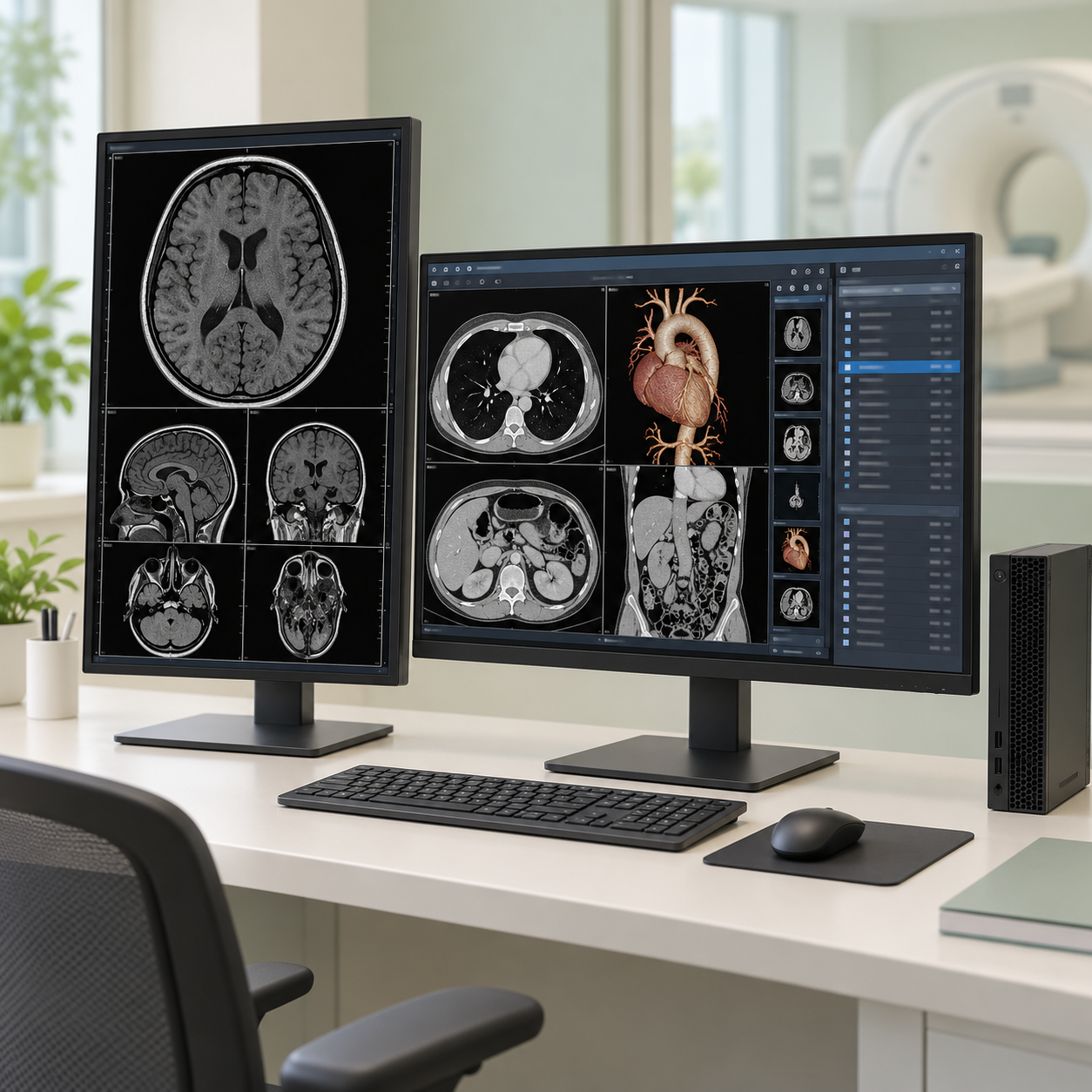
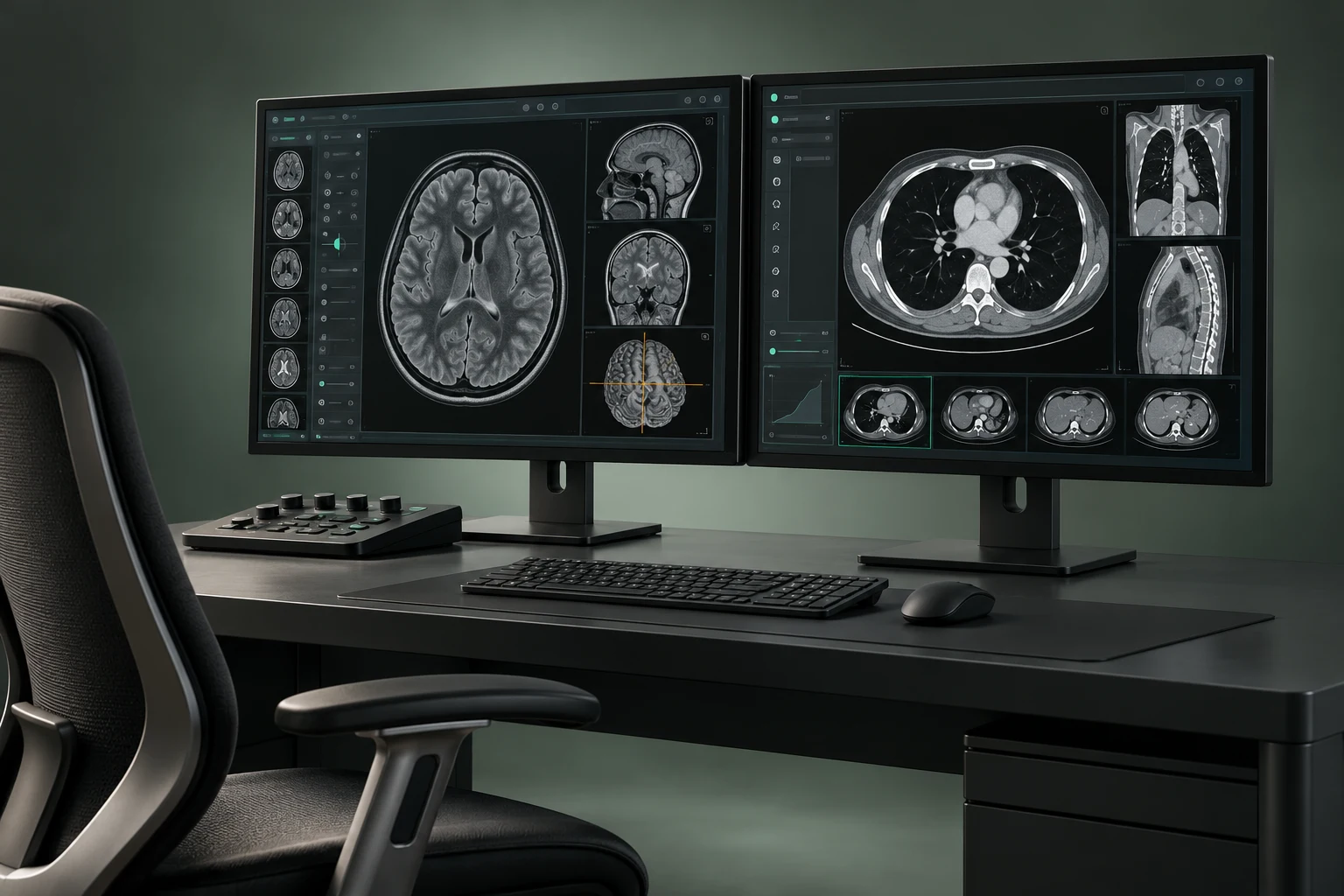
Diagnostic medical image viewer and radiology workstation software
Start with the PACS workstation and viewing software listings. The current category includes six product assignments across four manufacturers. Review the exact product record and filter the category to the model you want to discuss. You can also use the broader imaging IT and viewing category to compare PACS servers, RIS, reporting, DICOM routing, radiology AI and diagnostic displays.
Read moreThe six current category assignments are:
Read moreFUJIFILM SYNAPSE PACS is listed as an imaging platform. Open the FUJIFILM SYNAPSE PACS filtered listing. The product record describes a PACS platform whose software version, deployment and infrastructure must be specified; a listing does not mean that servers, storage, workstations or displays are included.
Read moreFranance lists six PACS workstation and image-viewing software assignments in Nigeria: FUJIFILM SYNAPSE PACS, Intelerad InteleViewer, Siemens Healthineers syngo.via View&GO, GE HealthCare Centricity Universal Viewer Zero Footprint, Philips IntelliSpace PACS Anywhere 1.4, and Philips Image Management PACS and Diagnostic Workspace. They do not all perform the same role. Some are PACS platforms; others are diagnostic workstations or viewer clients that may depend on an existing PACS and specific licenses. Browse the PACS workstation category, identify whether your project needs an image archive, a diagnostic workstation, a clinical viewer or remote access, then submit a quote order. Franance follows up by phone or email; the site does not take online payment. A listing does not confirm Nigerian availability, price, software release, regulatory status, licensing, compatibility, implementation or support.
Start with the PACS workstation and viewing software listings. The current category includes six product assignments across four manufacturers. Review the exact product record and filter the category to the model you want to discuss. You can also use the broader imaging IT and viewing category to compare PACS servers, RIS, reporting, DICOM routing, radiology AI and diagnostic displays.
For a quote, send the facility location, intended workflow, current archive or PACS, software versions, modalities, number of users, reading locations and any required interfaces. Ask Franance to identify which components and services are included in the proposal and which require separate procurement or a technical partner.
The six current category assignments are:
- FUJIFILM SYNAPSE PACS Imaging Platform
- Intelerad InteleViewer DICOM Diagnostic Workstation Software
- Siemens Healthineers syngo.via View&GO
- GE HealthCare Centricity Universal Viewer Zero Footprint
- Philips IntelliSpace PACS Anywhere 1.4
- Philips Image Management PACS and Diagnostic Workspace
The category label groups related imaging software, but a PACS server, diagnostic workstation, browser viewer and remote-access client are different procurement roles. Two items are broader PACS platforms: SYNAPSE PACS and Philips Image Management. The other four are described as workstation/viewer software or zero-footprint access products, although their exact dependencies and licensed functions must be checked against the offered version. Confirm whether the product record belongs in a new archive project, an expansion of a running PACS or access to an existing archive before treating it as a standalone purchase.
FUJIFILM SYNAPSE PACS is listed as an imaging platform. Open the FUJIFILM SYNAPSE PACS filtered listing. The product record describes a PACS platform whose software version, deployment and infrastructure must be specified; a listing does not mean that servers, storage, workstations or displays are included.
For a project enquiry, provide modalities and expected study volumes, retention period, archive growth, number of users, reading locations, diagnostic display schedule, backup and disaster-recovery needs, and required connections to RIS, HIS or other systems. Ask for a proposed software version and license schedule, infrastructure bill of materials, migration scope, implementation responsibilities and acceptance criteria. FUJIFILM's official SYNAPSE PACS information describes its product family; confirm the exact package and regional supply terms for your project.
Intelerad InteleViewer is listed as DICOM diagnostic workstation software. Review the InteleViewer filtered product listing. The manufacturer's current release, licensing and supported operating environment require confirmation. The workstation software is not automatically the archive, PACS server, display hardware or reporting service.
Specify the host PACS or archive, DICOM workflow, modalities, users, reading locations, workstation and GPU requirements, display specification, operating system, remote access and any required advanced image tools. Ask Intelerad or the proposed supplier to confirm current interoperability documentation for the exact release and connected products. InteleViewer's official product page and user guide are useful starting references, but neither substitutes for a site-specific compatibility review.
Siemens Healthineers syngo.via View&GO is described as standalone multimodality viewing software that can run on compatible customer hardware. Review the syngo.via View&GO listing. The exact supported release, applications, workstation, GPU, display, operating system, license and Nigerian availability must be confirmed for the offer.
List the image sources and modalities, tools needed, users, workstation environment, display requirements, network/security assumptions, license options and interface expectations. Siemens publishes version-specific information and conformance statements, including its syngo.via View&GO product page and DICOM conformance resources. Use the documentation for the version under consideration rather than assuming every version has the same features or system requirements.
GE HealthCare Centricity Universal Viewer Zero Footprint is listed as a web-enabled image and report viewing client. See the GE Centricity Universal Viewer Zero Footprint listing. GE's product information describes access through browser or mobile clients within a configured enterprise, while supported functions and diagnostic use depend on the release, host environment and applicable jurisdiction.
Identify the connected PACS or archive and version, user roles, sites, devices, concurrency, authentication, network and security requirements, diagnostic or non-diagnostic workflow and required integrations. Ask GE or the supplier to provide version-specific compatibility and IHE/DICOM documentation. GE maintains PACS, workstation and RIS interoperability statements and DICOM conformance statements; review the exact product and release listed in the quotation.
Philips IntelliSpace PACS Anywhere 1.4 is listed as PACS image-access and viewing software. Open the IntelliSpace PACS Anywhere 1.4 filtered listing. Philips product documentation describes a software client used with a compatible PACS environment; the listing does not imply that an archive, server or clinical reporting service is included.
Include the current Philips PACS product and supported version, user and device counts, desktop or mobile access requirements, authentication and network expectations, license availability and setup/testing scope. Ask for written confirmation of the PACS connection and supported client environment. The Philips IntelliSpace PACS Anywhere instructions for use is a product-specific reference; ensure the offered deployment matches its applicable version and documentation.
Philips Image Management is listed as a server-based PACS and diagnostic reading platform. Review the Philips Image Management filtered listing. It is broader than a workstation viewer: clarify the proposed archive/server environment, software release, reading clients, modules, licenses and supporting infrastructure. Hardware, storage, interfaces, migration or remote reading scope must be itemized rather than assumed.
Prepare daily and annual study volumes by modality, retention and archive-growth targets, number of diagnostic reading stations, concurrent users, remote access, redundancy, backup and recovery requirements, interfaces, migration plan and acceptance criteria. Philips' Image Management product information identifies its product family and regional reference; ask Philips or the supplier to confirm the current software configuration, applicable country terms and required documentation for Nigeria.
Choose by the gap in your existing imaging workflow. If you need a new archive or platform, define server/storage, ingestion, retention, backup, user and modality capacity, interfaces and project lifecycle. If you already have a PACS and need reading or remote access, document the host product, version, user roles and client environment before considering a viewer. If you are equipping diagnostic reading stations, treat the software, workstation, graphics hardware, display, calibration and room conditions as a coordinated specification.
PACS and viewer names sometimes appear together because vendors sell integrated imaging environments. The product title alone does not tell you whether the quote includes archive storage, viewer clients, workstation computers, diagnostic monitors, licenses, interfaces or professional services. Ask for a component-level architecture and bill of materials. State whether the purchase is for an existing system or a new deployment so that a quote can distinguish software licensing from infrastructure and implementation.
Provide your hospital or imaging-center sites, current systems and releases, modalities, expected study volumes, number of reading and access users, diagnostic versus clinical workflows, workstations and display needs, access locations and project timeline. Identify required DICOM, RIS, HIS, VNA or other interfaces and include the system vendor and version where known.
Ask the proposed supplier to itemize the software edition and version, license metric and counts, server/storage and workstation hardware, display components, interfaces, migration, cybersecurity and authentication assumptions, configuration, testing, training, warranty, maintenance and support. Request a responsibility matrix showing which organization supplies each component and performs each project task. Include acceptance criteria such as supported connections, user workflows, data migration checks and performance expectations developed by your own technical and clinical stakeholders.
DICOM is a standard for medical imaging information and related communication. A vendor's DICOM conformance statement helps describe the functions and services supported by a particular product version. It does not guarantee that a complete integration will work in your network or that all vendor-specific behavior matches. Review the exact conformance statements for both endpoints, supported transfer syntaxes and workflow services, then test the required use cases in a controlled implementation with the responsible technical teams.
For broader integration, document patient and order identity, worklists, reports, storage, retrieval, user authentication, audit trails, time synchronization, network security and failure/recovery behavior as required by your facility. Do not assume that a PACS viewer automatically includes a RIS, archive, interface engine, clinical portal or report-writing workflow. The DICOM standard's scope and application explains the standard's role; the site-specific interface plan and acceptance process remain necessary.
PACS workstation software handles sensitive imaging and patient data, so include the facility's approved security and privacy controls in the project specification. Ask for supported authentication, role-based access, audit logging, encryption in transit and at rest where applicable, remote-access model, patching and version-support policy, backup, disaster recovery and incident-response responsibilities. Confirm which components are on-premises, hosted or accessed remotely, and who controls each part of the environment.
Plan workstation maintenance, software updates, user onboarding and offboarding, storage capacity, retention, downtime workflow and technical support escalation. For a diagnostic environment, the qualified imaging and biomedical/IT teams should establish display procurement and calibration requirements. This guide does not decide whether a specific software release or display is approved for diagnostic use in Nigeria; request model- and version-specific documents and have the appropriate local clinical, IT, procurement and compliance reviewers confirm requirements.
The catalogue does not state a confirmed fixed price. A quotation may depend on software product and version, modules, user or concurrent-use licenses, modality and study volume, archive and storage, number of workstations and displays, interfaces, migration, redundancy, cybersecurity, implementation, training and support. The distinction between a viewer for an existing PACS and a complete platform project can materially change the scope.
Provide your system details and requirements before comparing offers. Ask each proposal to state currency, taxes, quote validity, license duration, included services, infrastructure, delivery, annual recurring charges, maintenance, renewal and all exclusions. Compare proposals against the same requirements and acceptance criteria rather than comparing product names alone.
This category does not confirm Nigerian software availability, regional licensing, implementation capacity, data hosting, local support or delivery coverage. State each facility location, hosting preference and implementation timeline in your enquiry. Ask Franance to confirm which supplier or project partner would provide licensing, deployment, configuration, migration, testing, training and ongoing support, and which responsibilities remain with your internal IT or clinical teams.
If your project spans states or multiple sites, provide a site-by-site schedule and note network constraints, existing PACS/RIS/HIS products and local contacts. Require the written proposal to identify regional terms and responsibility for any third-party or cross-border services. Do not assume online access means the system is hosted locally or that implementation is included.
No. Franance accepts quote orders rather than online payment. Select the exact product or category, share your facility's configuration and project requirements, and submit the enquiry. Franance follows up by phone or email to clarify the scope and provide a quotation. The enquiry does not confirm availability, licensing rights or a project start date.
Send the exact product, current host PACS or archive, software versions, modalities, user and site counts, workstation/display schedule, integration needs, security assumptions and implementation requirements. Ask for an itemized proposal that identifies license scope, infrastructure, services, responsibilities, availability, price, support and exclusions. Franance can then clarify the quote order with your team by phone or email.
No. The category includes PACS platforms such as FUJIFILM SYNAPSE PACS and Philips Image Management, alongside workstation or viewer software such as InteleViewer, syngo.via View&GO, Centricity Universal Viewer Zero Footprint and IntelliSpace PACS Anywhere. Confirm the exact role and dependencies for the quoted version.
Not automatically. Ask the quotation to identify software, licenses, workstation computer, graphics hardware, diagnostic display, calibration tools, installation, testing and support as separate items.
No. Conformance statements describe supported functions for specific versions. Your technical team should compare both endpoints' documentation and test required workflows during implementation.
No online payment is taken. Submit a quote order with the product, existing systems, users, sites, workflow and technical scope; Franance will follow up by phone or email.
No. Ask the supplier to confirm release and license eligibility, local terms, implementation, data-hosting, training and support for your specific facility and project.
Include the current PACS/archive and version, modalities, study volumes, number of users and sites, workflow, workstation and display needs, required interfaces, security assumptions, implementation timeline and support requirements.
Send the exact product and version, existing PACS or archive, modalities, study volumes, users, sites, workstation and display needs, required interfaces, security assumptions and implementation requirements. Ask the itemized quotation to confirm license scope, compatible components, responsibilities, availability, price, support and exclusions.
Request a PACS workstation quoteAdd the models you need to a quote order, or send us your equipment list.