

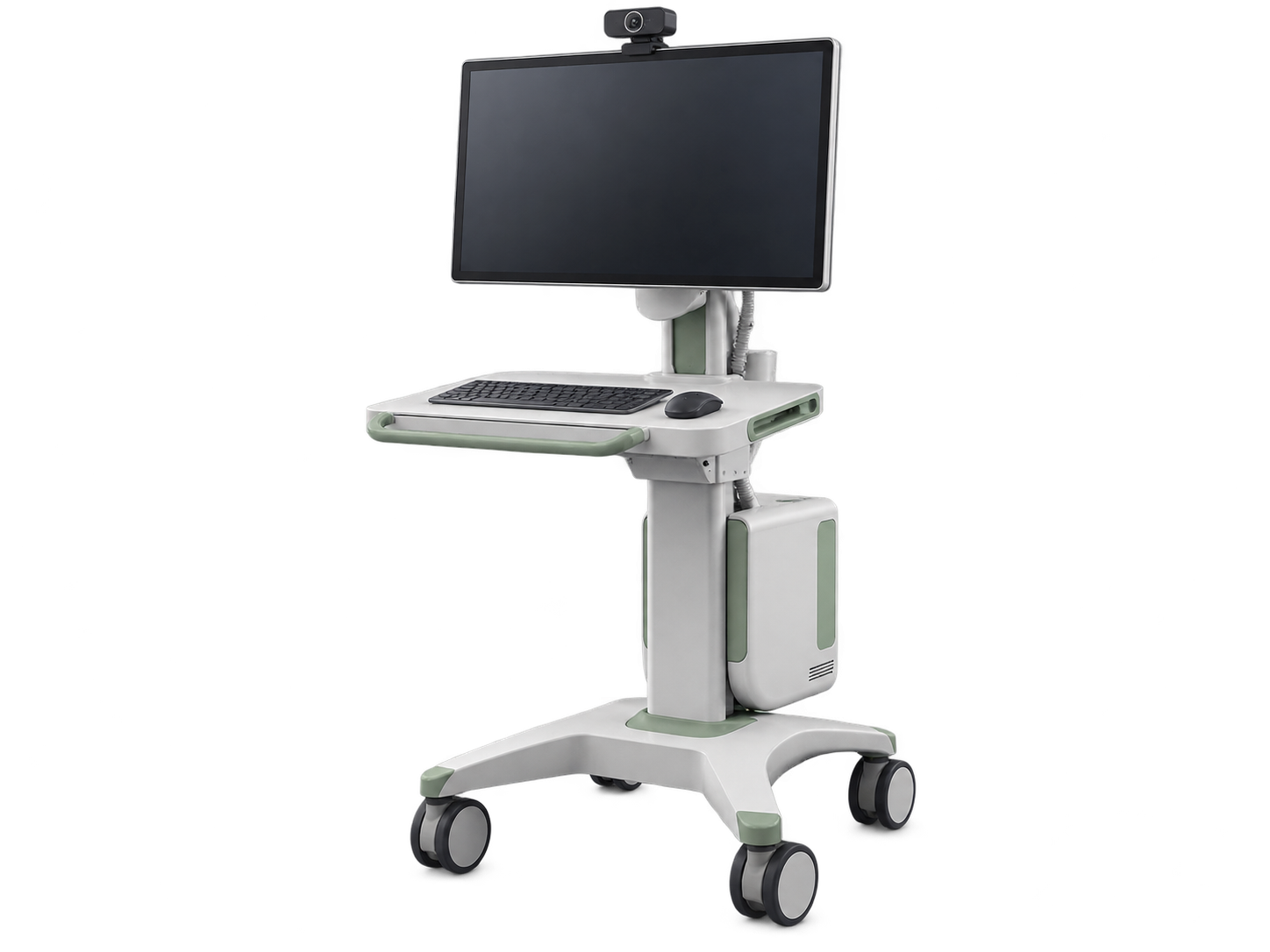

Buy Clinical IT Infrastructure in Nigeria.
Buy clinical IT infrastructure in Nigeria through Franance across four practical roles: point-of-care computers, mobile clinical workstations, telemedicine carts and medical network switches. Compare ten assigned products by their actual use, specify the systems and site they must work with, then request a quote order for configuration and commercial follow-up.
Browse this range
Products
12 models
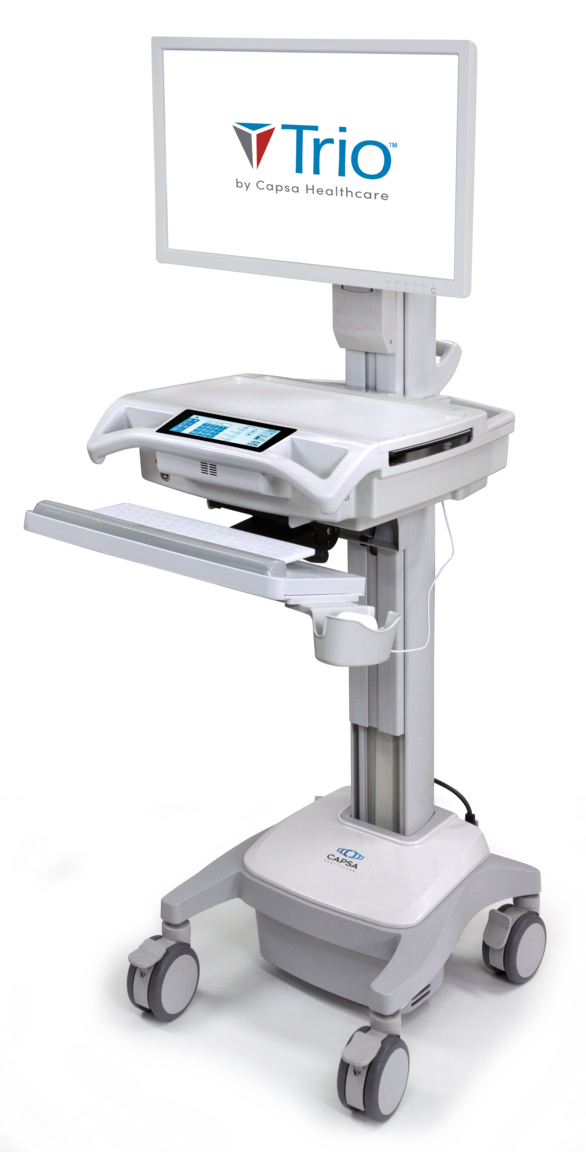
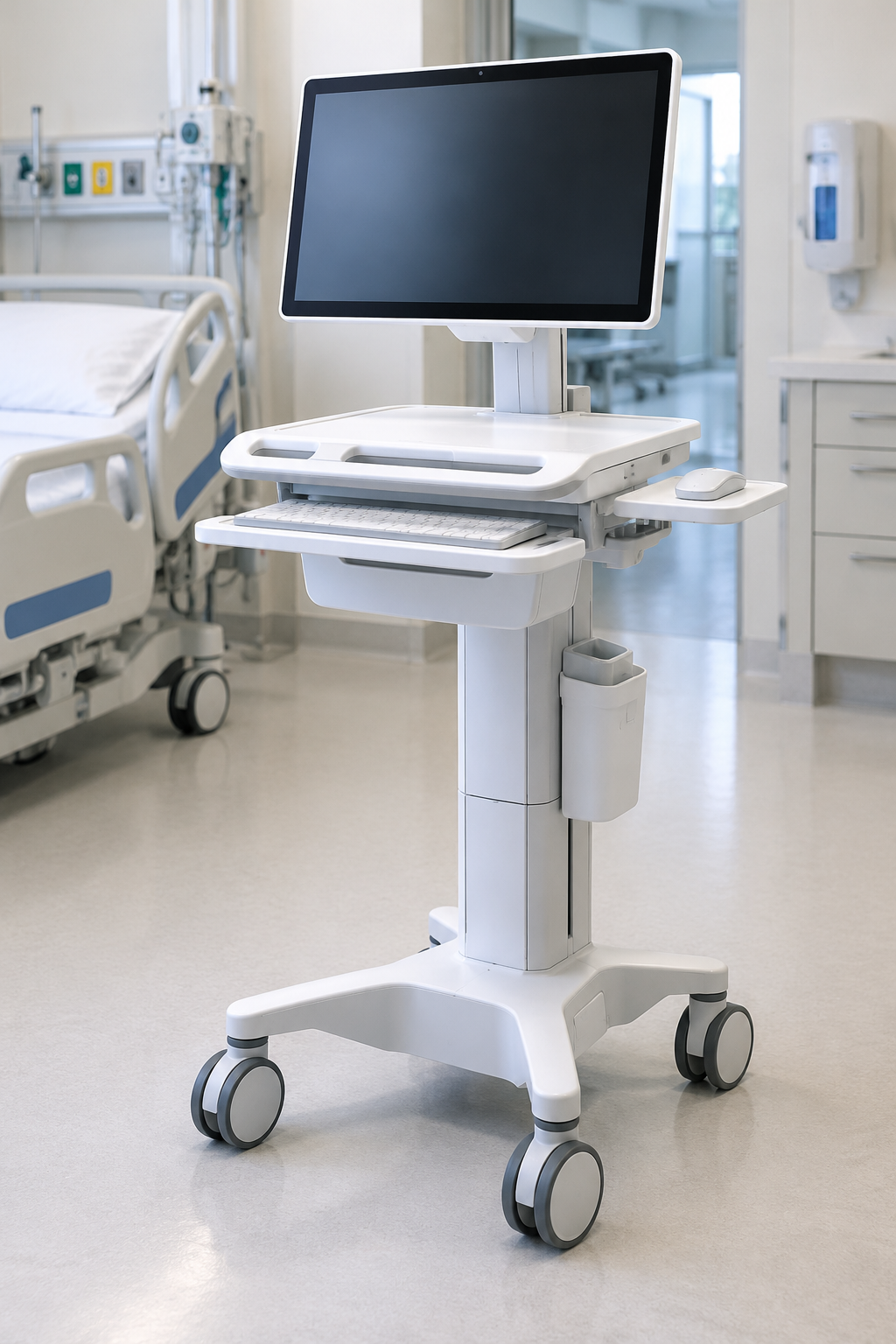
Trio Mobile Clinical Computing Workstation
Powered mobile clinical computing workstation platform
Price on request

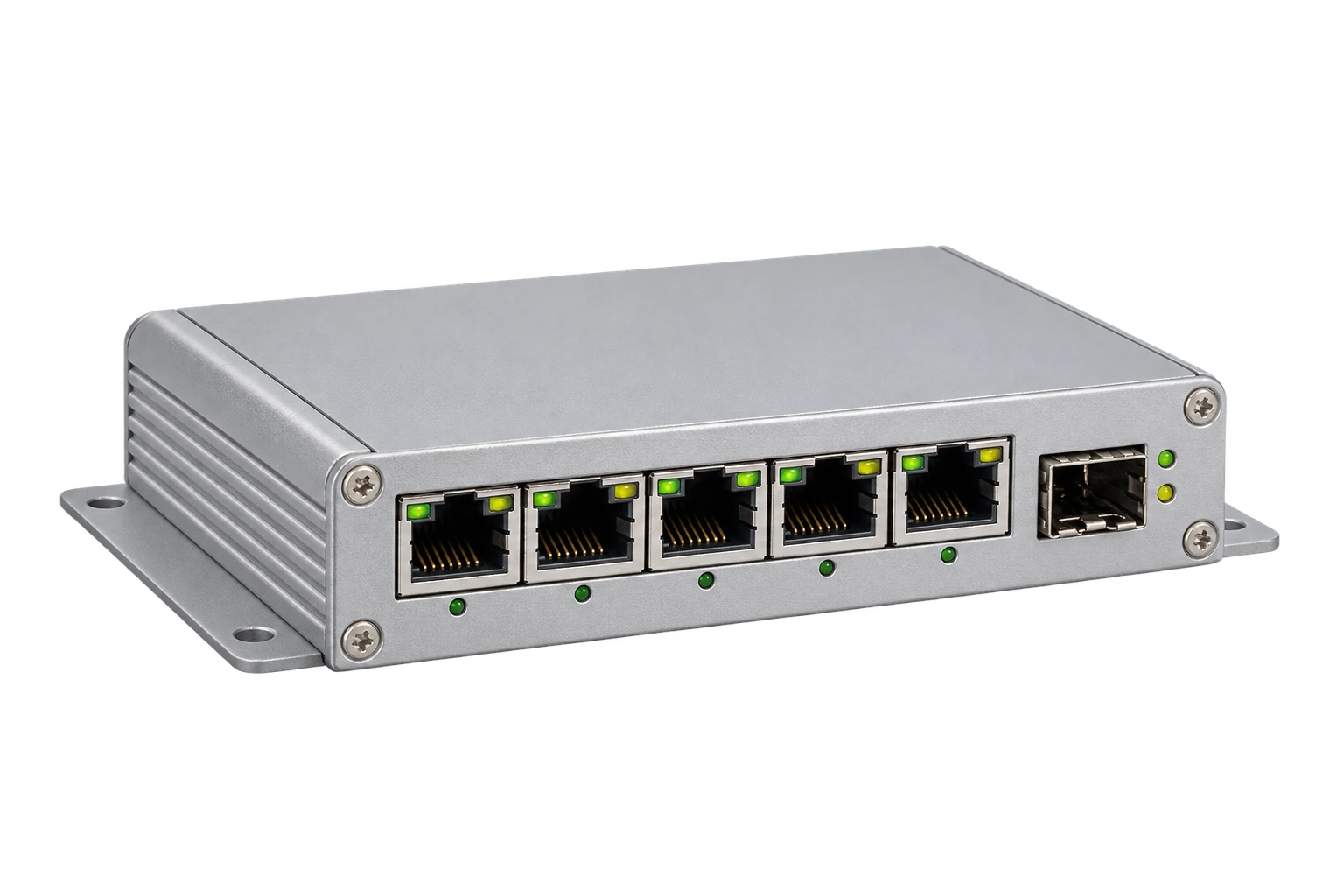
MS445186PM-48G6+ Medical Gigabit Ethernet Switch
Managed medical Gigabit Ethernet switch
Price on request
Where can I buy clinical IT infrastructure in Nigeria?
Start with Franance's clinical IT infrastructure listings and identify the part of your workflow you are equipping. This parent currently contains two Advantech point-of-care computers, three Capsa mobile workstations, three Capsa telemedicine carts and two MICROSENS medical micro-switches. The four groups are not interchangeable, and each needs a different technical review.
Read moreWhich clinical IT products does Franance list?
The current assignment contains ten models across four child categories. Point-of-care computers are the Advantech POC-421 and Advantech POC-424. Mobile workstation platforms are the Capsa Trio Mobile Computing Workstation, Capsa Trio LT model details and Capsa Trio NP.
Read moreBuy Advantech point-of-care computers in Nigeria
The POC-421 and POC-424 are medical all-in-one computers listed for point-of-care and nursing-cart workflows. Advantech's model pages describe different display sizes: POC-421 at 21.5 inches and POC-424 at 23.8 inches. Screen size is only one part of the selection. Check the exact hardware generation and ordering code, processor, memory, storage, operating system, touch behavior, network and peripheral interfaces, mounting, optional modules and power arrangement against the current documentation for the offered unit.
Read moreBuy Clinical IT Infrastructure in Nigeria
Franance lists ten clinical IT infrastructure products across four equipment roles: medical point-of-care computers, mobile clinical computing workstations, telemedicine carts and medical network switches. These products solve different parts of a hospital's digital workflow; a cart is not an EHR, a computer is not an integration project, and a network switch does not establish end-to-end interoperability on its own. Browse the exact child category and model, define the systems and site where it will operate, then submit a quote order. Franance follows up by phone or email to confirm configuration, availability and commercial terms; the website does not take online payment. Use the clinical IT infrastructure category to review the parent catalogue, or go directly to medical-grade computers, hospital clinical workstations, telemedicine carts and hospital-grade network switches. A product listing does not confirm software compatibility, local stock, installation, regulatory status or service coverage. Confirm those points for the exact configuration in writing.
Where can I buy clinical IT infrastructure in Nigeria?
Start with Franance's clinical IT infrastructure listings and identify the part of your workflow you are equipping. This parent currently contains two Advantech point-of-care computers, three Capsa mobile workstations, three Capsa telemedicine carts and two MICROSENS medical micro-switches. The four groups are not interchangeable, and each needs a different technical review.
For a facility rollout, define the intended users and departments, existing EHR or HIS and version, network owner, device-management policy, power availability, cleaning process, mounting or mobility requirements, number of sites and the person responsible for acceptance. Franance can use those details to follow up on a quote order and clarify the exact manufacturer configuration. If the requirement spans endpoint hardware, carts, network changes and software integration, identify which work is supplied by each party before comparing proposals.
Which clinical IT products does Franance list?
The current assignment contains ten models across four child categories. Point-of-care computers are the Advantech POC-421 and Advantech POC-424. Mobile workstation platforms are the Capsa Trio Mobile Computing Workstation, Capsa Trio LT model details and Capsa Trio NP.
Telehealth and telemedicine carts are the Capsa Tryten X1, Capsa Tryten S1 tablet cart and Capsa CareLink Telemedicine Cart. Network equipment is the MICROSENS MS445186PM-48G6+ and MICROSENS MS445209PM-48G6+. The exact category and model links help keep evaluation within the product's intended role.
Buy Advantech point-of-care computers in Nigeria
The POC-421 and POC-424 are medical all-in-one computers listed for point-of-care and nursing-cart workflows. Advantech's model pages describe different display sizes: POC-421 at 21.5 inches and POC-424 at 23.8 inches. Screen size is only one part of the selection. Check the exact hardware generation and ordering code, processor, memory, storage, operating system, touch behavior, network and peripheral interfaces, mounting, optional modules and power arrangement against the current documentation for the offered unit.
Browse the filtered POC-421 listing or POC-424 listing, then use the medical-grade computer category to compare both. Advantech's POC-421 documentation and POC-424 product page are revision-sensitive references. Some family material reflects different processor generations, so do not combine specifications from separate revisions into one assumed bill of materials.
Before a quote, map the computer to the actual clinical application and peripherals. A physical USB, LAN or serial port does not by itself establish that a barcode reader, printer, vital-signs device or other application will work. Ask the software vendor to confirm its supported operating system and hardware; ask the supplier to identify the exact part and options, and have facility IT and biomedical engineering review the proposed connections and intended location.
Buy Capsa mobile clinical workstations in Nigeria
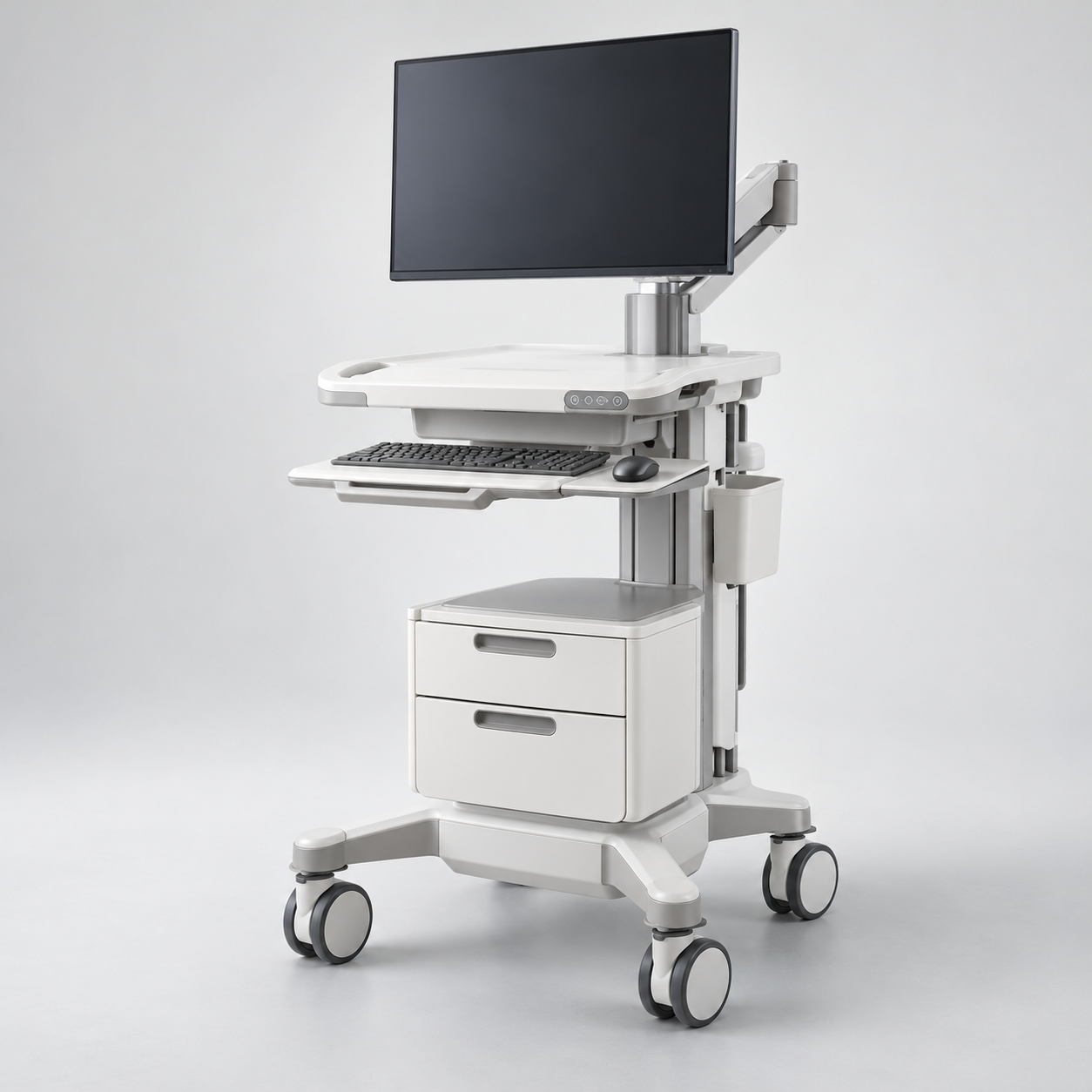
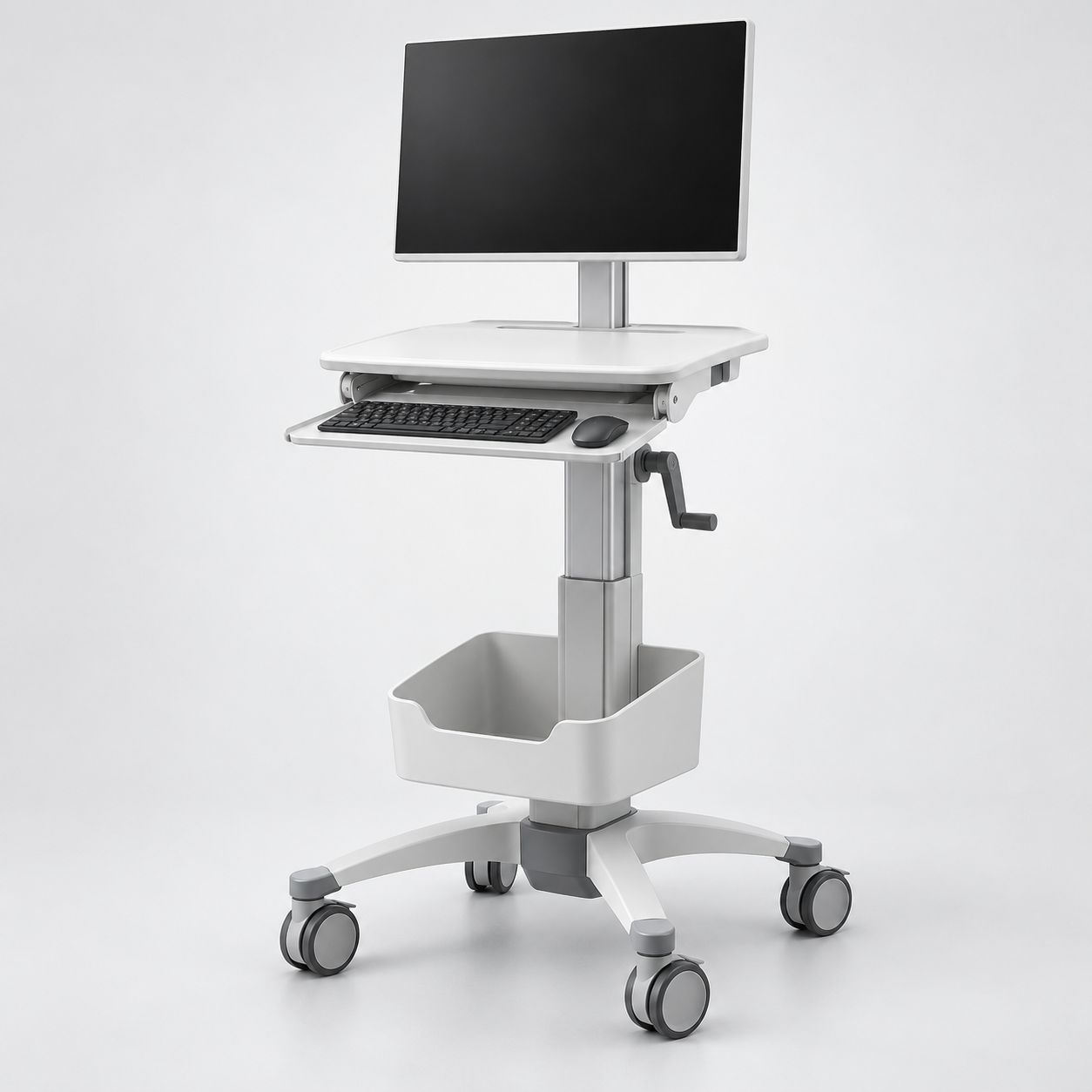
Capsa's Trio family provides mobile work-surface and computer-cart platforms, with distinctions that matter for procurement. The standard Trio listing is a configurable mobile computing workstation, the Trio LT is a powered workstation, and the Trio NP is a non-powered platform. Do not treat the names as equivalent bundles: specify whether the quote includes the computer and display, lift, battery or other power system, monitor mount, keyboard, scanner, storage, accessories, fleet-management options, assembly and training. Capsa's Trio workstation information, Trio LT page and Trio NP page describe the respective platforms; confirm the current regional configuration and terms.
Review the Trio Mobile filtered listing, the Trio family listing, and the Trio NP filtered listing. The current site search matches LT as a substring inside “clinical,” so a query for Trio LT cannot uniquely isolate that product. Use the Trio LT catalogue listing for its exact record. For powered models, estimate the connected computer, display and peripheral load, duty cycle, charging location and expected runtime with the supplier. For a non-powered workstation, define where the facility will source and mount the computer and how cords, charging and peripherals will be managed. In either case, confirm cart dimensions, height adjustment, wheel and brake requirements, load limits, storage and routes through doors, lifts and corridors.
Buy Capsa telemedicine carts in Nigeria
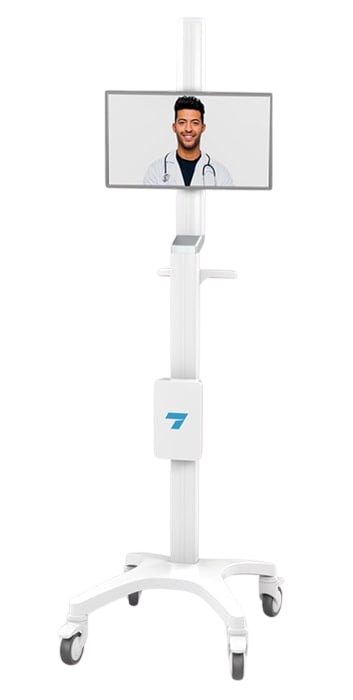
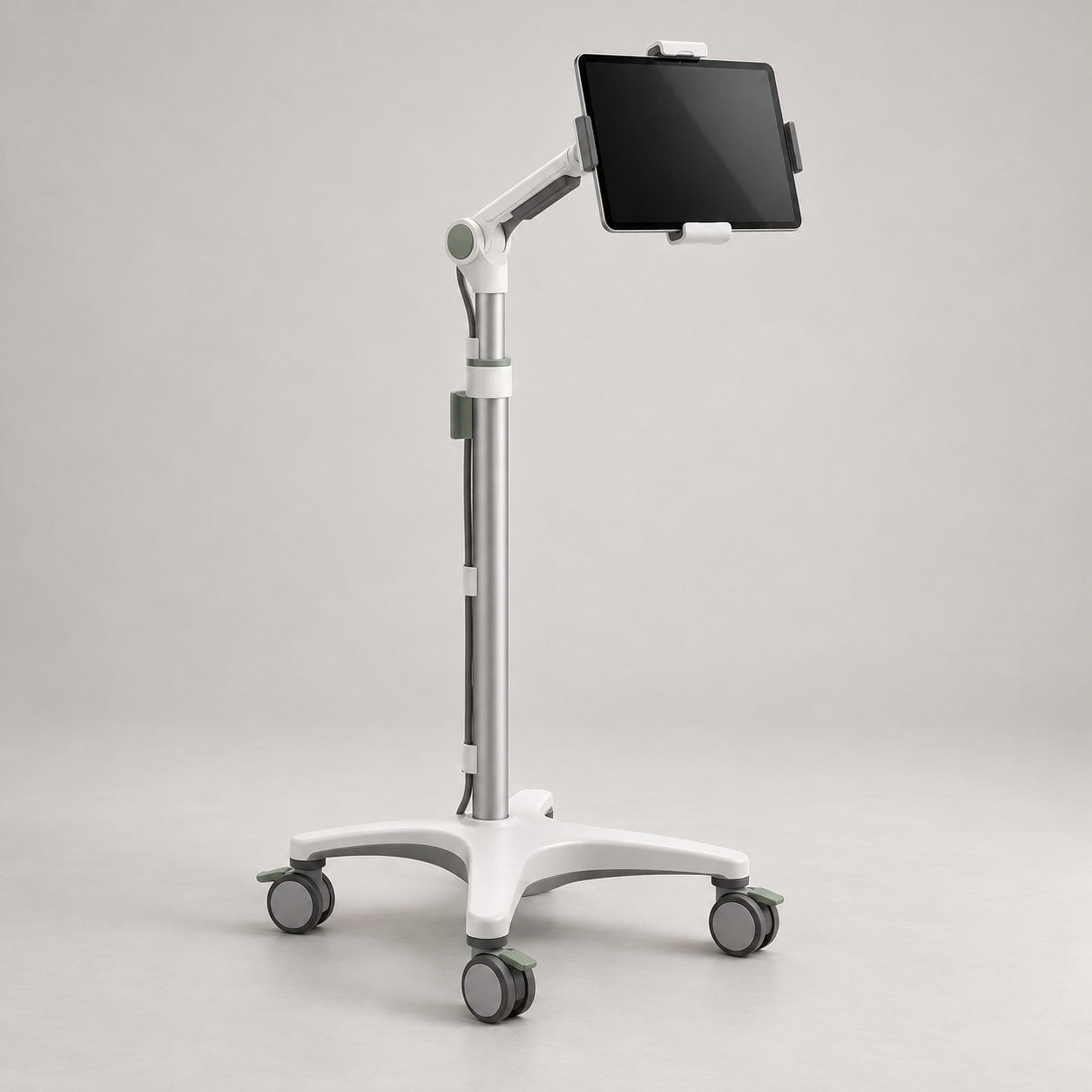
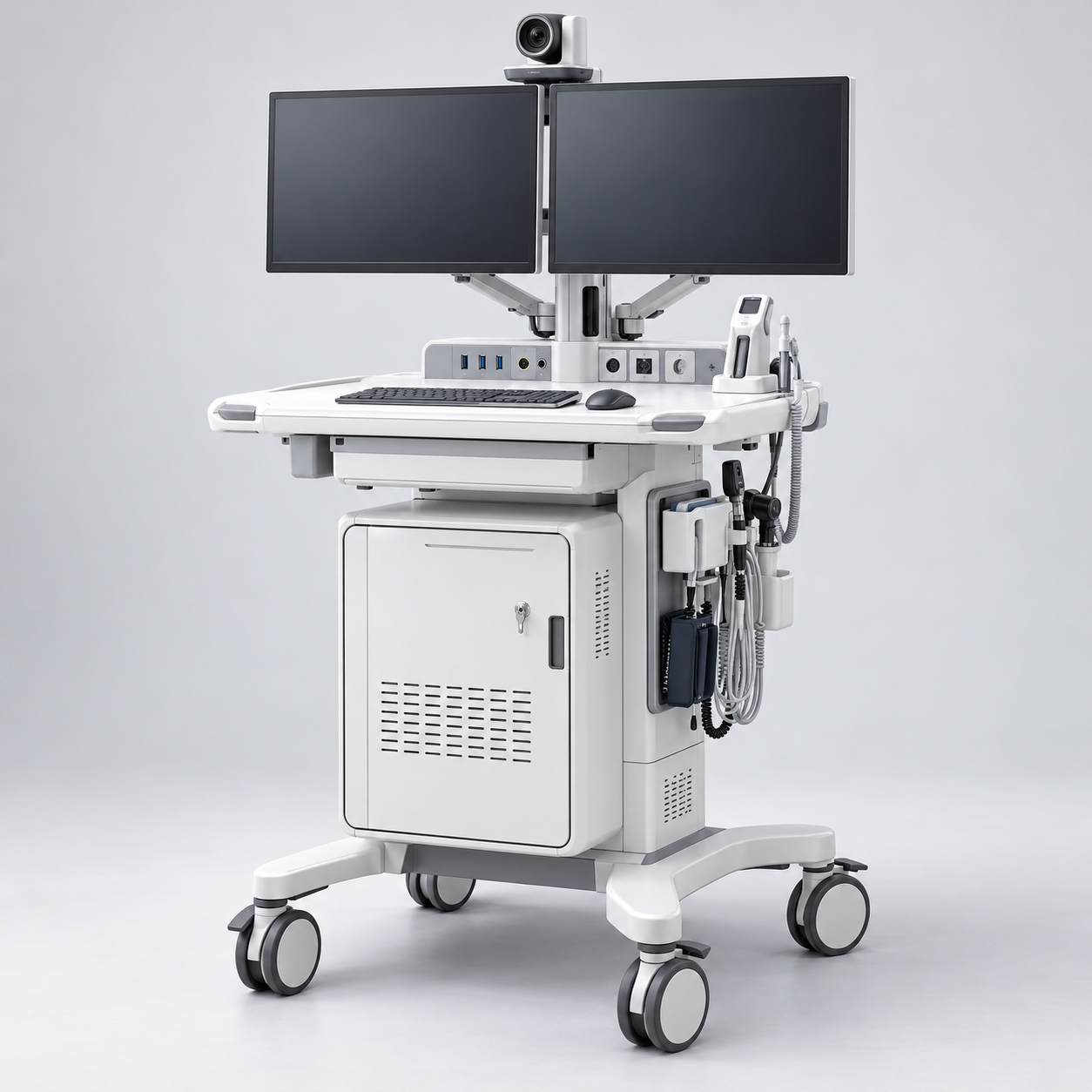
These three listings serve different telehealth setups. The Tryten X1 is a monitor-cart platform; the Tryten S1 is a tablet cart; CareLink is a configurable telemedicine cart for virtual-care and diagnostic-peripheral workflows. A cart provides a mounting and mobility base, but the exact conferencing software, camera, audio, display, clinical peripheral, network service and remote-consult workflow need to be specified separately unless the written quote explicitly includes them.
Open the Tryten X1 listing, Tryten S1 listing or CareLink listing. Capsa's Tryten X1 page, Tryten S-series information and CareLink product brochure describe manufacturer product families and configuration options. Confirm current mount, device size, display and peripheral support for the selected cart and the exact video-conferencing equipment you plan to deploy.
For a multi-site telehealth project, record room and corridor widths, lift and threshold constraints, parking and charging locations, privacy requirements, camera position, microphone and speaker needs, cable paths and network coverage. List any diagnostic peripherals and their software, interface and cleaning requirements. Ask the supplier to clarify whether the proposal covers cart hardware only or also computer/tablet, conferencing components, peripheral integration, installation, user orientation and ongoing technical support.
Buy MICROSENS medical network switches in Nigeria
The two MICROSENS assignments are managed six-port medical micro-switches, but their port and uplink configurations differ. The MS445186PM-48G6+ listing is the TP G6 configuration; MICROSENS describes a PoE+ powered-device uplink and five copper Ethernet ports. The MS445209PM-48G6+ listing is the G6 configuration with a listed SFP slot and five copper Ethernet ports. Check the precise part, port mapping, uplink, power supply, mounting and firmware in the manufacturer's current documentation before specifying a network design.
MICROSENS describes designated isolated RJ45 user ports and management/security capabilities for the product family. Those manufacturer statements are not a substitute for checking the documentation and installation conditions applicable to the exact part and connected equipment. Do not assume an advertised isolated port supports every device connection, or that the presence of VLAN, 802.1X, RADIUS or SNMP features means these have been configured for your hospital. The TP G6 manufacturer page and G6 manufacturer page help distinguish the models.
Have the hospital network team define which endpoints connect to each port, whether PoE is needed and supported, the VLAN and access-control plan, uplink medium and speed, management address, credentials, firmware policy, logging, monitoring, redundancy and physical mounting. Verify the local power source, compatible supply, protective earthing and environmental conditions with qualified facilities and electrical personnel. Treat network change approval and test evidence as part of the implementation scope, not as an assumed feature of the switch.
How should I plan interoperability between clinical devices and hospital systems?
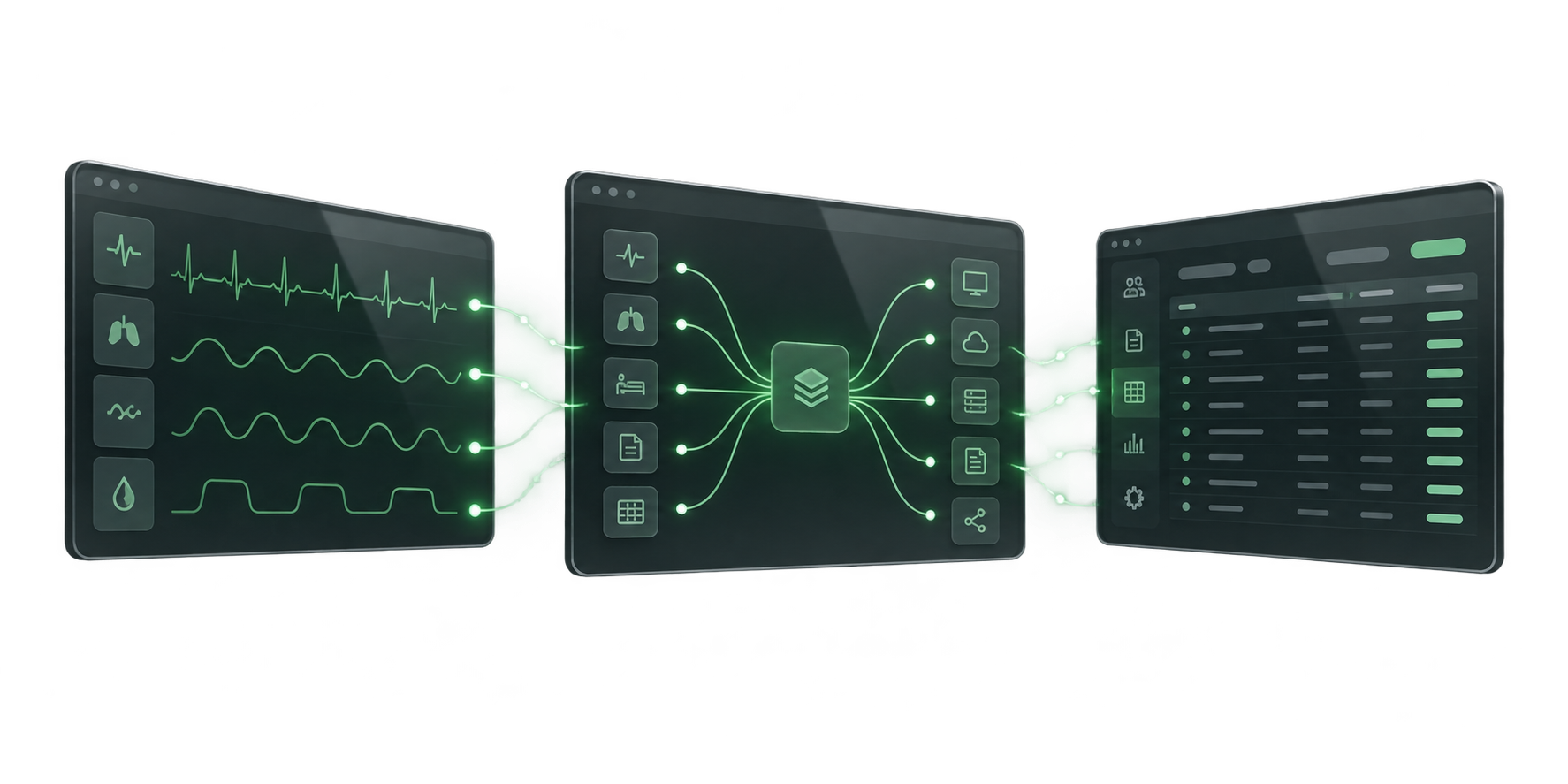
Interoperability is a system property, not a promise conveyed by a hardware category name. A workstation may host an EHR client, a telehealth cart may connect video and diagnostic peripherals, and a managed switch may carry network traffic, but the product listing does not establish that the complete workflow works with a particular hospital system. Start by drawing the intended data and control path: endpoint, application, identity service, network segment, server or cloud service, and any clinical device or peripheral. Name the system owner and technical contact for each connection.
For clinical applications, collect the supported operating systems, device and browser requirements, identity and login method, network ports and services, printer or scanner drivers, software licensing and update policy. For connected clinical systems, ask each vendor for the exact interface specification, supported versions and any required integration component. HL7's FHIR overview explains FHIR as a standard for electronic healthcare information exchange, but naming FHIR in a project brief does not make a product or workflow FHIR-compatible. Confirm the implementation guide, profiles, authentication, terminology, fields and tested use case with the relevant software vendors.
Similarly, a network link only transports traffic according to its design. Confirm addressing, VLANs, access control, firewall rules, wireless coverage, time synchronization, DNS, certificate and credential handling, monitoring, backup or failover needs, and who maintains the configuration. Use a test plan with named systems and versions, expected results, rollback steps and sign-off roles. Do not send patient data through a proposed service or remote support path until the facility has reviewed the data flow and approved the arrangement.
What site, power and deployment details should I prepare?
For fixed or mobile computers, provide available network ports or wireless requirements, mounting type, desk or cart dimensions, peripheral list, power outlet location and expected cleaning routine. For workstation carts, record route measurements from storage to point of use, including doorways, narrow corridors, lifts, ramps and thresholds. Identify whether the cart must park and charge in a particular location, who is responsible for batteries, and the expected shift or usage pattern. Check the weight and dimensions of the exact populated configuration rather than relying on an empty frame measurement.
For telemedicine carts, map the intended rooms, patient-facing camera position, display orientation, privacy needs, audio environment, video service, diagnostic peripherals, network coverage and cable management. For switches, share the current network diagram, endpoint and port schedule, uplink details, rack or medical-rail mounting plan, power source and switch-management policy. If several products are part of one project, define the hand-offs among IT, biomedical engineering, facilities, infection prevention, clinical users and the integration supplier.
The World Health Organization's technical-specification user guide recommends clear technical requirements to support procurement and maintenance planning. Apply that discipline here: specify the actual work, fit, installation and service needs rather than relying on generic labels such as “medical grade” or “telehealth ready.” Manufacturer specifications can vary by revision, region and options, so the quotation should attach or identify the documentation matching the part number being offered.
What should a Nigeria clinical IT quotation include?
Send Franance the exact manufacturer, model and quantity, plus the facility name, Nigerian delivery city and state, intended department, installation site and required date. Describe the workflow and systems the product must work with, including the software name and version, network owner, peripherals, interfaces, user count and number of sites. For computers, specify processor, memory, storage, operating system, display and options. For carts, specify computer/display responsibility, power or battery configuration, mounts, storage and accessories. For a switch, include the port schedule, uplink, PoE needs, mounting, power and configuration scope.
Ask the written quotation to itemize hardware and exact part numbers, software and license terms, required options, compatible power supply, shipping, installation, commissioning, testing, training, warranty, maintenance and support. Request the evidence and acceptance criteria for any claimed technical, electrical, interface or service requirement; avoid accepting a family brochure as proof for a different revision. State what is excluded, who configures the EHR or telehealth application, who approves network changes, and how faults are escalated after handover. Request confirmation of Nigerian availability, lead time, taxes, payment schedule, delivery terms and local service arrangements rather than assuming them from a product page.
Franance's site uses a quote-order process rather than online checkout. Submit the clinical IT infrastructure quote request with your models, quantities, destination and technical scope. Franance can then follow up by phone or email to clarify configuration and commercial details.
What should I avoid assuming when comparing clinical IT products?
Do not compare a computer with a complete powered cart, or a tablet trolley with a telemedicine platform. Do not assume that software, screens, batteries, peripherals, mounting hardware, cables, installation, configuration or training are included because an illustration shows them. Do not assume that a manufacturer's family-level feature applies to every part number, that matching port types prove application compatibility, or that standards references prove an installed system has been assessed for your specific use.
Also avoid assuming Nigerian stock, pricing, delivery date, regulatory status, warranty applicability or local service based on an international webpage. Use the exact model and revision, current manufacturer documents, facility-specific requirements and itemized supplier response to resolve those questions. This guide is procurement information; final technical, clinical, electrical, cybersecurity and regulatory decisions belong to the responsible facility teams and qualified suppliers.
Sources and limitations
Manufacturer references used for product identity and configuration include Advantech's POC-421 and POC-424 pages; Capsa Healthcare's Trio, Trio LT, Trio NP, Tryten X1, Tryten S series and CareLink brochure; MICROSENS' TP G6 and G6 pages; HL7's FHIR overview; and WHO's medical-device technical-specification guide.
These sources do not establish that a specific configuration is currently available in Nigeria, that it works with a named hospital application or network, or that a local installation meets a regulatory or clinical requirement. Confirm the offered revision, compatible accessories, interfaces, power arrangement, supply terms and project responsibilities in the quote and supporting documentation.
Common questions
What products are included in clinical IT infrastructure?
The current Franance parent category assigns ten products across point-of-care computers, mobile clinical workstations, telemedicine carts and medical network switches. Use the child category and exact brand/model filters to review each listing.
Does a telemedicine cart include conferencing software and diagnostic equipment?
Not automatically. Specify the cart, computer or tablet, display, camera, audio, conferencing service, diagnostic peripherals, network and integration scope, and ask for each included item to be listed in writing.
Are the Capsa Trio, Trio LT and Trio NP the same configuration?
No. The current product information distinguishes a configurable Trio platform, a powered Trio LT and a non-powered Trio NP. Confirm the exact cart, lift, battery, computer, display, storage and accessory configuration.
Does FHIR mean the listed equipment will interoperate with our hospital system?
No. HL7 FHIR is a healthcare information-exchange standard, but interoperability depends on the exact software implementations, profiles, versions, authentication, interfaces, configuration and tested workflow. Confirm compatibility with the system vendors.
Can I buy clinical IT products online from Franance?
No online payment is taken. Submit a quote order with the models, quantities, facility location, system interfaces, site and configuration requirements; Franance will follow up by phone or email.
What should I provide for a clinical IT quotation in Nigeria?
Include exact model and quantity, delivery city and state, intended workflow, software and system versions, peripherals, network design, power, mounting or route measurements, installation, testing, training, warranty and service requirements.
Request a clinical IT infrastructure quotation from Franance.
Send the exact models and quantities, facility and destination, intended workflow, existing software and system versions, peripherals, network and power requirements, site measurements, installation and acceptance scope, training, warranty and support needs. Ask for an itemized response that confirms exact part numbers, options, compatibility basis, availability, price, lead time and exclusions.
Request a clinical IT quoteNeed an equipment quote?
Add the models you need to a quote order, or send us your equipment list.