
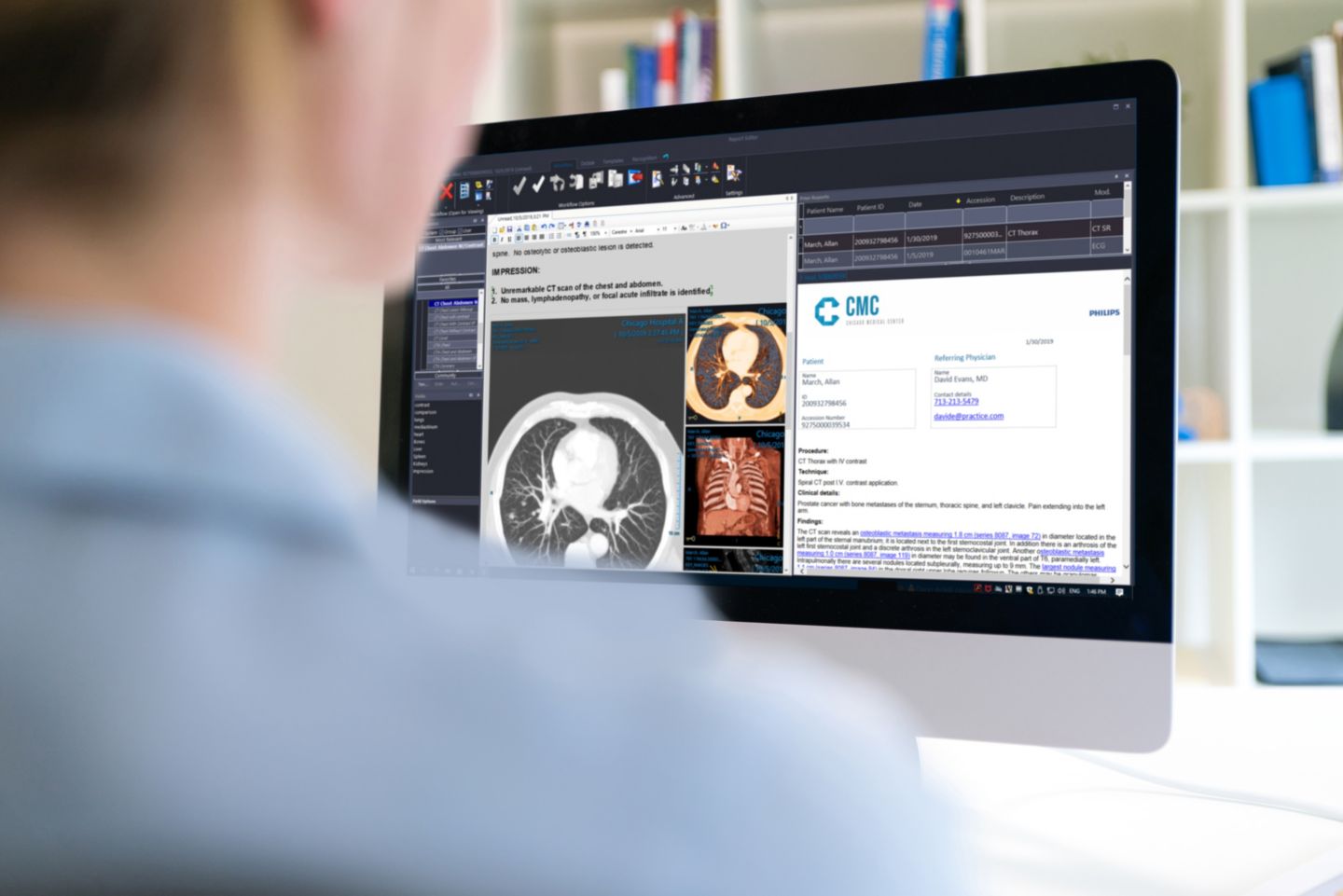
Philips Image Management PACS and Diagnostic Workspace
Server-based PACS software and diagnostic reading platform
Price on request

Medical equipment and biomedical engineering.
Abuja, Nigeria.
Compare tele-radiology reporting and imaging-workflow software listed by Franance for Nigerian hospitals, imaging centres and distributed reading teams. The current category has four assigned products from Philips, Siemens Healthineers, RamSoft and Sectra. Define the workflow, interfaces, deployment, security, network and licensed scope first; then request a written quotation for the exact modules and implementation responsibilities.
4 models
Server-based PACS software and diagnostic reading platform
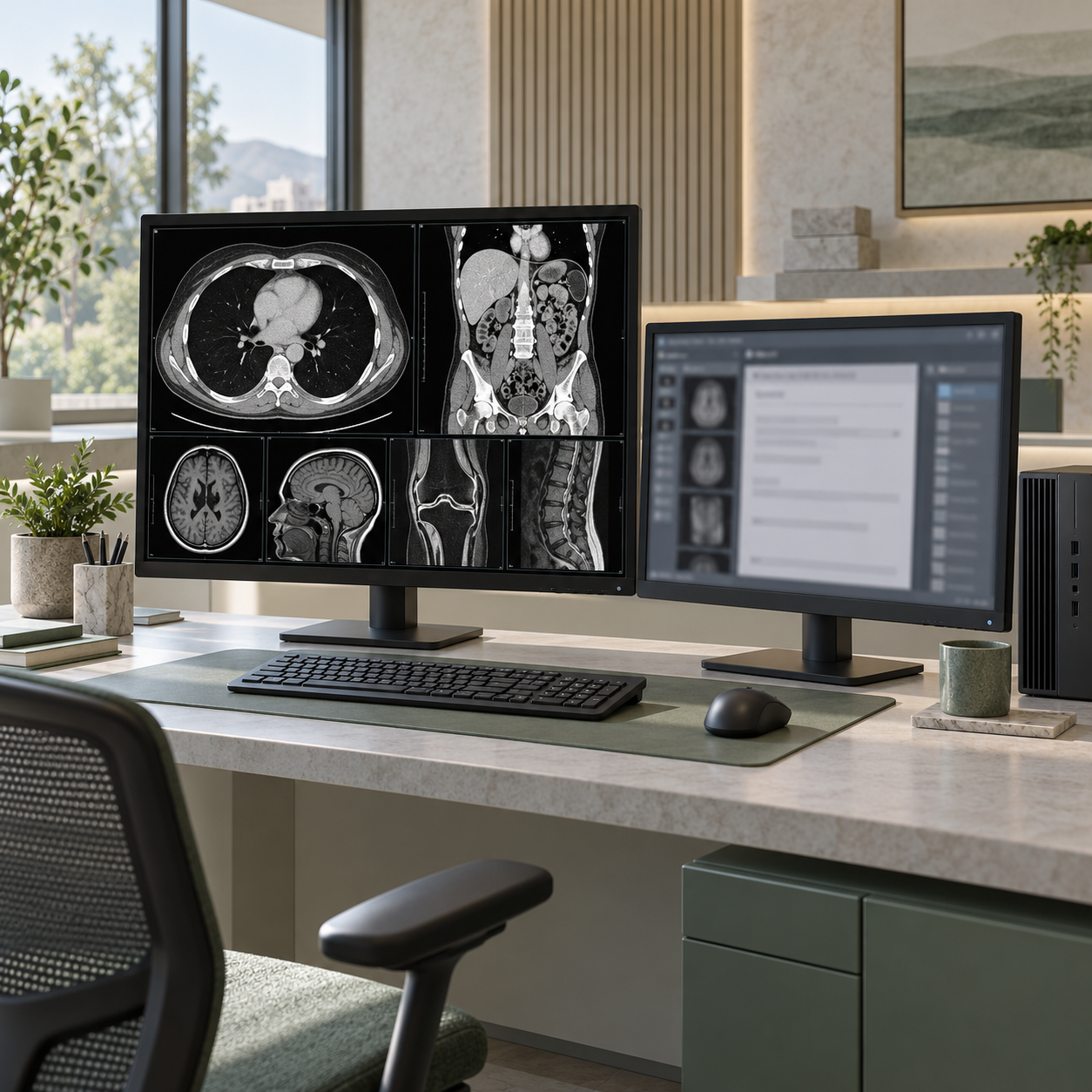
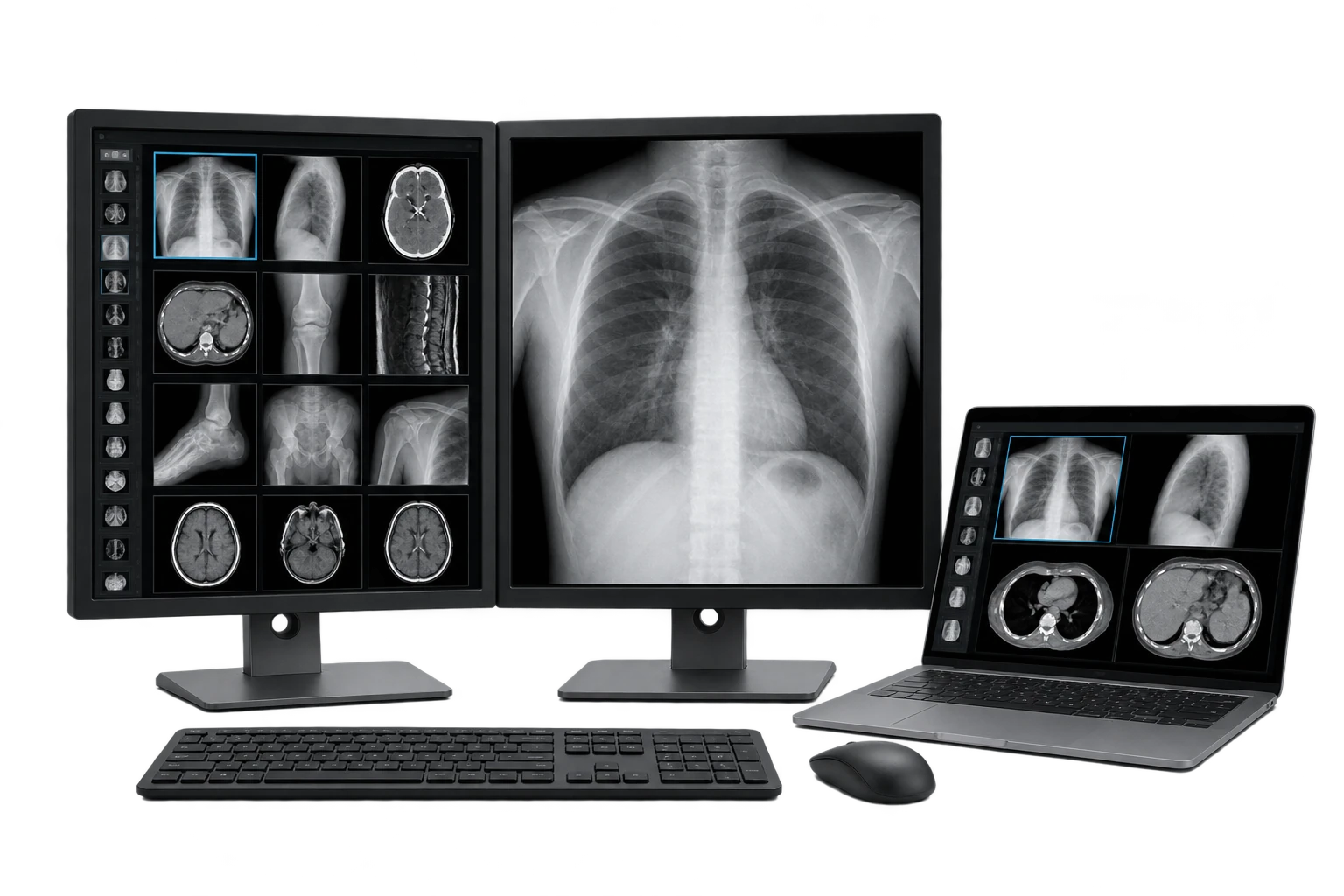
Teleradiology workflow and remote imaging access software
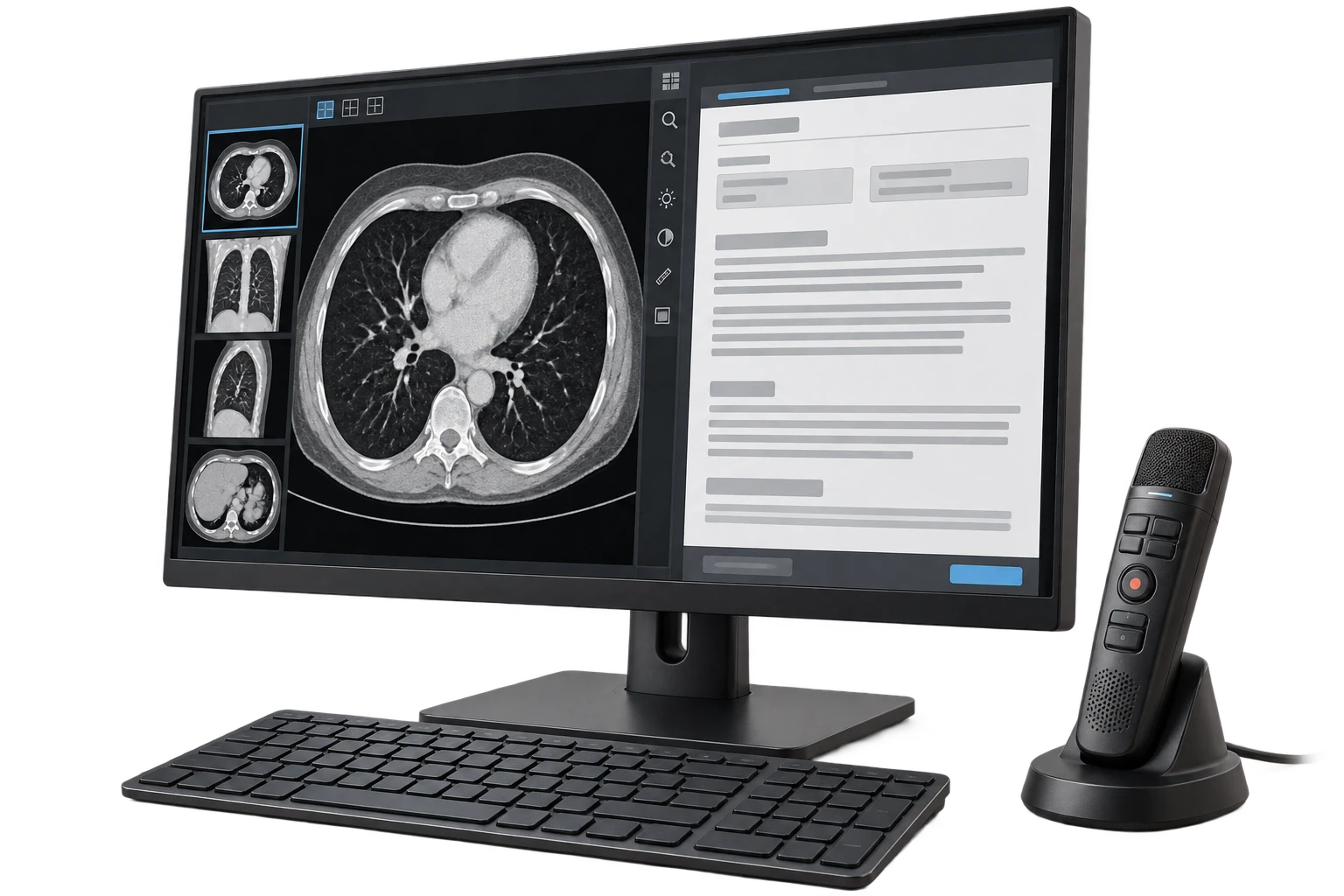
Franance’s Tele-Radiology Reporting catalogue currently contains Philips Image Management, Siemens Healthineers syngo Carbon Actionable Reporting, RamSoft PowerServer TELE PLUS and Sectra Reporting. Their names point to different kinds of capabilities: integrated PACS and diagnostic workspaces, enterprise reporting, teleradiology-oriented platforms and reporting software. Treat each as a separate proposal to scope, not as a standard package with identical features.
Read moreThe four assigned catalogue records are Philips Image Management, Siemens Healthineers Syngo Carbon Actionable Reporting, RamSoft PowerServer TELE PLUS and Sectra Reporting. Each manufacturer describes a distinct product family or module, and the catalogue records do not specify a complete implementation bill of materials. Confirm current branding, module name, release, hosting model, licence basis and required dependencies in the vendor quotation.
Read morePhilips describes Radiology Image Management PACS Diagnostic Workspace as a radiology image management and PACS environment with reporting, advanced visualization and AI-enabled insights. Its product page also discusses workflow orchestration and integration of diagnostic reporting within the PACS workspace. Those are Philips’s descriptions of the product family; a buyer should still identify the exact licensed applications and release needed for a particular facility.
Read moreHospitals, diagnostic centres and distributed radiology groups use imaging software to move studies through intake, image review, reporting, sign-off and result distribution. The right scope depends on the workflow and systems already in place. Franance lists four products in its tele-radiology reporting category and accepts quotation requests for them. Send your architecture and workflow requirements so the proposed software, modules and implementation work can be checked against your actual environment. These listings are software products. They do not include radiologist staffing, outsourced image interpretation, a promised turnaround time or clinical coverage. Nor does a category assignment confirm that two systems connect or that a product is available in Nigeria. Before procurement, ask the vendor to confirm the exact product version, licensed modules, hosting arrangement, interface scope, security responsibilities and commercial availability in writing.
Franance’s Tele-Radiology Reporting catalogue currently contains Philips Image Management, Siemens Healthineers syngo Carbon Actionable Reporting, RamSoft PowerServer TELE PLUS and Sectra Reporting. Their names point to different kinds of capabilities: integrated PACS and diagnostic workspaces, enterprise reporting, teleradiology-oriented platforms and reporting software. Treat each as a separate proposal to scope, not as a standard package with identical features.
The category sits under Imaging IT and Viewing. The broader PACS Workstation and Viewing Software category covers adjacent viewing and workstation intent. Philips Image Management appears in both categories in the catalogue because its assigned equipment taxonomy includes PACS server, PACS workstation and tele-reporting. This overlap helps buyers find a shared product from different starting points; it does not mean the software is exclusively a teleradiology platform.
The four assigned catalogue records are Philips Image Management, Siemens Healthineers Syngo Carbon Actionable Reporting, RamSoft PowerServer TELE PLUS and Sectra Reporting. Each manufacturer describes a distinct product family or module, and the catalogue records do not specify a complete implementation bill of materials. Confirm current branding, module name, release, hosting model, licence basis and required dependencies in the vendor quotation.
Use these filtered listings to inspect each product in the category: Philips Image Management, Siemens syngo Carbon Actionable Reporting, RamSoft PowerServer TELE PLUS and Sectra Reporting. The current brand, category and query combination returns the corresponding record for each link.
Philips describes Radiology Image Management PACS Diagnostic Workspace as a radiology image management and PACS environment with reporting, advanced visualization and AI-enabled insights. Its product page also discusses workflow orchestration and integration of diagnostic reporting within the PACS workspace. Those are Philips’s descriptions of the product family; a buyer should still identify the exact licensed applications and release needed for a particular facility.
The local product record is titled Philips Image Management. It is assigned to multiple Imaging IT categories, so it should not be read as a separate tele-reporting-only product. Ask Philips or the proposed supplier to map the required functions—image management, worklist, reporting, viewer, archive, advanced visualization, analytics or other modules—to the actual offer. Confirm whether those components are included, optional, separately licensed or dependent on other Philips systems.
- View Philips Image Management in the tele-reporting listing
- Open Philips Image Management catalogue listing)
- Read Philips’s Diagnostic Workspace overview
Siemens Healthineers describes syngo Carbon as an enterprise imaging and reporting solution. Its Actionable Reporting material covers radiological reading and reporting, structured report templates, report creation and sharing. The exact module and version in the catalogue entry are intentionally left to confirm. Ask for the current module name, supported releases, system prerequisites, reporting workflows and market-specific commercial availability before selecting it.
For technical review, request a product-specific description of where reports are authored, how image references and report data move, how users sign or amend a report, and how final results reach referring systems. Confirm whether the requested project also needs PACS, image viewing, AI, data management, interfaces, migration or other components. The label “Actionable Reporting” alone does not define those boundaries.
- View Siemens syngo Carbon in the tele-reporting listing
- Open the Siemens syngo Carbon catalogue listing)
- Read Siemens Healthineers’s Actionable Reporting information
RamSoft identifies PowerServer TELE PLUS as a PowerServer offering geared exclusively for teleradiology. The vendor’s PowerServer overview describes the wider product family as a radiology platform covering imaging operations and workflow. Check the precise TELE PLUS scope and the current deployment choices with RamSoft. A family-level description should not be used to assume that every PowerServer module or integration is part of TELE PLUS.
In your requirements, specify the sending and reading locations, reader groups, modalities, study volumes, worklist rules, reporting stages and distribution needs. Ask for the vendor’s current deployment architecture, hosting location, licence metric, network requirements, storage and retention scope, interface specifications, support model and project responsibilities. Confirm whether migration, training, testing, security review and ongoing hosting are included or quoted separately.
- View PowerServer TELE PLUS in the tele-reporting listing
- Open the PowerServer TELE PLUS catalogue listing)
- Read RamSoft’s PowerServer overview
Sectra describes Sectra Reporting as an add-on integrated with its IDS7 diagnostic application. Its product information covers templates and forms, reporting workflows, navigation and result distribution. The vendor also describes EMR integration options for reports. These functions are tied to Sectra’s own application context; do not assume that the add-on can be attached to an unrelated PACS or viewer without explicit vendor confirmation.
Ask whether your facility’s Sectra environment meets the exact host-system and release requirements. Define which templates, worklists, dictation or speech functions, report signing roles, distribution destinations and user groups are in scope. Request an integration plan for each required connection and a demonstration using representative, de-identified workflow scenarios approved by your organization.
- View Sectra Reporting in the tele-reporting listing
- Open the Sectra Reporting catalogue listing)
- Read Sectra’s Reporting overview
Write down how a study travels from order to report. Identify who registers the patient and order, which modality acquires the images, how images and worklists reach the reading team, how cases are prioritized, who prepares and signs the report, and where the approved report and images are made available. Include corrections, addenda, urgent communication, rejected or incomplete studies, outages and handover between shifts. This map gives vendors a concrete workflow to demonstrate and quote.
The IHE Radiology framework publishes profiles for radiology workflows, including Scheduled Workflow and Reporting Workflow. These profiles are useful references when describing transactions and responsibilities, but listing an IHE profile does not prove that a particular product, release or combination of systems implements it. Request the applicable vendor integration statement and map each interface to a test case. The RSNA RadReport library can also help teams review structured report-template resources, but template use and clinical governance remain the facility’s responsibility.
Request the current DICOM conformance statement for each relevant product and release. Compare the actual services, roles, transfer syntaxes and workflow behavior you need—for example, study storage, query and retrieval, worklist-related steps or report objects—with what each system documents. The DICOM standard defines interfaces and services, but conformance statements are product-specific; sharing the word “DICOM” does not guarantee that two systems support the same workflows or configuration.
For RIS, HIS or EHR connections, ask vendors to specify interface method, supported message or API versions, fields, identifiers, acknowledgements, error handling, reconciliation and ownership of interface changes. If HL7 v2, FHIR or another interface is required, name the version and implementation guide where applicable. Provide sample message flows and test scenarios rather than asking only for “integration.” Confirm how patient and order identity are handled across sites, how report status is represented, and how corrections or duplicated records are reconciled. A scoped interoperability test should be an explicit project deliverable.
Record the actual network conditions at each sending and reading site: available bandwidth, latency, upload and download performance at busy times, circuit resilience, local network restrictions and backup connectivity. Describe image sizes and study volumes using your own modality and archive data. Ask the vendor to model expected transfer, caching, remote viewing and reporting workflows from those inputs. Avoid accepting generic capacity or uptime statements as a site-specific network assessment.
Decide whether the proposed service is hosted, cloud-based, on premises or hybrid. Request the architecture diagram, data-flow map, hosting regions, storage and retention terms, backup and recovery responsibilities, maintenance windows, identity and role-management approach, audit availability, encryption description and incident-escalation process. Your IT/security and privacy teams should review these details under the organization’s requirements. Confirm what connectivity methods are supported and which party configures and monitors them. Do not infer data residency, cybersecurity certification, compliance or service levels from the product name or a vendor’s general marketing page.
For a Franance quotation, send your facility name and Nigerian destination, number and type of sites, modalities, current PACS/RIS/HIS/EHR vendors and versions, reader and referring-user counts, current and forecast study volumes, current workflow, desired reporting and distribution behavior, and any migration or archive scope. Include network measurements, deployment preference, hosting constraints, identity and security requirements, required interfaces, user training, acceptance criteria, desired timeline and support expectations.
Ask the written proposal to identify the manufacturer, product, exact modules and versions, licence basis, prerequisites, included interfaces, hosting and data-location terms, implementation tasks, responsibilities by party, testing and acceptance method, migration scope, training, recurring and one-time costs, exclusions, availability, support hours and escalation terms. For each interface, request the relevant specification and a test plan. For each site, request the network and deployment assumptions. Ask what changes would trigger extra costs or a new validation cycle.
Franance accepts quote-order enquiries rather than online payment for these products. Submit the requirements through the tele-radiology software quotation form; Franance can follow up by phone or email to clarify the requested scope. Commercial availability, local implementation capacity, vendor representation, price and delivery or service terms must be confirmed for the actual proposal.
This guide uses product information from Philips, Siemens Healthineers, RamSoft and Sectra. Technical planning references include the IHE Radiology profiles, DICOM Standard, the HL7 FHIR specification and RSNA RadReport templates. Vendor statements describe their own products; standards resources do not certify the listed products or a proposed integration.
The current catalogue contains four assigned records, but it does not specify a complete implementation configuration, release, availability in Nigeria, price, hosting region, security posture, interoperability result or service-level commitment. No promise of outsourced reporting, reader coverage or diagnostic outcome is made. Ask the vendors to confirm current product documentation and commercial availability, and have clinical, IT, cybersecurity, data-protection, procurement and legal stakeholders review the proposed deployment before an order is placed.
No. They have different product identities, module scopes, architectures and system prerequisites. Compare the current proposal and technical documents for the workflow and interfaces your facility needs; category membership does not establish equivalence.
The current records are software products. They do not include a promise of radiologist staffing, outsourced interpretation, clinical coverage or turnaround time. Specify any such service requirement separately and confirm it in writing.
Do not assume so from the product name. Share system names, versions, interface requirements and workflow examples, then request a vendor-confirmed interface matrix and a scoped interoperability test.
Yes. Submit the site, workflow, system, deployment, user and interface requirements through the quotation enquiry. Franance can follow up by phone or email; availability and commercial scope need to be confirmed for the exact proposal.
Share the reading workflow, sending and receiving sites, current PACS/RIS/EHR systems and versions, modalities, study volumes, reporting users, deployment and hosting preferences, network and resilience information, security requirements, interfaces, migration and training needs, acceptance criteria and Nigerian delivery/procurement details. Ask for exact modules and versions, licence basis, implementation responsibilities, recurring and one-time costs, exclusions, availability and support terms in writing.
Request a tele-reporting quotationAdd the models you need to a quote order, or send us your equipment list.