

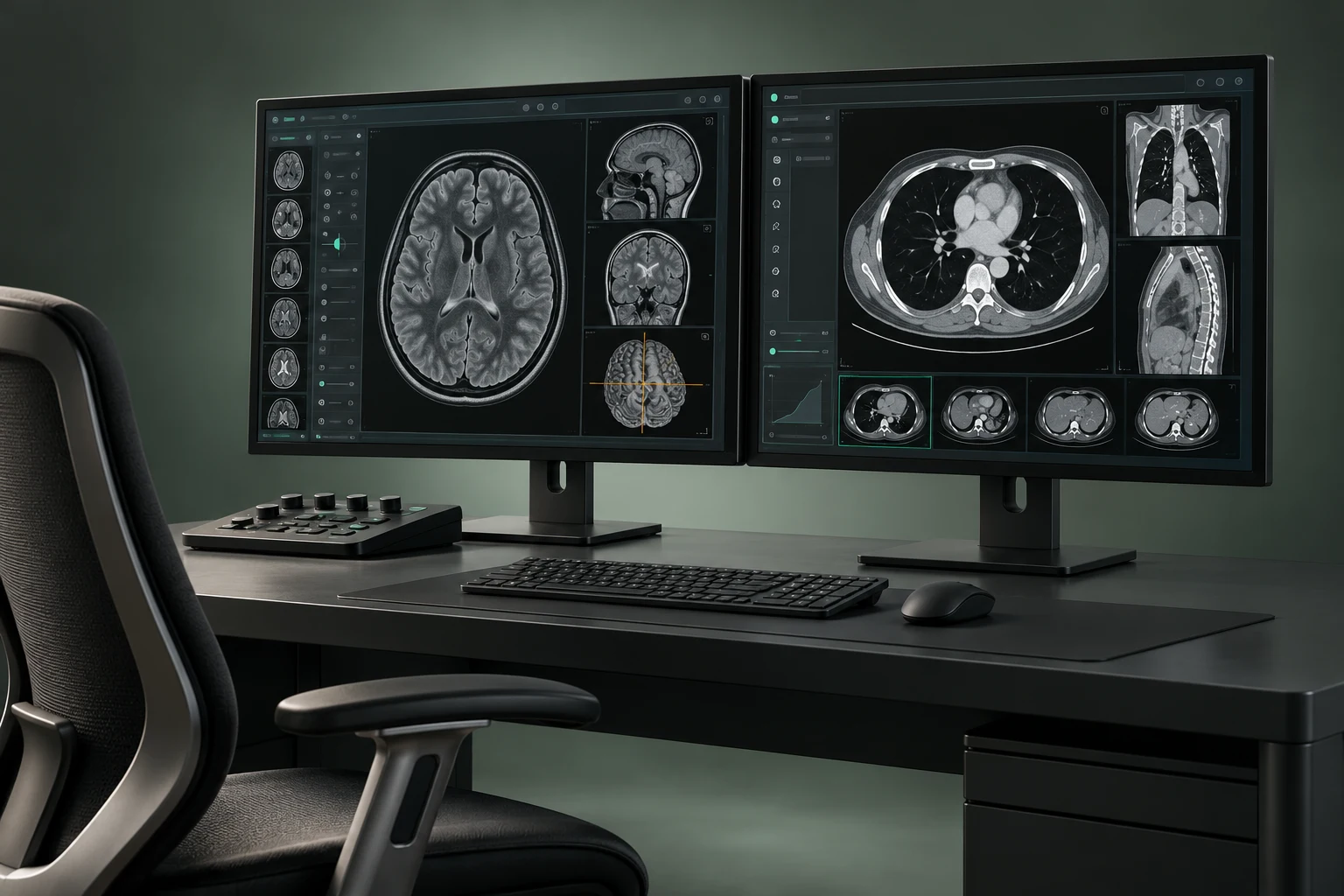
Buy Intelerad InteleViewer DICOM Diagnostic Workstation Software in Nigeria
Intelerad describes InteleViewer as diagnostic DICOM viewer software for radiologists and other medical-image reviewers. The listing does not include diagnostic displays, workstation hardware or a particular license unless these are separately scoped.
What is InteleViewer?
Intelerad describes InteleViewer as a diagnostic DICOM viewer for radiologists and other users who review medical images. The manufacturer also describes web-enabled access and remote-reading features; actual functionality depends on the product environment and configuration.
Which image tools are listed?
Intelerad lists linked image stacking, multiplanar reconstruction, maximum intensity projection, volume rendering and configurable image layouts. Confirm the current feature set and license for the proposed software version; this product guide does not provide diagnostic interpretation or clinical instructions.
What workstation and compatibility details matter?
Confirm current operating-system support, viewer modules, DICOM connectivity, license/user entitlements and workstation specifications. The software listing does not include diagnostic displays or workstation hardware. Ask for the compatibility documentation and a clear bill of materials for the proposed environment.
What should Nigerian procurement verify?
Confirm regional offerability, software version, licensing, compatible systems, implementation requirements, applicable documentation, delivery and local support. Intelerad’s sources do not establish Nigerian stock, price, distribution, regulatory status, implementation capacity or service coverage.
How can I request an InteleViewer quotation?
Add Intelerad InteleViewer, current release and license needs, user count and Nigerian project destination to the Franance quote cart. Request current compatibility documentation and written scope for software, workstation hardware if needed, implementation and support. The enquiry is not online payment. Franance will provide written quotation terms; this is not an online payment.
Manufacturer source
- Intelerad InteleViewer — official product overview
Related links
- Intelerad products
- Relevant product category
- Request a quotation
Add Intelerad InteleViewer DICOM Diagnostic Workstation Software (Intelerad InteleViewer (current release and licence to be confirmed)) to the Franance quote cart with quantity, destination and required configuration. Franance will confirm the offered specification and terms in writing.
Common questions
What is InteleViewer?
Intelerad describes InteleViewer as a diagnostic DICOM viewer for radiologists and other users who review medical images. The manufacturer also describes web-enabled access and remote-reading features; actual functionality depends on the product environment and configuration.
Which image tools are listed?
Intelerad lists linked image stacking, multiplanar reconstruction, maximum intensity projection, volume rendering and configurable image layouts. Confirm the current feature set and license for the proposed software version; this product guide does not provide diagnostic interpretation or clinical instructions.
What workstation and compatibility details matter?
Confirm current operating-system support, viewer modules, DICOM connectivity, license/user entitlements and workstation specifications. The software listing does not include diagnostic displays or workstation hardware. Ask for the compatibility documentation and a clear bill of materials for the proposed environment.
What should Nigerian procurement verify?
Confirm regional offerability, software version, licensing, compatible systems, implementation requirements, applicable documentation, delivery and local support. Intelerad’s sources do not establish Nigerian stock, price, distribution, regulatory status, implementation capacity or service coverage.
How can I request an InteleViewer quotation?
Add Intelerad InteleViewer, current release and license needs, user count and Nigerian project destination to the Franance quote cart. Request current compatibility documentation and written scope for software, workstation hardware if needed, implementation and support. The enquiry is not online payment. Franance will provide written quotation terms; this is not an online payment.
Request your InteleViewer quotation from Franance.
Add Intelerad InteleViewer DICOM Diagnostic Workstation Software (Intelerad InteleViewer (current release and licence to be confirmed)) to the Franance quote cart with quantity, destination and required configuration. Franance will confirm the offered specification and terms in writing.
Choose quantity