
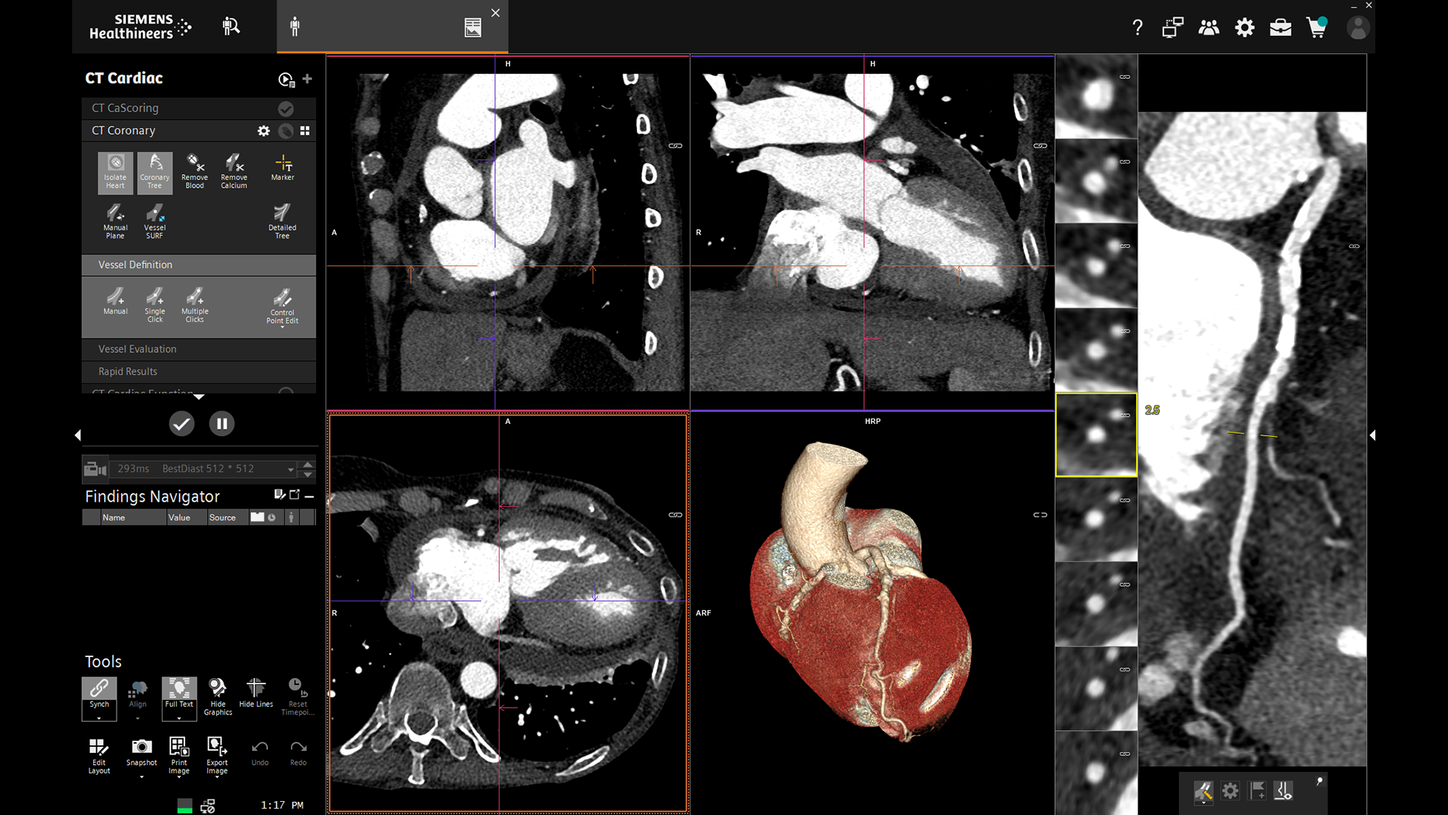
syngo.via CT Reading and 3D Postprocessing Solution
CT reading and 3D postprocessing workstation solution
Price on request

Medical equipment and biomedical engineering.
Abuja, Nigeria.
Browse ct workstation (3d/reporting) and request a quotation for your facility in Nigeria. Include the configuration, quantity and delivery location you need.
3 models
CT reading and 3D postprocessing workstation solution
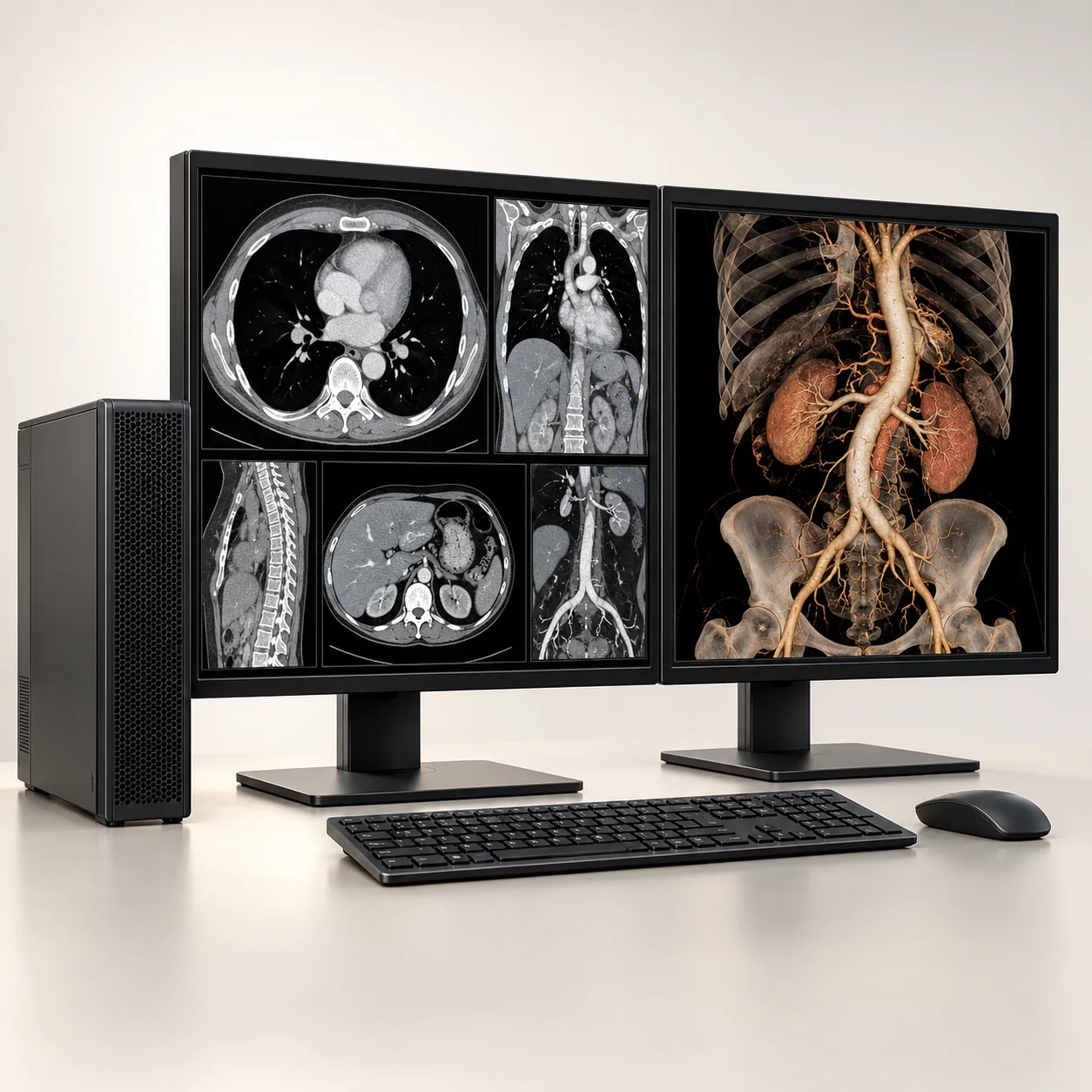
CT image viewing and analysis workstation software
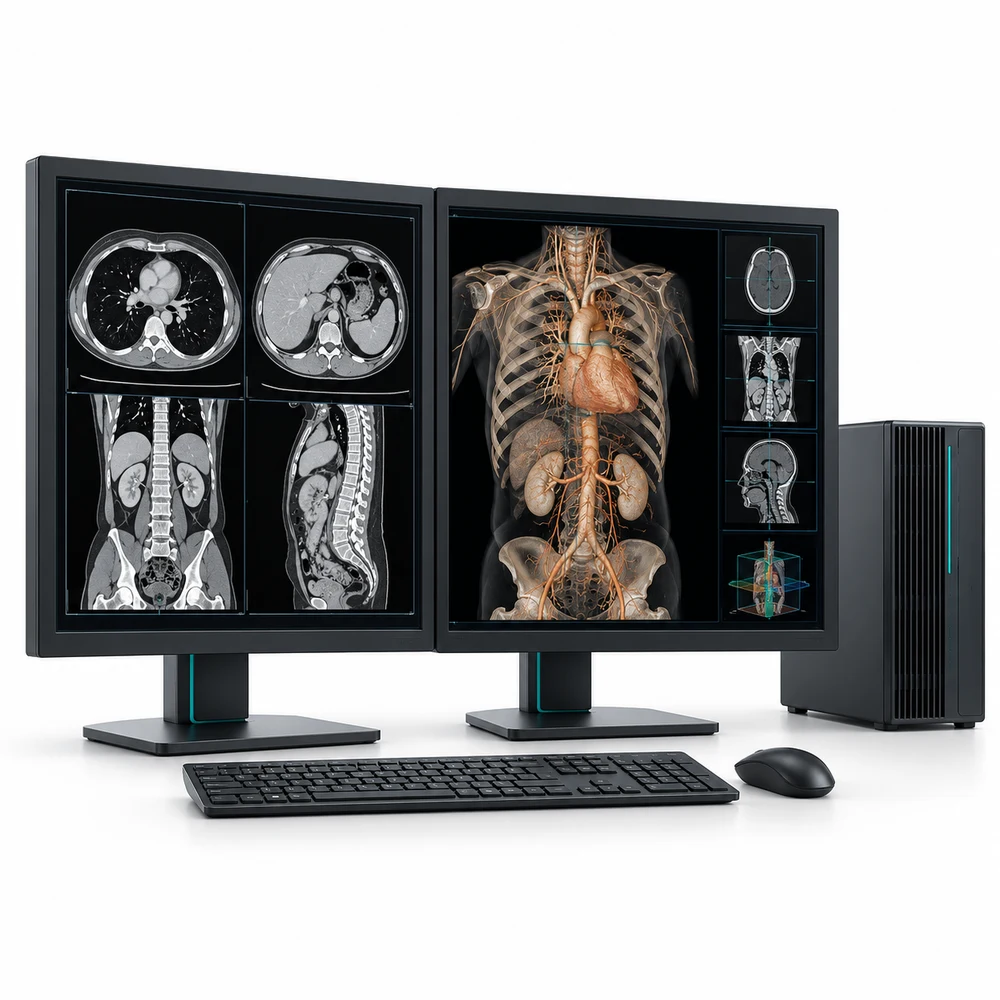
Advanced CT image visualization workstation
Browse CT workstations and 3D reporting solutions. The category currently has three brand and model filters: Siemens Healthineers syngo.via CT, Philips IntelliSpace Portal V12 CT Applications and GE HealthCare Advantage Workstation for CT. These links filter the catalogue by brand, category and model terms. They do not confirm software availability, license scope or compatibility with your existing systems.
Read moreA CT post-processing workstation receives and works with CT image studies after acquisition. Depending on the selected application, it may support multiplanar review, volume rendering, 3D visualization, measurements, segmentation, comparative review, structured or image-based outputs and reporting workflows. The exact capabilities depend on product, software version, selected clinical applications, license and source images. A workstation is not a CT scanner, and a product description does not establish that every listed application is installed or licensed.
Read moreSiemens Healthineers syngo.via is an integrated imaging software platform with CT reading and advanced visualization workflows. Siemens describes deployment choices ranging from modality workstations to virtual or physical multi-server environments, including disaster recovery servers, and describes results being sent to PACS in supported workflows. The product record is for syngo.via CT; the actual version, deployment, workstation or server hardware, CT applications and licenses must be identified in the quote. Some application options are separate medical device software and commercial availability can vary by country.
Read moreTo buy a CT workstation in Nigeria, define the radiology workflow first: which CT examinations need advanced visualization, where the images are stored, how studies reach the workstation, which analysis applications are required and where results must be sent. Franance currently lists three software/workstation solutions: Siemens Healthineers syngo.via CT, Philips IntelliSpace Portal V12 CT Applications and GE HealthCare Advantage Workstation for CT 3D visualization. Each is a distinct platform with its own versions, licenses, hardware and interfaces; the product names alone do not establish interoperability with your scanner or PACS. These catalogue listings are quotation enquiries, not online checkout. Send Franance the exact product, intended applications, current scanner and PACS details, number of users, network and hardware requirements, installation location and quantity or license scope. The team can follow up by phone or email to confirm what can be supplied and the commercial terms. The listing does not confirm local stock, software version, license availability, price, integration, service coverage or delivery date in Nigeria.
Browse CT workstations and 3D reporting solutions. The category currently has three brand and model filters: Siemens Healthineers syngo.via CT, Philips IntelliSpace Portal V12 CT Applications and GE HealthCare Advantage Workstation for CT. These links filter the catalogue by brand, category and model terms. They do not confirm software availability, license scope or compatibility with your existing systems.
For a quotation, describe the radiology department, intended CT workflows, number of readers, existing CT scanner models, PACS and RIS vendors and versions, network topology and intended deployment model. Identify whether the request is for a standalone reading workstation, a shared server with multiple clients or an expansion of an existing vendor platform. Ask Franance to quote the software, licenses, compatible workstation or server hardware, displays, storage, integration, installation, training and support as clearly identified components.
A CT post-processing workstation receives and works with CT image studies after acquisition. Depending on the selected application, it may support multiplanar review, volume rendering, 3D visualization, measurements, segmentation, comparative review, structured or image-based outputs and reporting workflows. The exact capabilities depend on product, software version, selected clinical applications, license and source images. A workstation is not a CT scanner, and a product description does not establish that every listed application is installed or licensed.
Advanced visualization software can sit between or alongside scanners, PACS archives, radiologist workstations and reporting systems. The department should map the current and desired path for patient and study identifiers, modality worklist if applicable, CT acquisition, image storage, retrieval, post-processing, report creation, result storage and distribution. Include how derived images, measurements or reports return to the clinical record, and whether a radiologist reviews the study in the PACS or opens a separate application.
Siemens Healthineers syngo.via is an integrated imaging software platform with CT reading and advanced visualization workflows. Siemens describes deployment choices ranging from modality workstations to virtual or physical multi-server environments, including disaster recovery servers, and describes results being sent to PACS in supported workflows. The product record is for syngo.via CT; the actual version, deployment, workstation or server hardware, CT applications and licenses must be identified in the quote. Some application options are separate medical device software and commercial availability can vary by country.
Philips IntelliSpace Portal V12 CT Applications is the precise version named in the listing. Philips documentation describes CT Viewer and a broad set of optional analysis packages, including advanced vessel, brain perfusion, cardiac, lung nodule, virtual colonoscopy, liver and spectral analysis applications; licensing may apply. Its V12 CT DICOM conformance statement specifies accepted and created DICOM data for that version. This is a version-specific technical reference, not proof that V12 is the currently supported or offered version in Nigeria. Confirm the quoted release, host platform, package licenses, hardware and support lifecycle.
GE HealthCare Advantage Workstation is listed as an advanced CT visualization workstation, with configuration to confirm. GE's product materials describe Volume Viewer for volumetric visualization and analysis across supported modalities, along with separate licensed applications. The precise AW release, hardware generation, application package and any server or client architecture are not specified by the catalogue name. Request those details and the matching DICOM conformance statement for the offered version.
| Listed platform | Configuration points to specify |
|---|---|
| Siemens Healthineers syngo.via CT | Identify software release, CT applications and licenses, standalone or server architecture, hardware and PACS/reporting workflow. |
| Philips IntelliSpace Portal V12 CT Applications | Confirm whether V12 is the offered and supported release, host hardware, selected CT application packages, licenses and matching DICOM conformance statement. |
| GE HealthCare Advantage Workstation for CT | Specify AW release, Volume Viewer and other licensed applications, workstation/server hardware, displays and the corresponding DICOM conformance statement. |
Do not rely on a general statement that a system is “DICOM compatible.” DICOM support is described through implementation-specific conformance statements. The DICOM standard explains that comparing the statements for two implementations helps determine whether and to what extent communication is supported. It does not guarantee that any two systems will work together without configuration or testing.
Ask the workstation vendor for the current conformance statement for the exact software release, applications and deployment. Have the PACS/RIS administrator compare supported DICOM services and roles, storage classes, query and retrieve behavior, transfer syntaxes, modality worklist or performed procedure step where required, structured reports or derived outputs, and any DICOMweb interfaces. Confirm AE titles, IP addressing, ports, certificates if used, routing rules, firewall openings, user authentication and network ownership with the hospital IT team.
Philips' IntelliSpace Portal V12 CT application statement, for example, differentiates data accepted for import and analysis from data it can create and store. That kind of version-specific detail is why teams should compare actual conformance documents rather than assuming “DICOM” means identical behavior. The GE and Siemens materials also describe multiple versions, packages or deployment patterns; request the conformance and integration documentation for the quoted configuration.
Before purchase acceptance, agree a test plan with the site PACS and modality teams. Use representative de-identified test studies to verify patient and accession matching, series completeness, image orientation, pixel data, prior-study retrieval, derived images, report destinations, reprocessing behavior and error handling. Test network performance with the facility's typical CT dataset size and concurrent reader workload. Define who configures each endpoint, who validates the results and how problems are escalated. Do not test with live identifiable patient data unless the facility has approved the procedure and safeguards.
List each required clinical application by name and intended workflow. Examples in product literature include vascular analysis, cardiac review, brain perfusion, lung nodule assessment, virtual colonoscopy, liver analysis, spectral analysis, volume rendering and multimodality review. These are examples, not a recommendation for a specific hospital. Have radiologists identify which tools are mandatory, which are optional and how each fits local protocols and reporting practice.
Ask for an itemized license schedule covering application name, release, user or concurrent-user limits, server or client scope, term or subscription, upgrade rights, support and any prerequisite applications. Confirm whether licenses are perpetual or subscription-based, whether trial or demonstration periods apply, and whether the application is commercially available for Nigeria. Do not assume that an application shown on a manufacturer page is included in the base workstation configuration.
Also identify the hardware package. Request processor and graphics specifications, memory, operating system, storage, backup or recovery components, displays and calibration requirements, network interfaces, rack or workstation form factor, UPS or power-protection needs and warranty. For server installations, define redundancy, disaster recovery, data retention and planned capacity. The vendor's current system requirements should be used for sizing; generic consumer workstation specifications are not an adequate substitute.
A standalone workstation can suit a limited number of users and a local workflow, while a client-server arrangement can serve multiple readers or locations from shared infrastructure. The right deployment depends on concurrency, study volume, latency, existing PACS architecture, support capacity and recovery requirements. Siemens describes syngo.via options ranging from workstation to multi-server deployment; other products have their own architecture and release constraints. Confirm that the proposed design is supported by the exact vendor software release.
For a shared system, estimate daily CT studies, average and peak series size, number of simultaneous readers, expected retention for derived data and network throughput between sites. Specify access controls, audit logging, backup and restore, disaster recovery objectives, software update windows and remote service controls. Ask who operates the server, who monitors storage, who applies updates and who is responsible when an interface or workstation becomes unavailable.
If the facility has more than one scanner vendor, identify scanner models and software releases separately. Multi-vendor import or viewing may be supported for particular data and applications, but that does not establish that every private tag, spectral dataset, derived object, cardiac package or workflow is supported. Have the vendor confirm compatibility for the exact source systems and required functions, then test representative studies before relying on them for routine service.
Ask for site-preparation documents for the quoted release and hardware. Confirm room dimensions, service access, equipment location, power circuits, grounding, cooling, network drops, VLAN or subnet requirements, firewall rules, server rack space, backup power, cybersecurity review, physical access controls and any special display or workstation setup. These needs vary by deployment, and an image-processing workstation may depend on hospital IT infrastructure beyond the physical console.
Provide the hospital site address, city and state, floor, lift or access restrictions, installation window, IT and PACS contacts, biomedical engineering contact and the person authorized to approve firewall or network changes. Ask which cables, switches, racks, licenses, accounts and servers must be ready before the service visit. Request a responsibility matrix so the hospital knows which components it must supply and which are included in the quote.
For remote or multi-site facilities, discuss internet connectivity, encrypted remote support, bandwidth, local caching and outage procedures. Have the hospital security team review any remote access, cloud component or data flow before it is enabled. Ask the vendor to state whether data leaves the facility, where it is processed or stored, and what controls and logs apply to support access.
Request role-based training for radiologists, technologists, PACS administrators, IT staff and biomedical engineering where applicable. Specify initial training, administrator training, refresher sessions, handover documentation and who is trained to manage licenses, users, backups and routine troubleshooting. Ask whether training is onsite or remote, what language and schedule are available, and whether travel to the facility is included.
The quotation should state warranty term, service provider, software support term, update and upgrade scope, response channel, target response time, escalation contacts and whether remote or onsite support is available in Nigeria. Confirm the local availability of qualified service personnel and any travel, parts or renewal costs. A global product page or manufacturer's general support statement does not establish local response coverage for this specific installation.
Before acceptance, agree commissioning and integration tests: successful installation, activation of all purchased licenses, image send and receive, PACS query and retrieval where configured, report and derived image routing, user access, display setup, backup process and recovery checks. Record test outcomes, unresolved exclusions and the named owner of each follow-up item.
The catalogue does not provide a verified Nigerian price. Request an itemized quotation because cost depends on software release, clinical application licenses, workstation or server hardware, displays, storage, DICOM/PACS integration, installation, training, support, updates, warranty and destination. Ask the quote to state currency, applicable charges, quote validity, payment milestones, lead time, supply route and any annual license or service renewal costs.
Compare offers against the same technical schedule. A software-only license is not directly comparable with a complete workstation and integration package. Require each offer to name the exact release, applications and license quantity, hardware, integration scope, travel, training, support and exclusions. Have radiology, PACS/IT, biomedical engineering and procurement review the technical and commercial schedules together before placing an order.
Send Franance the selected model, exact software version if known, clinical application list, scanner make/model/software, PACS and RIS vendor/version, expected users and concurrency, deployment type, hardware and displays, network/security requirements, installation site and Nigeria delivery location. Include the PACS team's current DICOM conformance details and the vendor documentation for any existing interfaces. Identify whether you need a standalone workstation, server, additional clients, migration or integration with existing hardware.
Ask Franance to confirm the exact license package, version lifecycle, hardware specification, supported scanner and PACS integrations, DICOM conformance documentation, installation and test scope, training, support availability in Nigeria, price, currency, lead time, warranty, renewal costs and delivery terms in writing. Request a separate line for every optional application or service and ask the technical team to review proposed substitutions before acceptance. Franance can then follow up by phone or email with a quotation; no online purchase is made by submitting the enquiry.
Share your CT reading and 3D workflow, exact platform, required application licenses, scanner and PACS/RIS versions, user count, deployment model and Nigerian facility location with Franance. The team can review the enquiry and follow up with a quotation. Confirm the proposed DICOM/PACS integration and test plan with your radiology, IT and PACS teams before approving the installation.
No. These catalogue entries describe software or workstation solutions for CT reading and post-processing. Ask whether the quote includes software only, a workstation, server hardware, licenses, integration, installation and training.
Compatibility depends on the exact software versions and supported DICOM services, data classes, network settings and workflow. Compare the workstation and PACS conformance statements, confirm the interface design with both vendors and test representative studies before routine use.
Not necessarily. Philips documentation notes that licensing may apply to analysis packages, and GE states that separate licenses are required for separate applications. Request an itemized license schedule for the exact product and version.
The catalogue record identifies V12 but does not confirm current availability or lifecycle support. Ask Franance to confirm the offered release, country availability, license scope, hardware, support terms and delivery in writing.
Send Franance your chosen platform, software version, CT applications, scanner and PACS/RIS details, user count, deployment model, site and Nigerian destination. The team can follow up to confirm configuration, integration scope and commercial terms.
Request a CT workstation quoteAdd the models you need to a quote order, or send us your equipment list.