

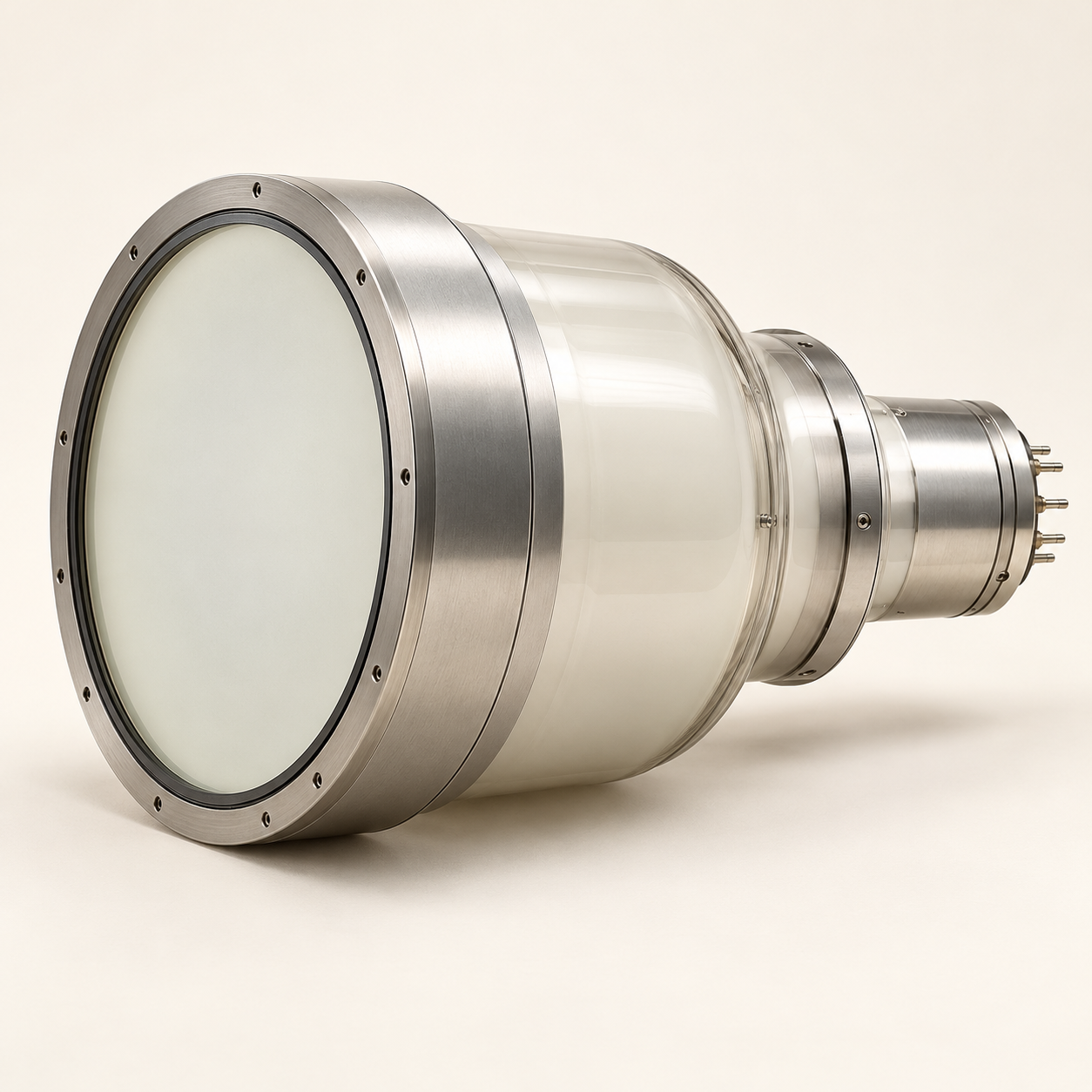
Buy Canon E5830SD-P4A X-Ray Image Intensifier in Nigeria
Canon’s E5830SD-P4A is an X-ray image intensifier component with three listed input fields. A reliable enquiry starts with the system’s installed reference and coupling details, because the published dimensions alone cannot establish replacement compatibility.
What role does E5830SD-P4A serve?
Canon identifies the E5830SD-P4A as a medical X-ray image intensifier. It is a component, not a complete fluoroscopy system. Buyers should identify the existing system and the installed intensifier reference before asking for a replacement quotation.
Which field and output dimensions does Canon publish?
The Canon product sheet lists triple input fields of 230, 160 and 120 mm and a 25 mm output image diameter. It also lists 52 lp/cm resolution. These values help compare references, but do not by themselves confirm mechanical or optical fit to a particular system.
What integration details should be matched?
Provide the fluoroscopy system manufacturer, exact model and serial number, installed intensifier reference, housing and power details, and optical or camera coupling information. Ask the system manufacturer or qualified integrator to confirm the replacement reference and interface requirements before an order is placed.
What belongs in the Nigerian procurement file?
Request the current product revision and technical documentation, exact supplied housing, compatibility confirmation and any relevant regulatory paperwork. Clarify the installation and integration scope separately with the responsible system provider; the Canon component sheet does not define a complete replacement project.
How do I request a quotation?
Add the Canon E5830SD-P4A image intensifier to Franance’s quote cart. Include the existing fluoroscopy system model, serial and intensifier references, requested quantity and Nigerian destination. Franance will review the component details and follow up with a written quotation.
### Manufacturer source
Manufacturer source: Canon product documentation
Related links:
- Canon products
- Relevant product category
- Request a quotation
Common questions
What role does E5830SD-P4A serve?
Canon identifies the E5830SD-P4A as a medical X-ray image intensifier. It is a component, not a complete fluoroscopy system. Buyers should identify the existing system and the installed intensifier reference before asking for a replacement quotation.
Which field and output dimensions does Canon publish?
The Canon product sheet lists triple input fields of 230, 160 and 120 mm and a 25 mm output image diameter. It also lists 52 lp/cm resolution. These values help compare references, but do not by themselves confirm mechanical or optical fit to a particular system.
What integration details should be matched?
Provide the fluoroscopy system manufacturer, exact model and serial number, installed intensifier reference, housing and power details, and optical or camera coupling information. Ask the system manufacturer or qualified integrator to confirm the replacement reference and interface requirements before an order is placed.
What belongs in the Nigerian procurement file?
Request the current product revision and technical documentation, exact supplied housing, compatibility confirmation and any relevant regulatory paperwork. Clarify the installation and integration scope separately with the responsible system provider; the Canon component sheet does not define a complete replacement project.
How do I request a quotation?
Add the Canon E5830SD-P4A image intensifier to Franance’s [quote cart](/quote-order.html). Include the existing fluoroscopy system model, serial and intensifier references, requested quantity and Nigerian destination. Franance will review the component details and follow up with a written quotation.
Request your Canon E5830SD-P4A image intensifier quotation from Franance.
Add Canon E5830SD-P4A X-Ray Image Intensifier (E5830SD-P4A) to the Franance quote cart with quantity, destination and required configuration. Franance will confirm the offered specification and terms in writing.
Choose quantity